You finish a call with a client. They agree to send two documents, you agree on a date, and the call ends warmly. Three days later, your inbox is empty.
Nothing is wrong. The client is not ignoring you. They took the call in a parking lot, wrote your request on the back of a receipt, and the receipt is now somewhere under a coffee cup. Your job is to make the request easy to find and easy to answer.
That is what a good follow up email sample for request does. It doesn't nudge. It restates one agreed item, names one deadline, and offers one simple way to reply.
Table of Contents
- A Ready-to-Adapt Follow-Up Email for Any Request
- Why a Follow-Up Often Gets the Reply You Missed
- Building Each Part of the Email
- When to Send Each Follow-Up and How Many
- Samples for Four Common Follow-Up Situations
- Personalizing the Email Without Overstepping
- Send Your Follow-Up Within One Business Day
A Ready-to-Adapt Follow-Up Email for Any Request
Here is the whole thing in one block. Copy it, then fill the brackets.
Subject: Next step from our call: [item]
Hi [Name],
Thank you for speaking with me today. As we discussed, [one-sentence agreed point].
Could you please send [specific item] by [date]? Once I receive it, I will [next action].
If that timing is difficult, reply with [option A] or [option B] and I will adjust.
Best regards,
[Your name, role, phone number]
Six placeholders carry the whole message, and each one has a job.
- The name is the one the client used on the call, spelled the way their signature spells it.
- The agreed point is a single sentence from your notes, such as the loan amount discussed or the policy being reviewed.
- The requested item is one thing only. Not documents. One named document.
- The date is a day and a time, not "soon."
- The next action tells the client what happens after they send it, so the request feels like part of a process rather than a favor.
- The two options give a person who can't meet the date a way to say so without writing an apology paragraph.
Every bracket comes from your call notes, not your memory. If your notes don't say it, don't write it.
A filled-in version
Say you're a mortgage broker and the client agreed to send income proof. The email reads:
Subject: Next step from our call: two recent payslips
Hi Danielle,
Thank you for speaking with me today. As we discussed, we're submitting your application with a 20% down payment.
Could you please send your two most recent payslips by Friday at 5 p.m.? Once I receive them, I will prepare the rate hold and send it to you for signature.
If that timing is difficult, reply with Saturday morning or Monday morning and I will adjust.
Best regards,
James Okonkwo, Mortgage Broker
Nothing in that email asks the client to remember the conversation. The figure, the document, the deadline and the consequence are all visible in one screen of text.
Three things to do before you hit send
- Replace every bracket. A leftover [item] tells the client you sent a template.
- Read it aloud once. If a sentence doesn't sound like something you'd say on the phone, rewrite it until it does.
- Send within one business day. The conversation is still fresh for both of you, and the timing rules for outbound follow-ups give you a sensible schedule for whatever comes after this first message.
Why a Follow-Up Often Gets the Reply You Missed
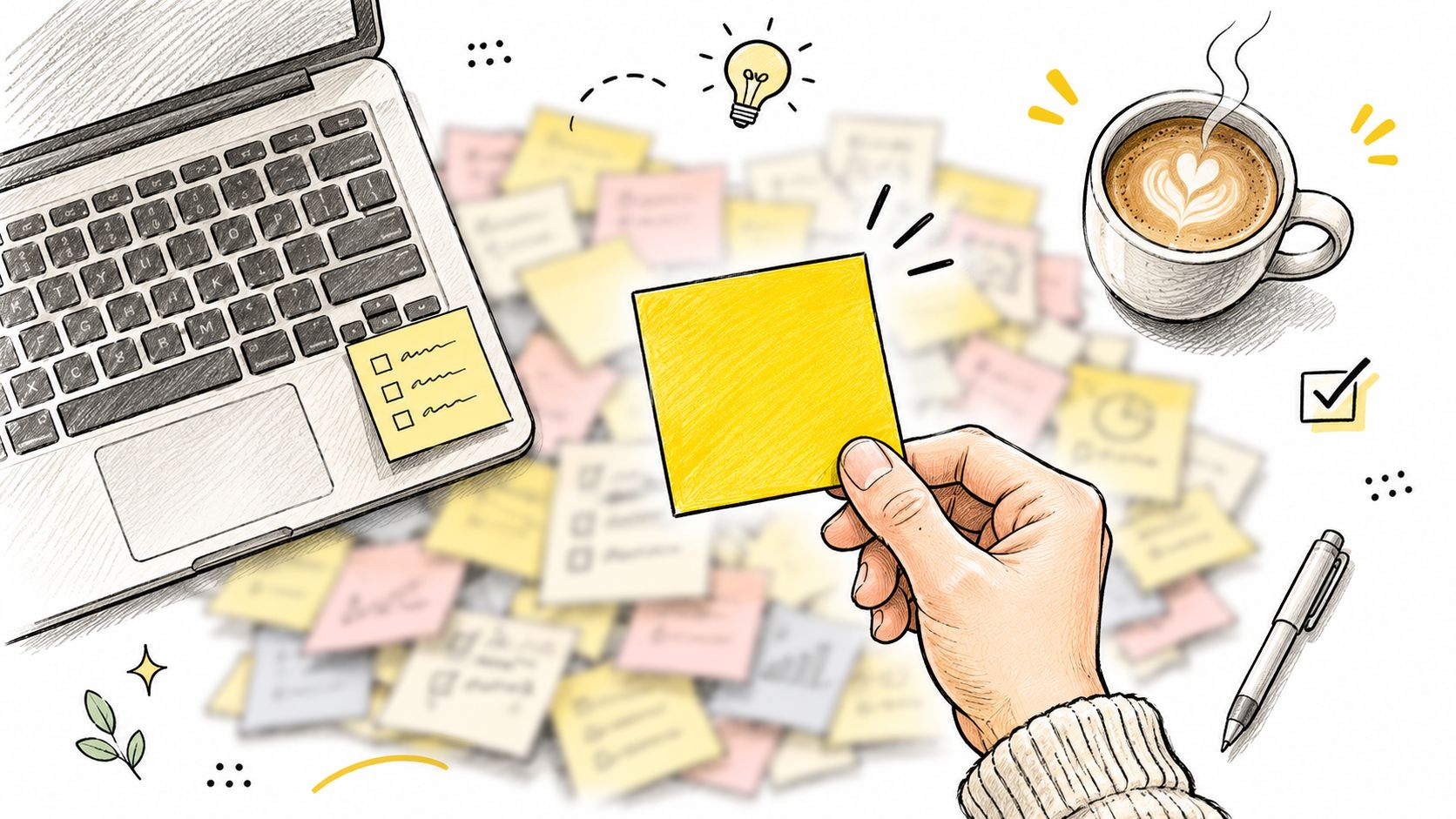
Picture the first email as a sticky note on a crowded desk. It isn't rejected. It's buried. A follow-up moves the same note back to the top of the pile, where the client's hand will land on it again.
The numbers back this up. Belkins tracked 7.5 million emails and found that the first message in a sequence earns the highest reply rate per individual email, yet 58.6% of all replies in B2B outbound sequences came from follow-ups, according to the 2025 Belkins analysis. Read that carefully. The first email is the strongest single message, and the reminders together still produce most of the answers. Silence after one send is not a decision.
That study covers outbound business-to-business email, so treat the percentage as a direction, not a forecast for your client list. Your insurance applicant and your mortgage client behave differently from a cold prospect.
A follow-up has two jobs, and most weak ones only attempt the first.
Restate the request. The client should not have to scroll down to learn what you need. Name the item again.
Make replying easy. Give a specific action, a date, and a fallback option. A message that says "just checking in" hands the work back to the client, who now has to reconstruct the whole context before answering. A message that says "could you send the signed beneficiary form by Thursday, or tell me if Friday works better" takes ten seconds to answer.
The rule that fixes most follow-ups: a reminder should carry a new reason to reply, not a copy of the first message.
Here's how the timing and the ask fit together in practice.
Building Each Part of the Email
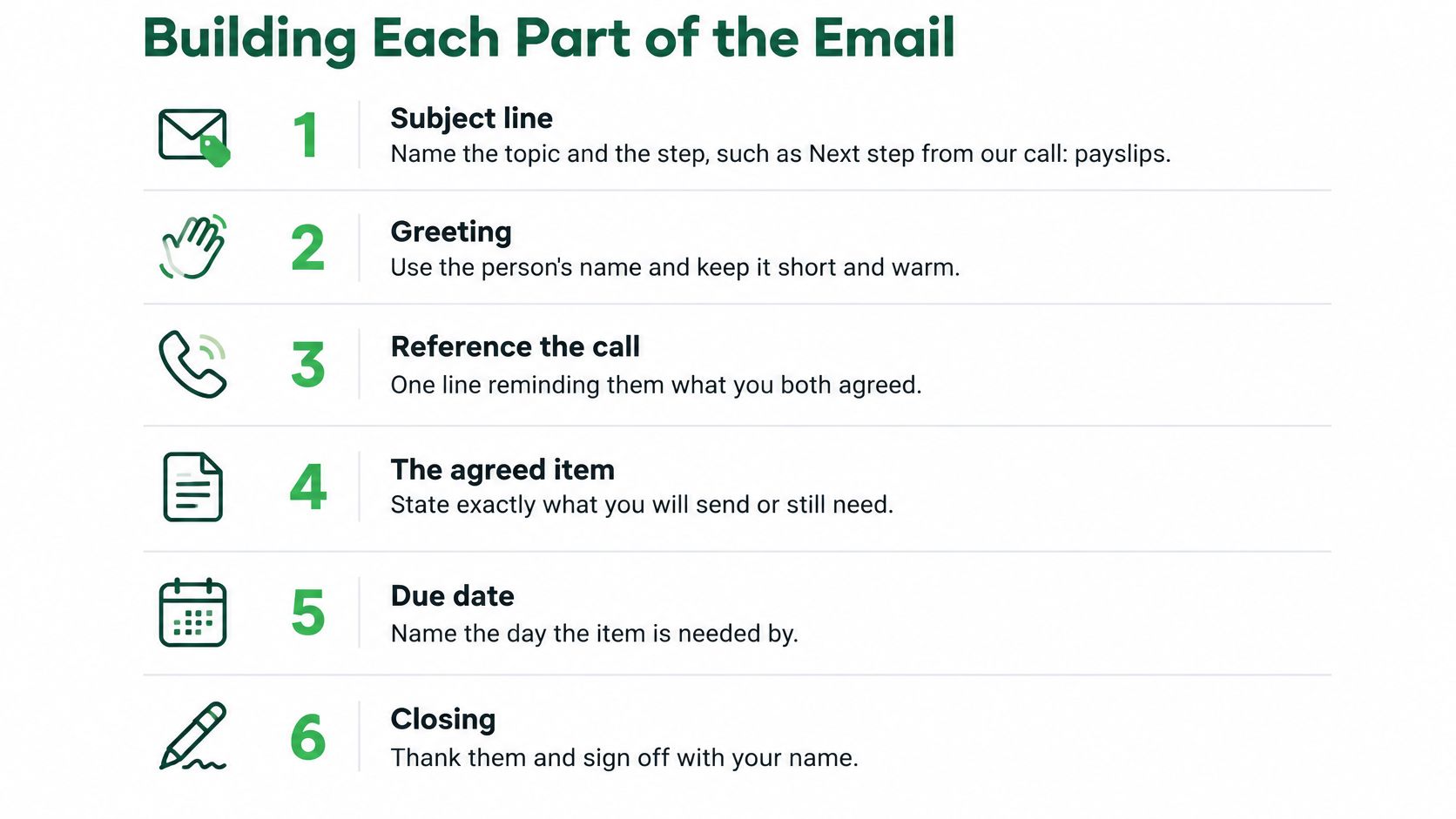
Read your draft the way the client will, top to bottom. Each part below answers one question they're asking.
- Subject line. Name the topic and the step, such as "Next step from our call: payslips." It answers "what is this about" before the email is opened, and it makes the thread findable three weeks later.
- Greeting. Use the name the client uses on calls. "Hi Danielle" beats "Dear Ms. Tremblay" when you were on a first-name basis an hour ago.
- Recap. One or two sentences restating what you agreed, with the exact figure or document. This is the part that saves the client from digging through their own memory.
- Request. One action, written as a clear question. "Could you send X" is answerable. "I'd appreciate anything you can provide" is not.
- Deadline. A specific date and time, plus the reason when the reason matters. "By Friday at 5 p.m., so the rate hold doesn't lapse" gives the client a way to judge urgency for themselves.
- Easy reply. Offer two options. A choice between two meeting times or a simple yes or no takes less effort than composing an explanation.
- Sign-off. Your name, role and phone number. When a client forwards your email to a spouse or an accountant, those three lines tell the new reader who to contact.
Three mistakes that undo a good request
Asking for several things at once. A list of four documents becomes a project. The client plans to do it later and never does. Split it: ask for the most urgent item now, and request the rest once it arrives.
Vague deadlines. "Soon" and "as soon as possible" both mean "not today." Write "Thursday, 5 p.m."
No contact details. If the client wants to answer by phone rather than email, the number should be right there. Leaving it out adds a step, and steps are where replies die.
Weak line, strong line
Weak: "Any updates?"
Strong: "Could you send your last two payslips by Friday, 5 p.m.?"
The weak version asks the client to decide what you want. The strong version lets them answer in four words. If you keep your call notes organized, as this guide to focused note-taking describes, the exact document name and figure are already written down when you draft.
Run one test before sending. Can the client answer this in under a minute? If not, cut something.
When to Send Each Follow-Up and How Many
The table below covers a normal client request from the recap to the final message. Read it as a sequence, not a menu.
| Message | Send after | Purpose | Tone |
|---|---|---|---|
| First recap | Same day or next business day | Confirm the agreed item and next step | Factual and warm |
| First reminder | 3 to 5 business days without reply | Restate the request with one new detail | Friendly and brief |
| Deadline notice | Just before the deadline | State the time limit and offer one quick option | Direct and clear |
| Final close-the-loop | 7 to 10 days after the last message | Ask to close the request or confirm no action is needed | Polite and final |
Follow-ups do lift response. A Hunter analysis of 11 million cold emails sent in 2024 found campaigns with follow-ups averaged a 4.9% reply rate in 2025, against 3% for campaigns without them, according to Hunter's state of cold email report. Those are cold sales numbers, so use them as evidence that a second message works at all, not as a target for your client list.
How to read each row
The first recap goes out while the call is still the last thing you both remember. If it goes out three days later, you're asking the client to trust a summary they can no longer check.
The first reminder is where senders tend to repeat themselves. Don't. Add one new detail: a document you already received, a figure you've since confirmed, or a choice of two meeting times. If that reminder gets no reply, the next message changes the ask again rather than restating it louder.
The deadline notice exists only when a real deadline exists, such as a rate lock, a submission cutoff or a policy effective date. Invented urgency is easy to spot and hard to recover from.
The final close-the-loop removes the pressure. Telling a client you're closing the request gives them a clean way to respond, even if the answer is "not this quarter."
If you want to see how other teams word each stage, these seven follow-up sales email templates show variations on the same structure.
The stopping rule
When the close-the-loop message gets no reply, stop emailing and pick up the phone. A client who ignored four emails is not waiting for a fifth. They're busy, or the request has changed, or they've decided not to proceed and haven't said so. A two-minute call settles which one it is.
Adjust the spacing for clients rather than prospects. Busy people with day jobs deserve more room than a sales lead being worked through a cadence. Send during business hours, skip weekends, and if the client told you they're traveling, push everything back a week without being asked.
Samples for Four Common Follow-Up Situations
Each sample below changes the ask. That's the point. Copy the one that matches how many messages you've already sent.
1. The gentle reminder, after one silent week
Subject: Re: Next step from our call: [item]
Hi [Name], I wanted to make sure my note from our call reached you. The only item I still need is [item]. Could you send it when you have a moment?
What changed: the ask narrowed to a single item, and the tone gives permission for the delay. Nothing about the deadline is repeated, because there wasn't one.
2. The deadline-sensitive request
Subject: Re: [item] due [date]
Hi [Name], we need [item] by [date] to keep [next step] on schedule. If that date isn't possible, please tell me a new date by [earlier date].
What changed: a reason appears next to the deadline, and the client gets a second, earlier deadline for saying no. That second date is the useful part. It converts silence into a decision.
3. The final close-the-loop
Subject: Closing our [topic] request
Hi [Name], I haven't heard back, so I'll close this request for now. If you still need help with [topic], reply and I'll reopen it.
What changed: the ask flips from "send me something" to "tell me whether to keep going." A closed loop is easier to answer than an open one, and it protects the relationship.
4. The redirect
Subject: Re: [topic] timing
Hi [Name], thanks for letting me know the timing isn't right. Should I follow up in [month], or is there someone else I should contact?
What changed: the request becomes a scheduling question with an exit. This one only works after the client has replied, so don't send it into silence.
Choosing between them
Count the messages you've sent and check whether the client has replied at all. One send with no reply gets sample one. A hard date on the calendar gets sample two. Three or more sends with no reply get sample three. Any reply that isn't a yes gets sample four.
Keep reminders in the original thread by using Re: in the subject, so the earlier recap stays visible in the same conversation. For teams handling several client threads at once, a tool like an AI call assistant can capture the commitments from each conversation before they blur together. If you want more variations on these four, Fypion Marketing's cold outreach follow-ups collects a wider set of wording you can adapt.
Personalizing the Email Without Overstepping
Personalization means relevant detail, not maximum detail. Use what the client already knows you know: the topic you discussed, the item you agreed on, the date they mentioned. That's enough to prove the email is about them.
Leave the rest out. Full account numbers, income totals, health information and policy specifics don't belong in a message body. Ask for those through a secure portal, a signed form or a phone call. An email that lists a client's medical history to request a signature is a compliance problem dressed as helpfulness.
When you aren't sure of a fact
Call audio is imperfect. Names get spelled two ways, figures get rounded, and a deadline mentioned in passing can be misheard. Write uncertainty into the sentence instead of hiding it.
Phrase to use: "My understanding is that the transfer lands on the 14th. If anything in this summary is wrong, let me know and I'll correct it."
That single clause does two things. It prevents you from presenting a guess as a fact, and it invites the client to fix the record before it reaches a file.
Check exact figures and spellings against your notes, not your recollection. Right after each call, VoxNote emails the call summary to the mailbox you already use, so the document, amount and date you're about to type are sitting in front of you rather than in your head. If your client records live in a CRM, an email integration that files each summary on the right record removes the retyping step entirely.
The two-minute review checklist
- Name spelled correctly, matching the client's own signature or email address.
- One figure, checked against the call summary rather than memory.
- One ask only. If you find two, delete one and save it for the next message.
- A real date and time, not a season or a month.
- No sensitive data in the body: no account numbers, no income totals, no health details.
- A correction clause, so the client can flag anything you misheard.
Personalization that survives a compliance review is the kind a client can verify. Everything else is decoration.
Send Your Follow-Up Within One Business Day
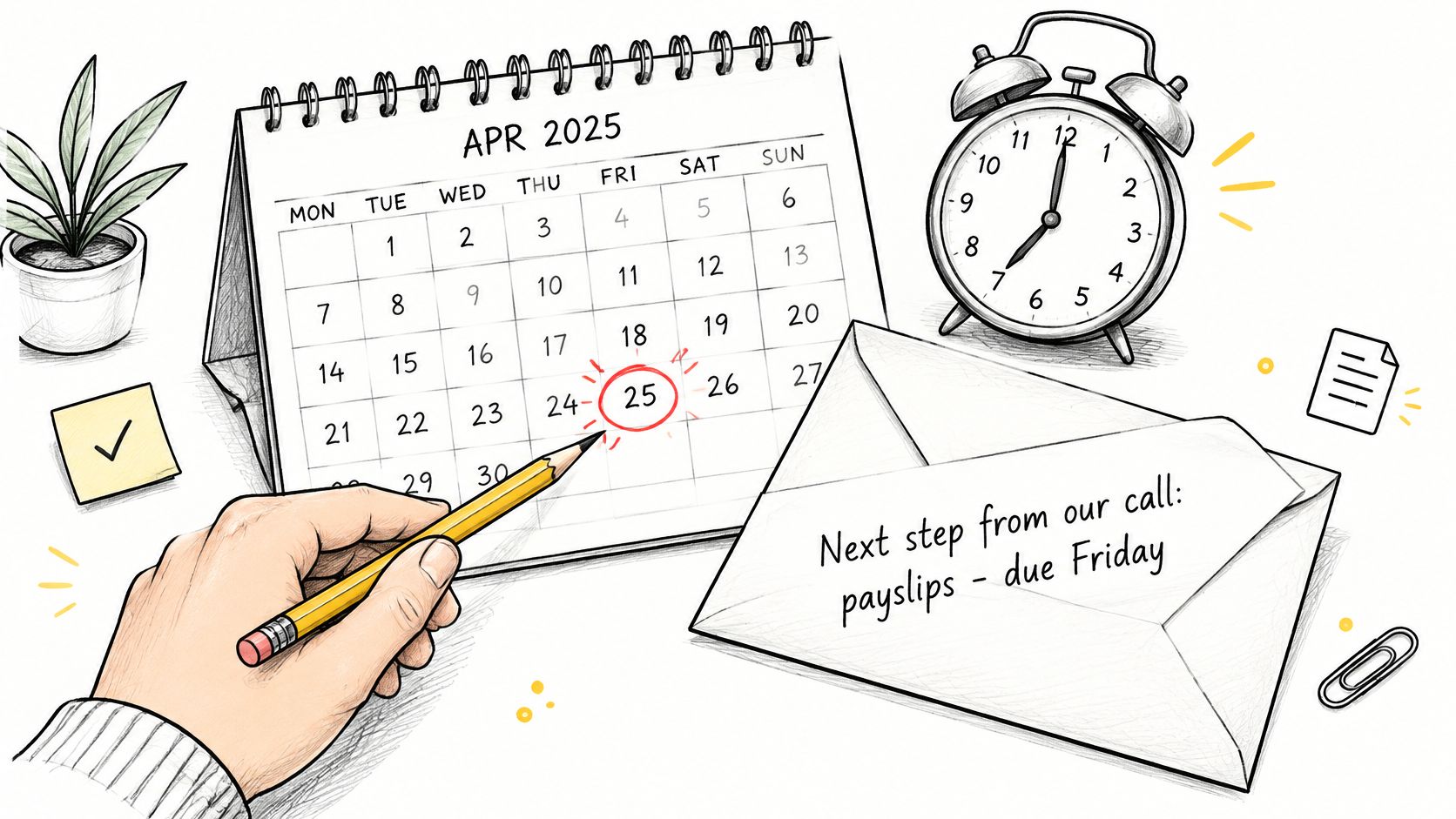
One decision matters more than the wording: get the first follow-up out within one business day of the call. The agreed item and the due date go in the subject line, where they do their work before anyone opens the message.
Everything else is scheduling. Use the timing table to set the reminder and the close-the-loop date, and use the four situation samples to change the ask when a client goes quiet. Run the checklist from the personalization section first, so the name, figure, date and single request are right before anything leaves your outbox.
If you want the raw material to be exact, VoxNote sends a summary of each call to your inbox and the app seconds after you hang up, in a format adapted to the type of call. The call summary and transcript arrive automatically, seconds after you hang up, so the details in your draft match what was said. You still read the draft, adjust the wording and press send yourself.
Four steps, then you're done. Copy the opening sample. Fill every bracket from your notes. Run the checklist. Send it before the end of the business day.
VoxNote drafts a follow-up email after each call, built from the facts, next steps and open items the conversation produced, so you start from a reviewed draft instead of a blank page. The summary and transcript land in your existing inbox seconds after you hang up, which means the figures and dates in your email match what your client agreed to. Visit VoxNote to see how it works with the phone number you already use.