

You finish a rate call in the parking lot, and you already know the monthly payment you quoted. What you can't quite pin down is whether the lock starts at signing or at approval, and your client expects an email before dinner.
Speech to text for phone calls is software that turns a spoken conversation into two things: a full written transcript of who said what, and a shorter summary of the numbers, decisions, and next steps. It exists because the call is where business happens. Invoca analyzed more than 60 million phone calls across multiple industries in 2025 and reported that 61% of callers reached a person and 37% of phone leads converted during the call, according to Invoca's cross-industry buyer conversion benchmark. The conversation is the transaction. The notes are just what survives it.
So yes, the output is useful for routine capture, and no, it isn't client work yet. Accuracy moves with the conditions of each call, which is why keeping a written record of calls only pays off when someone checks the record afterwards.
Ahead: what real error rates look like on telephone speech, how audio becomes words in five stages, how consent works when callers sit in different provinces and states, how transcripts and summaries feed follow-up work, and which fields to check before an email goes out. The standard for everything that follows is simple. Keep the transcript as the closer record of what was said, and treat the summary as a draft to verify, especially figures, names, negations, and next steps.
Table of Contents
- Accuracy Ranges for Telephone Speech
- Consent When the Caller Could Be Anywhere
- How a Phone Call Becomes Written Words
- Transcripts and Summaries in Client Work
- Fields You Must Check Before You Act
- Put Transcription on the Number Clients Already Call
Accuracy Ranges for Telephone Speech
| Call setting | Human WER | Machine WER | What makes it harder or easier |
|---|---|---|---|
| Switchboard, English, assigned topic between strangers | 5.9% | 5.8% | Clearer turns, less personal spontaneity |
| CallHome, English, friends or family | 11.3% | 11.0% | Overlap, informal speech, less predictable wording |
| OpenASR20, 10 low-resource languages, tight training data | Not reported | about 40% to 65% | Limited annotated telephone speech, and the language changes the result |
| Noisy mobile business call with accents or jargon | Not reported | No single public benchmark | Headset noise, interruptions, names, and dollar amounts |
Those first two rows come from the Switchboard and CallHome corpora and the NIST 2000 Conversational Telephone Speech evaluation, the benchmark that turned telephone speech into a formal research target. The 2016 study on reaching human parity in conversational speech recognition reported professional transcribers at a 5.9% word error rate on Switchboard against 5.8% for the automated system, then 11.3% for humans and 11.0% for the machine on CallHome.
What word error rate actually counts
WER adds up substitutions, deletions, and insertions against a human reference transcript. A 5.8% figure means the total number of word-level errors equals 5.8% of the reference-word count. It doesn't mean every seventeenth word is nonsense, and it doesn't mean errors land evenly across the call.
That last part matters more than the average. A transcript can look fluent for 200 words and mangle the one sentence where the client gave a dollar figure.
Why CallHome is the honest comparison for client calls
Switchboard is mostly strangers handed an unfamiliar discussion topic. They speak carefully, take turns, and stay on subject. CallHome is spontaneous talk between friends or family, with the overlaps and half-finished sentences that come from shared context.
Your calls sit closer to CallHome. A client who knows you doesn't recite a policy number in crisp sentences. They interrupt, they backtrack, they say "the usual one," and they mention a figure while a dog barks.
The same task in ten other languages
The contrast gets sharper outside English. The NIST OpenASR20 challenge in 2020, run with cooperation from IARPA, evaluated conversational telephone speech in 10 low-resource languages, from Amharic and Cantonese to Tamil and Vietnamese. Under the severely constrained training-data condition, the best systems landed between roughly 0.40 and 0.65 WER, meaning word-level errors on 40% to 65% of reference words, as documented in the NIST OpenASR20 challenge paper.
Set that against the 5.8% to 11.0% range for leading systems on major English telephone benchmarks. Language coverage and available training data move results further than most feature lists do.
Practical rule: a stated accuracy figure is a description of ideal audio, not a promise about your caller, your line, or your industry vocabulary.
Accents, crosstalk, Bluetooth headsets, bad connections, and terms like rate lock or policy rider all pull results off a single advertised score. Treat any vendor number as a range set by the call.
Consent When the Caller Could Be Anywhere
This is a workflow map, not legal advice. Confirm the rules with counsel for the jurisdictions where you're licensed, because the stakes here are regulatory, not technical.
The usual framing, one-party versus two-party consent, is too thin for anyone taking calls across Canada and the United States. U.S. federal law generally permits recording when one participant consents, yet several states require consent from everyone on the call. Canada's federal criminal-law rule is a separate question from the privacy obligations that apply when an organization collects, uses, or discloses customer information. Québec adds stronger transparency expectations on top, as this overview of recording law and consent sets out.

Four questions come up repeatedly for brokers and advisors. What do you say on an incoming call versus an outgoing one? What changes when the caller's location is unknown? How do you record that consent was given? And can a caller refuse transcription without the conversation ending?
Separate recording from transcription
These are two data-processing events, even when one app performs both. Recording creates an audio file. Transcription creates a text file that can be searched, summarized, and pasted into a client file. A secure, encrypted transcript of a call the person was never told about is still a compliance problem, because the issue is collection and use, not storage.
The disclosure line: "Before we start, I want you to know this call may be recorded and transcribed so I can keep an accurate record. Is that alright with you?"
Say it at the start, in the same call, before anything sensitive is discussed. Log it in the client file with the date. If the caller declines, you can keep talking and stop transcription, which is a normal setting rather than an awkward negotiation.
The consent record you keep
Our terms allow the verbal recording disclosure with a business client to cover consent for the current call and all future calls, which means one clear explanation rather than a fresh script every week. Where the person on the line isn't a VoxNote user, you also need to tell them the call is made using the app and might be recorded and stored by VoxNote Softwares for the provision of the services.
Then keep the discipline steady across both directions. An outgoing call, one you placed, still begins with the same sentence. A caller who reaches you from an unknown number gets the same sentence before you ask for an account number or a date of birth. When health details, banking information, or identification numbers appear on a recorded line, stop, note the disclosure, and escalate through your firm's privacy process rather than improvising.
A useful habit is a short written note in your own files that explains the recording arrangement to the client before the first recorded conversation, so nothing is a surprise halfway through a mortgage application.
How a Phone Call Becomes Written Words
A caller says, “We'll hold the rate until Friday,” while a car rolls over a rough road. Turning that conversation into useful notes takes several distinct steps, and each step can introduce a different kind of error.

The process has five stages. Knowing what each one does helps you spot where a transcript or summary may need checking.
- Capture the call audio. The system needs access to the conversation as it happens. With VoxNote, calls ring on your iPhone as usual while it takes notes in the background.
- Divide and prepare the audio. The recording is processed in short sections, with noise reduction applied where useful. Too much filtering can erase quiet consonants, especially on a poor connection.
- Match sounds to words. A transcription model proposes words based on the audio and surrounding context. “Rate” and “raid” may sound alike, so the sentence helps resolve the choice, but a name or amount can still be misheard.
- Add punctuation and speaker turns. The system turns a stream of speech into sentences and distinguishes who spoke when. Overlapping voices make that harder.
- Create a summary. A separate pass uses the transcript to identify key points and next steps. It reads the written words rather than listening to the call again, so an error in the transcript can carry through.
Phone lines and codecs can distort speech in ways that affect recognition. Clearer audio gives the system better material to work with, but no processing step guarantees a perfect transcript.
Language detection is another step, not a measure of accuracy. VoxNote detects a call's language automatically from 32 languages, including when speakers switch languages mid-sentence. Recognizing the language does not mean every name, amount, or technical term will be transcribed correctly.
If you'd rather watch the sequence than read it, this walkthrough follows the process from audio to text.
The transcript is the closer record of what was said; the summary is a shorter reading of that record. A fluent summary can still misstate a number or turn a tentative statement into a firm commitment. Check important details against the transcript before using them in client work. For missed calls, a separate service can help you never miss another customer call.
Transcripts and Summaries in Client Work
The pattern repeats across every role that lives on the phone. Listen fully, then work from the written record. Three scenes show how the division of labor plays out.
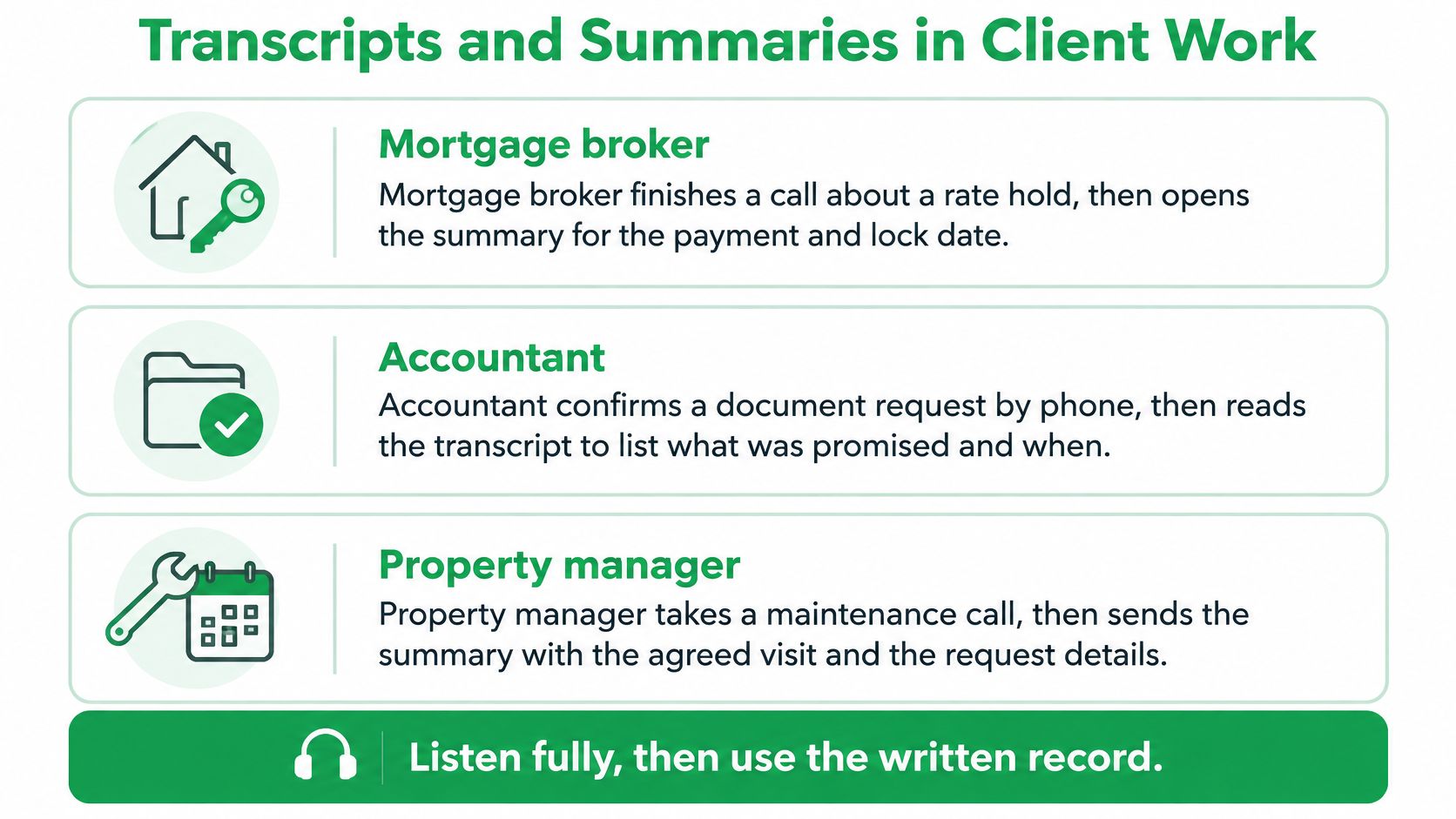
A mortgage broker finishes a call about holding a rate. She doesn't reconstruct the payment from memory. She opens the summary for the payment, the lock date, and the list of documents the client still owes, then copies the confirmed lines into the client file from her computer. The transcript stays open beside it in case the client's phrasing about the lock date was conditional.
The summary does the clustering here. It groups a 20-minute conversation into what was agreed, what was quoted, and what's outstanding. The transcript does the wording. When the summary says "documents requested," the broker checks the transcript for which documents, because "employment letter" and "two recent pay stubs" are different asks.
A life insurance advisor hits a thinner summary. The beneficiary names look wrong and the rider choices are vague, which happens with unusual surnames and product terms. She reads the transcript section by section, corrects the spelling, and edits a follow-up draft that lists what was agreed and which illustration will be sent. The draft is a starting point. She rewrites about a third of it, mostly the tone and the order of the questions.
Field sales is the third shape. A rep leaves a site visit and takes a call in the truck, quoting a quantity and a delivery window. The summary lands by email seconds after he hangs up. He checks the quoted quantity and date against the transcript before forwarding a note the same afternoon, instead of waiting until evening when the numbers blur.
Three work products, three different jobs. The transcript holds the closest wording, the summary organizes decisions and next steps, and the email draft is a rewrite, not a send.
Two quieter benefits come from structure rather than speed. Contacts already on the phone keep the note attached to the right person, so a call from a new number still files under the client you know. And a web copy of past calls stops the details of a January conversation from living only in a notebook you left in a different jacket.
Notice that none of these scenes ends with a summary being trusted. Each one ends with a human reading something, correcting something, and then sending. The checking isn't bureaucracy layered on top of a working tool. It's the part that turns output into client work.
Fields You Must Check Before You Act
A client says, “Not yet. I want to see the appraisal first.” If a summary drops “not,” it can turn a pending decision into an approval while still reading smoothly. That is why accuracy should be treated as a range shaped by the speaker, accent, and call conditions, not as a fixed score.
Research on smartphone speech recognition found that results varied across English varieties, with Standard American English recognized more accurately than some other varieties, including Indian and Chinese English, according to this 2025 study on smartphone speech recognition. A benchmark can describe performance on its test material, but a business call may include interruptions, noisy audio, or language switches. The practical question is which fields to verify before a summary becomes a client file, email, or CRM update.
The fields that change outcomes
| Field | Why it often fails | Check before you act |
|---|---|---|
| Dollar amounts and rates | A wrong digit can still make a plausible sentence | Match each figure to the transcript and confirm it against what the client said |
| Dates and deadlines | Similar phrasing can blur the date or whether it is firm | Confirm the calendar date and whether it is a deadline or preference |
| Names and addresses | Unfamiliar words and spelled letters can be misheard | Check the spelling or ask the client to confirm it in writing |
| Negations | A missing “not” or “no” can reverse a decision | Check the transcript around approvals, refusals, and conditions |
| Commitments and next steps | A suggestion can be mistaken for an agreement | Include only actions both sides accepted |
| Policy or product terms | Specialized terms may sound like familiar words | Compare riders, plan names, and conditions with the source document |
These errors have different causes. Fifteen and fifty can sound similar, especially when a call is noisy. Names are less predictable than common words, and overlapping speech can obscure a key phrase. A fluent summary can still get a number or commitment wrong.
Read the transcript, then the summary
Read the transcript passages that relate to the decision before reviewing the summary. Starting with the summary can anchor you to its version of events, making a natural-sounding error harder to notice.
Then check whether polished wording has made uncertain details sound definite. A clear paragraph is not proof that every amount, name, date, or commitment is right.
The tiebreaker: If the transcript and summary disagree, verify the point against the recording or ask the client before acting.
Keep the final record easy to check. Headings for figures, decisions, and next steps help expose missing details; a sales call notes template can provide a consistent structure. If the call also informs an invoice, use GetBill's invoice checklist for freelancers to check that its amounts and terms match what both sides accepted.
Put Transcription on the Number Clients Already Call
Start with the decision rather than the software. If clients already call your mobile, transcribe that number. Don't hand out a new one, and don't add a bot to a conference bridge that nobody remembers to dial.
Here's the setup in the order that works.
- Write your disclosure line and decide which private contacts stay excluded from transcription entirely.
- Connect call forwarding so incoming calls still ring your iPhone as they always have.
- Place outgoing calls so the client still sees your own number on the display.
- Run one real test call this week. Then compare the transcript line by line against your own handwritten notes and count the figures, names, and negations that came out wrong. That count is the only accuracy number that describes your setup.
- Let the summary arrive on its own, then run the field checks before any email or file update goes out.
VoxNote fits this workflow for mortgage brokers, insurance and investment advisors, and field sellers across Canada and the United States. It's an iPhone notetaker that transcribes every incoming and outgoing call on your existing number once call forwarding is connected, with nothing to press during the call, and the summary and transcript arrive automatically, seconds after you hang up. More than 70,000 phone calls have gone through it. You can exclude a contact ahead of time or stop a call midway, and clients need no app of their own.
One habit to carry forward. After the test call, correct the draft before you send anything. The transcript shows you where you were right.
VoxNote is built for exactly the calls described here: rate conversations, policy reviews, and field sales check-ins on the number clients already have. It records, transcribes, and summarizes each call automatically, then hands you a draft you can verify line by line before it becomes client work. Visit VoxNote to see how it fits an iPhone-based practice in Canada or the United States.