
You've finished a long client call. Your notes stop halfway through a sentence, you're unsure which figure the client corrected, and you promised to send a document by Friday. Before you can follow up, you need to reconstruct the conversation.
A text voice app can turn that conversation into a transcript, summary, and draft message. But those features won't help if the app misses incoming calls, requires a recording step you forget, or only documents calls made through a separate business line.
Capture method matters more than the feature list. For a mortgage broker using an established mobile number, automatic capture on that number is a different proposition from moving a brokerage onto a shared phone system. A desktop sales team has different needs again.
The options below move from existing-number tools and recording-line services toward dedicated business phones and broader desktop platforms. Keep one distinction in mind: an app that reads text aloud isn't the same as an app that turns calls into usable text. If you're building your own recording workflow rather than buying a finished app, you can find speech recognition API options, but you'll still need to solve call capture, storage, and review.
Table of Contents
- 1. VoxNote
- 2. CallCapture
- 3. Productive.ai
- 4. Ajora
- 5. Superscribe
- 6. HelportGo
- 7. Quo (formerly OpenPhone)
- 8. Allo
- 9. RingCentral RingEX
- 10. NoNotes
- How the 10 text voice apps compare on capture method, trials, and best use
- Choose the Tool That Fits How You Take Calls
1. VoxNote
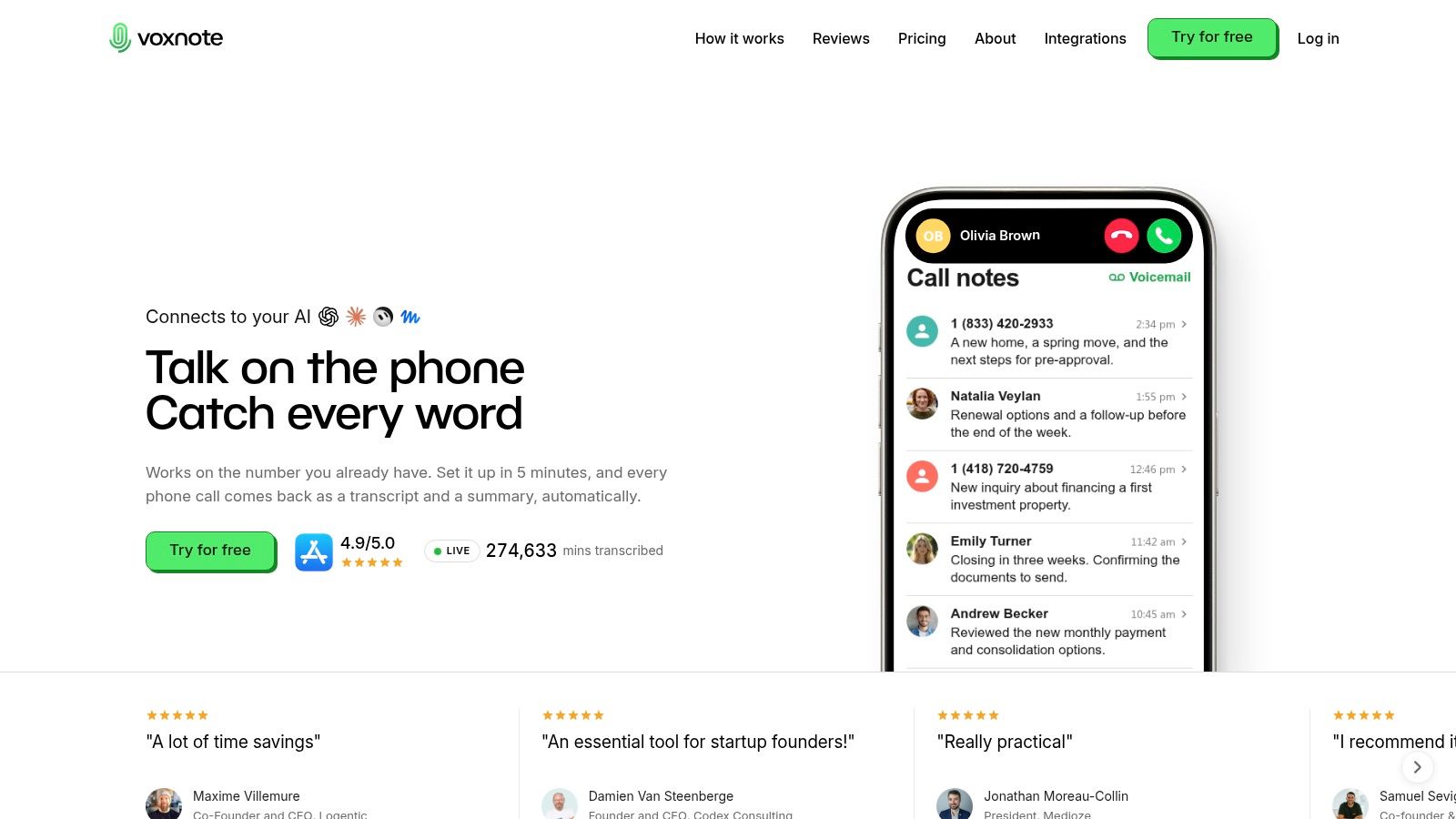
Best fit for professionals who want call notes on their existing iPhone number. Once call forwarding is connected, incoming calls on your number are transcribed automatically, with nothing to press during the conversation. Outgoing calls are captured when you dial from the VoxNote app; calls placed through your usual phone app stay outside the service. On the other end, clients need no app, link, or installation. They answer the phone like any other call.
That arrangement matters when your established number already sits on referral lists, business cards, and client files. You keep that number, your SIM, and the iPhone you carry, and the app works with AirPods and in the car. If a conversation should stay undocumented, you can exclude the contact ahead of time or stop transcription mid-call.
From conversation to follow-up
Each call produces a written transcript, an organized summary, and an editable follow-up email draft. Summaries arrive in the app and your inbox seconds after the call ends, in a format adapted to the type of call. Browser access lets you review records at your desk and copy relevant details into client files.
- Useful output: Review figures, decisions, requested documents, and next steps without rebuilding the conversation from handwritten fragments.
- Multilingual work: Automatic language detection supports conversations across nearly 100 languages.
- Team workflows: CRM delivery, colleague invitations, and access-management options help move call records beyond an individual inbox.
The limitation is clear: the service is currently iPhone-only, with no Android version yet, so it isn't a fit for an Android-based brokerage. Also distinguish automatic documentation from automatic approval. You should still verify a mortgage amount, beneficiary instruction, or promised deadline before relying on it.
Transcripts and summaries are protected with AES-256 encryption. We don't create voiceprints or use voices to identify people, and call content is not used for personalized advertising. Recording disclosure remains your responsibility, so establish an approved process before enabling capture for client conversations.
2. CallCapture
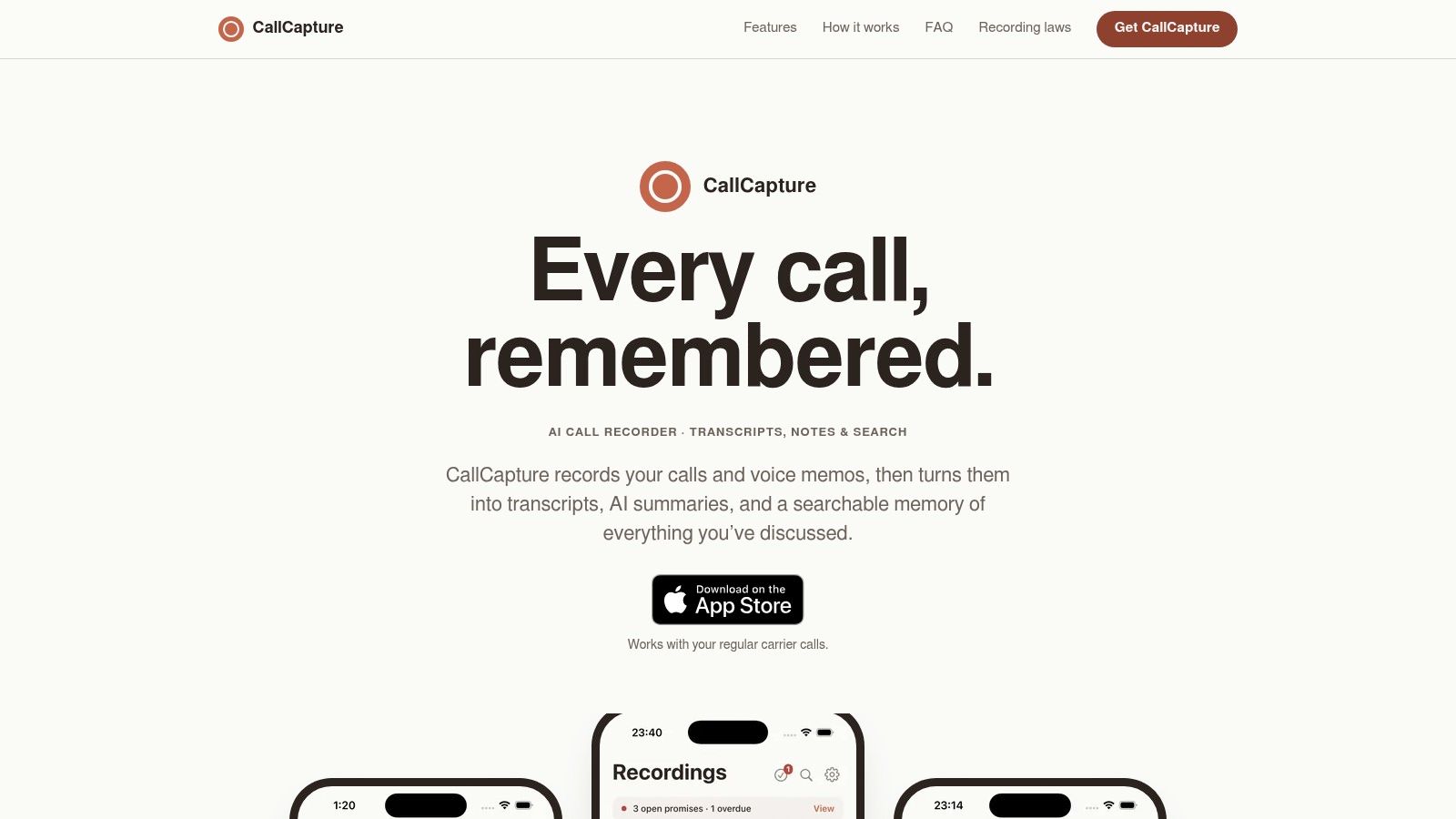
A client agrees to send income documents, and you agree to contact the lender. CallCapture's commitment tracking is the feature to examine when those reciprocal promises matter more than a polished paragraph summarizing the conversation.
CallCapture records phone conversations and voice memos, then produces speaker-labelled transcripts and summaries. Its search tools help retrieve a detail by topic or keyword rather than requiring you to remember when the conversation happened.
The capture process is the trade-off. You may need to add and merge a recording line, which makes it a more deliberate recording workflow than an automatic background service.
A recording tool only helps if you reliably complete its capture steps while answering a real client.
Choose it for commitments, not invisible capture
Promise tracking separates pending, completed, and overdue commitments. That's useful for an advisor handling document requests or a field representative coordinating a quotation, technical answer, and delivery update.
Before subscribing, test incoming calls as carefully as outgoing calls. Confirm that your carrier supports the recording-line process and that you can complete it without interrupting the conversation.
The phone call transcription guide explains the broader workflow from captured audio to a usable written record. For this app, the deciding question is simpler: will you consistently merge the recording line? If not, its useful search and commitment features won't compensate for missing calls.
3. Productive.ai
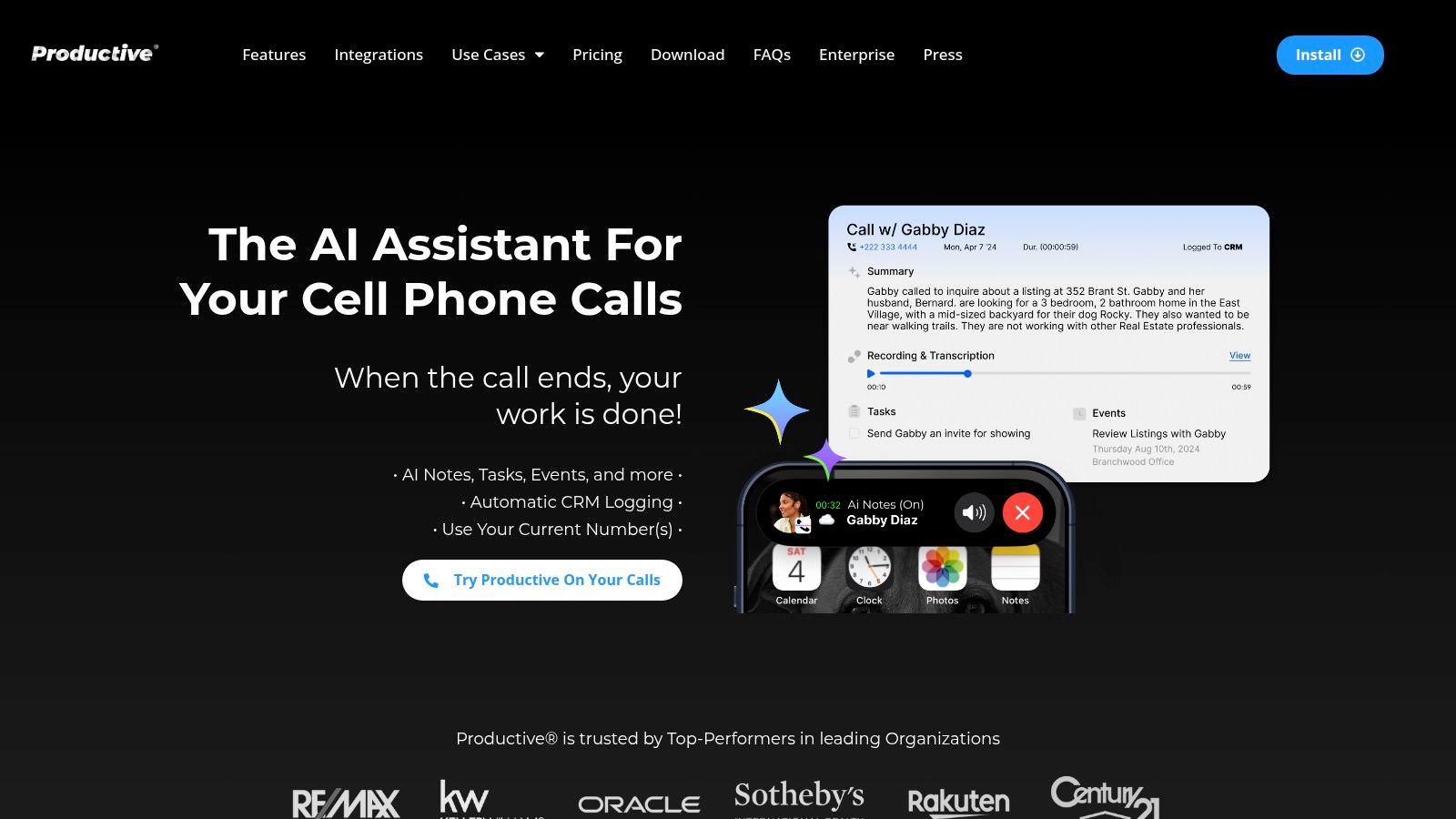
Productive.ai makes sense when the CRM is where the work must end up. A transcript in your inbox isn't enough if someone still has to create the contact note, schedule a task, and update the opportunity manually.
Productive.ai offers a mobile call assistant for iPhone and Android that's designed to work with an existing mobile number. Its documentation features include recordings, transcripts, summaries, task detection, and calendar-event creation.
Its integrations include Salesforce, HubSpot, Pipedrive, and Zoho. More extensive call logging and CRM form filling depend on the subscription tier, so evaluate the plan that includes your actual workflow rather than choosing by the entry-level feature list.
- Strong fit: Advisors and sales representatives whose call notes need to become CRM activity.
- Useful control: Customizable recording disclosures can support a consistent call-opening process.
- Main friction: Carrier forwarding and mobile-number setup may require troubleshooting.
Try a call where the client changes an appointment and revises a requested amount. Then inspect the task, calendar entry, summary, and CRM record separately. A readable summary doesn't prove that the downstream fields are correct.
This isn't the right choice if you only need an occasional transcript and won't use its integrations. Paying for automation makes sense when it removes a specific handoff, not because the integration list is long.
4. Ajora
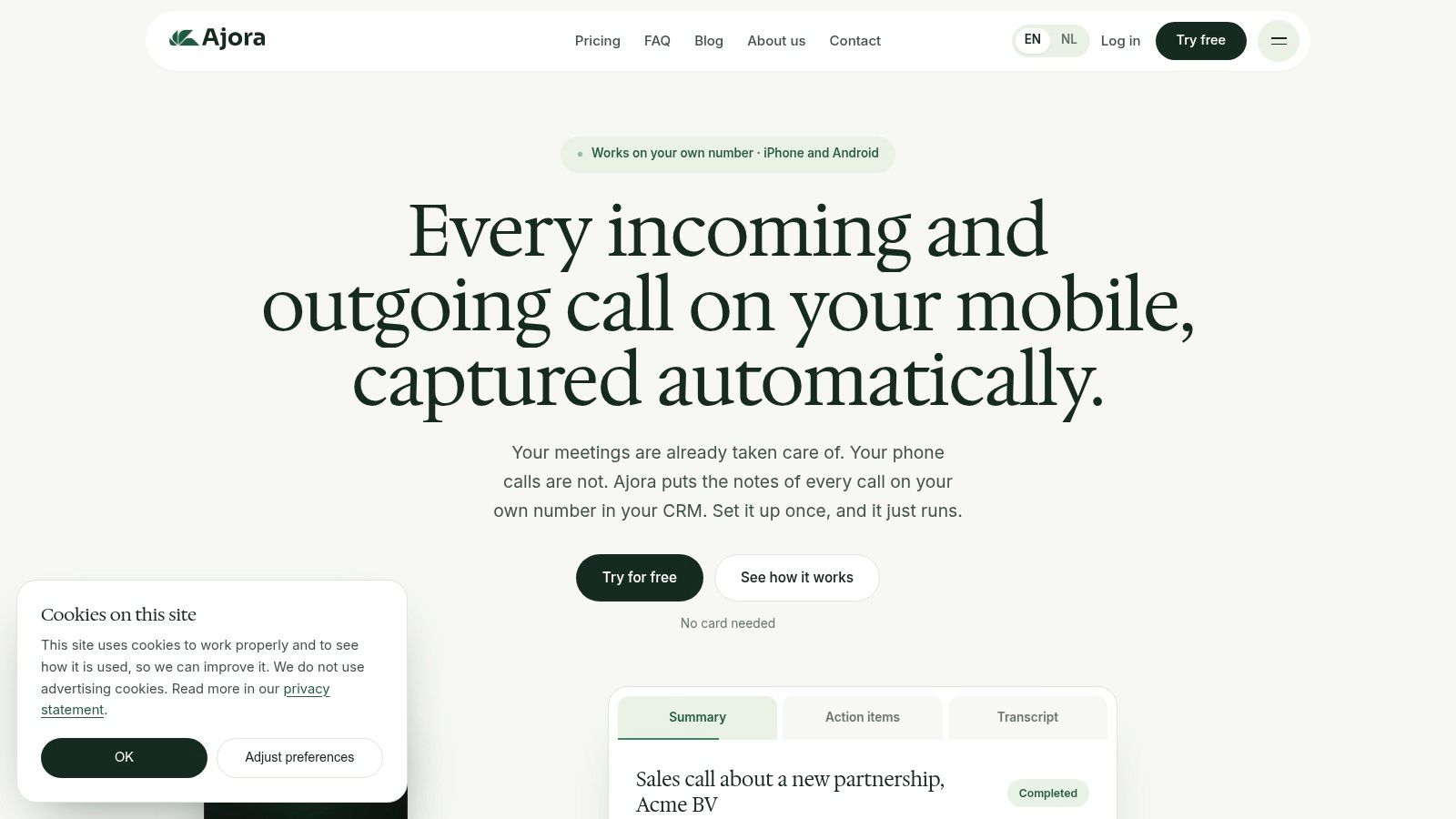
Your client relationship may begin on the phone, continue in an office, and finish with an online meeting. Ajora is worth considering when you want those conversations documented in the same system rather than scattered across separate recording apps.
It supports phone calls, in-person conversations, and online meetings, with transcripts, summaries, decisions, and action items. Mobile apps and a web dashboard let you capture away from your desk and review later on a larger screen.
Existing number, different outgoing routine
Incoming-call automation uses forwarding, while outgoing calls go through the Ajora app. That distinction matters if you regularly call clients from recent calls, contact shortcuts, or another business application.
Check the entire calling routine, not just whether the product supports your number. A service can preserve the number clients recognize while still changing how you place calls.
- Team advantage: Sharing and administration can make records accessible beyond the person who took the call.
- Integration advantage: API and webhook access offer options for routing records into other systems.
- Buying consideration: Confirm regional number availability and billing currency before moving a team.
Ajora fits a practice that wants a shared conversation archive across several meeting types. It's less attractive if your only requirement is documenting mobile calls with the smallest possible change to your dialing habits. Broader capture is useful only when your team will use it consistently.
5. Superscribe
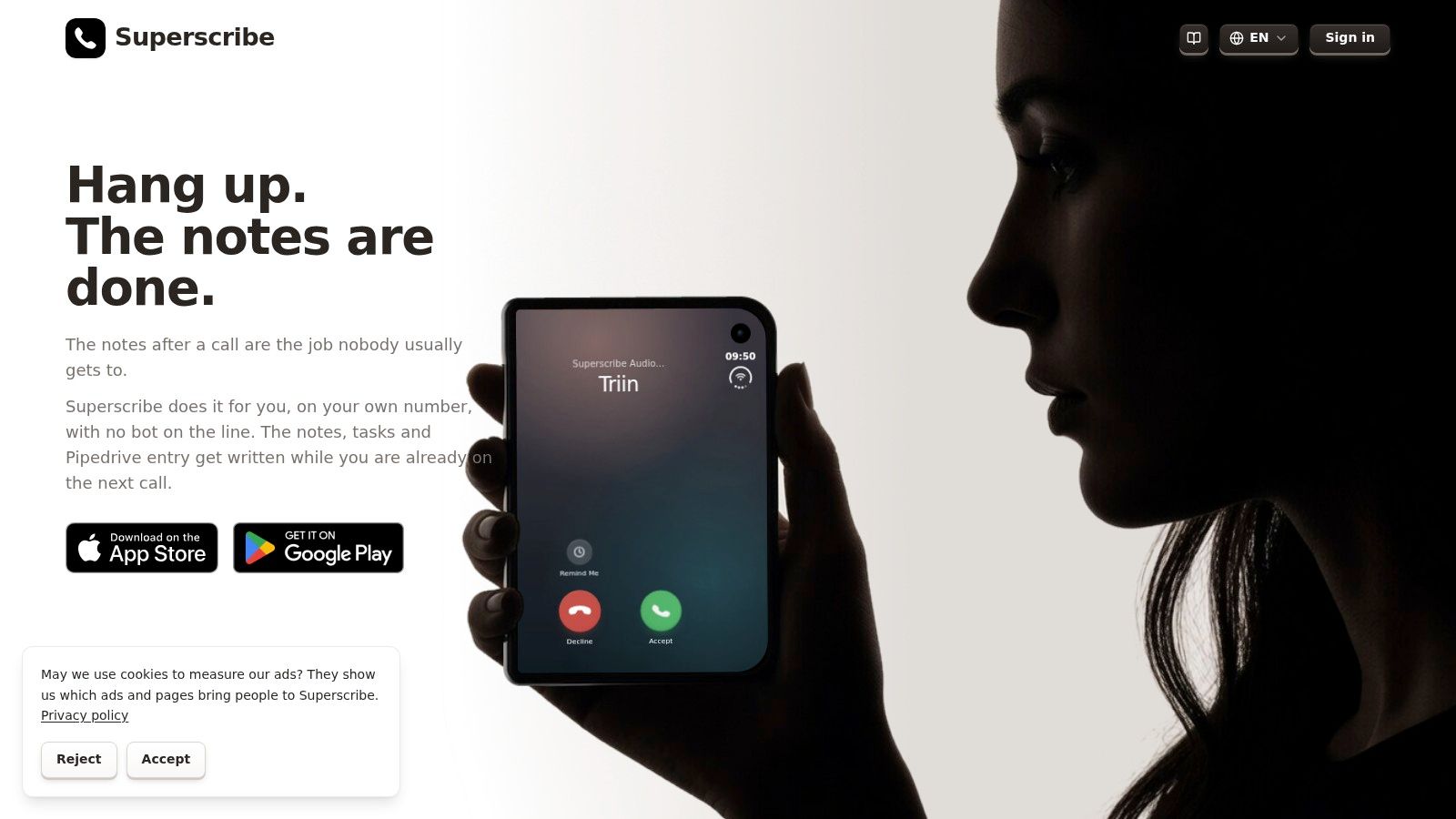
Superscribe bridges mobile calls, desktop calling, and dictation. That combination suits a professional who answers clients in the field but returns to a computer to prepare proposals and update records.
Superscribe describes an existing-number workflow alongside desktop apps for Mac and PC. Its features include live transcription, summaries, searchable call history, suggested follow-ups, and dictation into other applications.
The practical attraction is continuity. You can evaluate the calling experience and the post-call writing experience together instead of choosing unrelated tools for each.
Practical rule: Test what the client sees as your caller ID before judging how convenient desktop calling feels.
Check the telephone details
Forwarding charges, outbound allowances, and caller-ID behavior deserve attention before you commit. Published plan prices use euros and exclude VAT, so compare the actual billing arrangement with your region and calling pattern.
Pipedrive filing and call logs are included on listed plans, but inspect the resulting record. A link to a recording, a pasted summary, and a structured activity entry aren't interchangeable when another colleague needs to pick up the relationship.
Superscribe is a reasonable candidate if you want desktop calling plus mobile documentation. It's not the cleanest fit if you never call from a computer or don't need dictation. In that case, the broader feature set adds things to evaluate without necessarily improving your core call workflow.
6. HelportGo

For mortgage and insurance work, a generic summary can miss the distinction between a client's question, an advisor's explanation, and an agreed next step. HelportGo's industry templates make it a candidate for professionals who want more structured client notes.
The mobile assistant from Helport AI offers in-app calling, transcription, structured summaries, client profiles, and suggested follow-up messages. Conversation timelines can help group several exchanges around the same client rather than leaving each call as an isolated recording.
The important test is whether its templates capture your working details without inventing certainty. A mortgage discussion about possible financing shouldn't become a confirmed approval in the summary.
- Mortgage test: Check how it separates proposed terms, requested documents, and unresolved questions.
- Insurance test: Check names, coverage discussions, beneficiary references, and promised follow-up.
- Workflow test: Determine whether moving notes into your CRM requires manual copying.
Domain terminology deserves separate scrutiny from general readability. An aiOla vendor benchmark announcement published by Morningstar reported 89.3% recall for specialized financial terms, a model-specific result that isn't a performance guarantee for HelportGo.
Confirm current platform availability and commercial terms before planning a rollout. This is a stronger candidate for an industry-focused evaluation than for a buyer who needs clearly established cross-platform deployment and automatic CRM synchronization from the outset.
7. Quo (formerly OpenPhone)
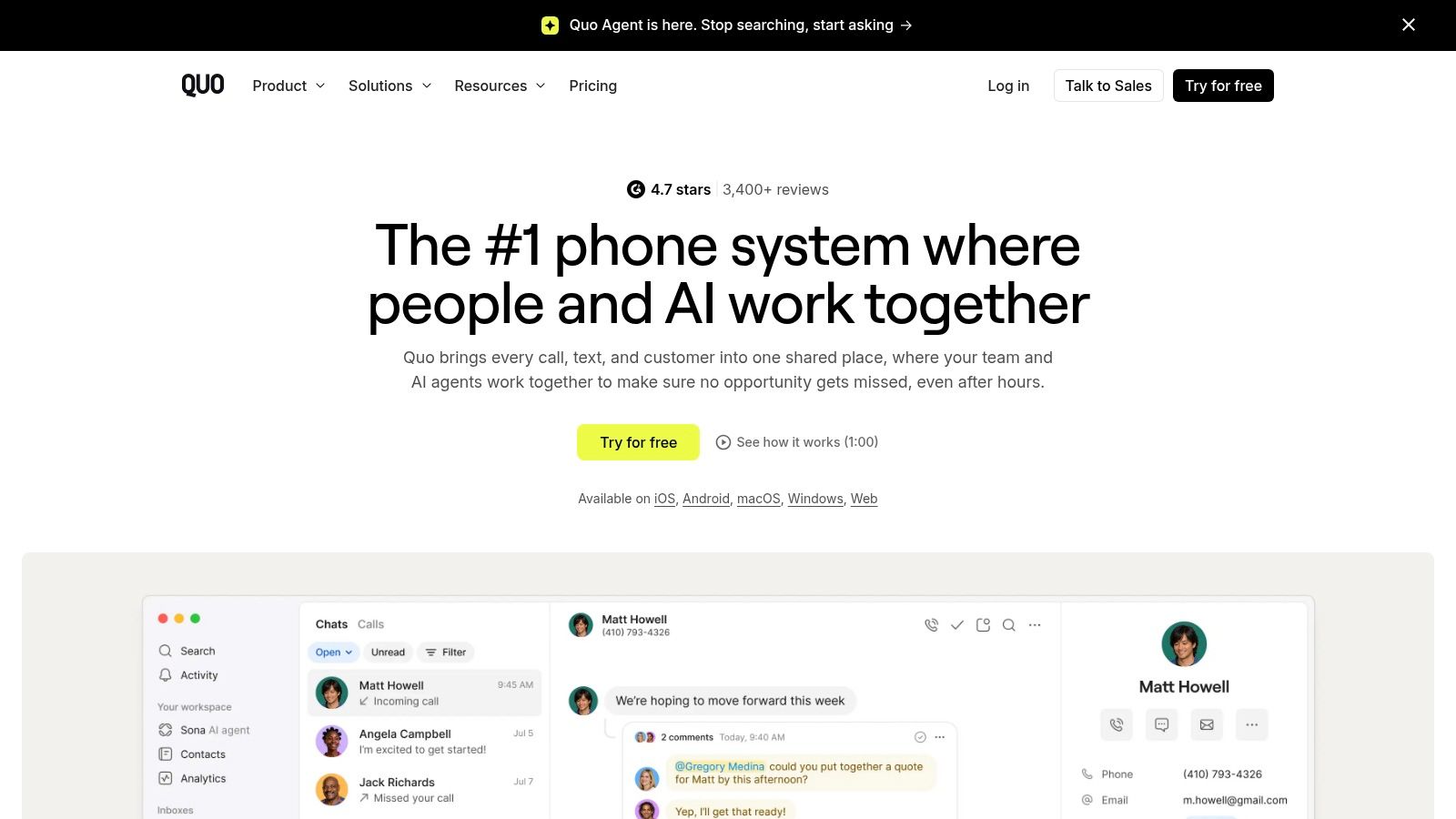
Quo is a business phone service, not a recording layer for every call on your mobile. Choose it because you want business calling, messaging, and shared history together, with call notes attached to that service.
Quo provides mobile, desktop, and web apps. Its call-documentation features include summaries, action items, and timestamped, speaker-labelled transcripts on the relevant plan.
That changes the buying decision. Instead of asking whether an app can document your existing habits, ask whether your team should move its business calling into a shared phone environment.
A stronger fit for shared client coverage
Say an assistant answers a client before the assigned broker is available. Shared contact history can help the broker see what was discussed without asking the assistant to reconstruct the exchange.
- Good fit: Teams that need shared business numbers and accessible conversation history.
- Plan dependency: Transcript, summary, and CRM capabilities require a higher tier than basic calling.
- Language limitation: Its call-notes product page describes English-only support.
Quo supports US and Canadian business calling and number porting, but porting is still a phone-system decision. Consider who owns the number, who answers it, and what happens when someone leaves the team.
It isn't a fit if you want to keep taking undocumented calls through your native mobile line and expect the service to capture them anyway. Calls must use the supported phone workflow for the notes to exist.
8. Allo
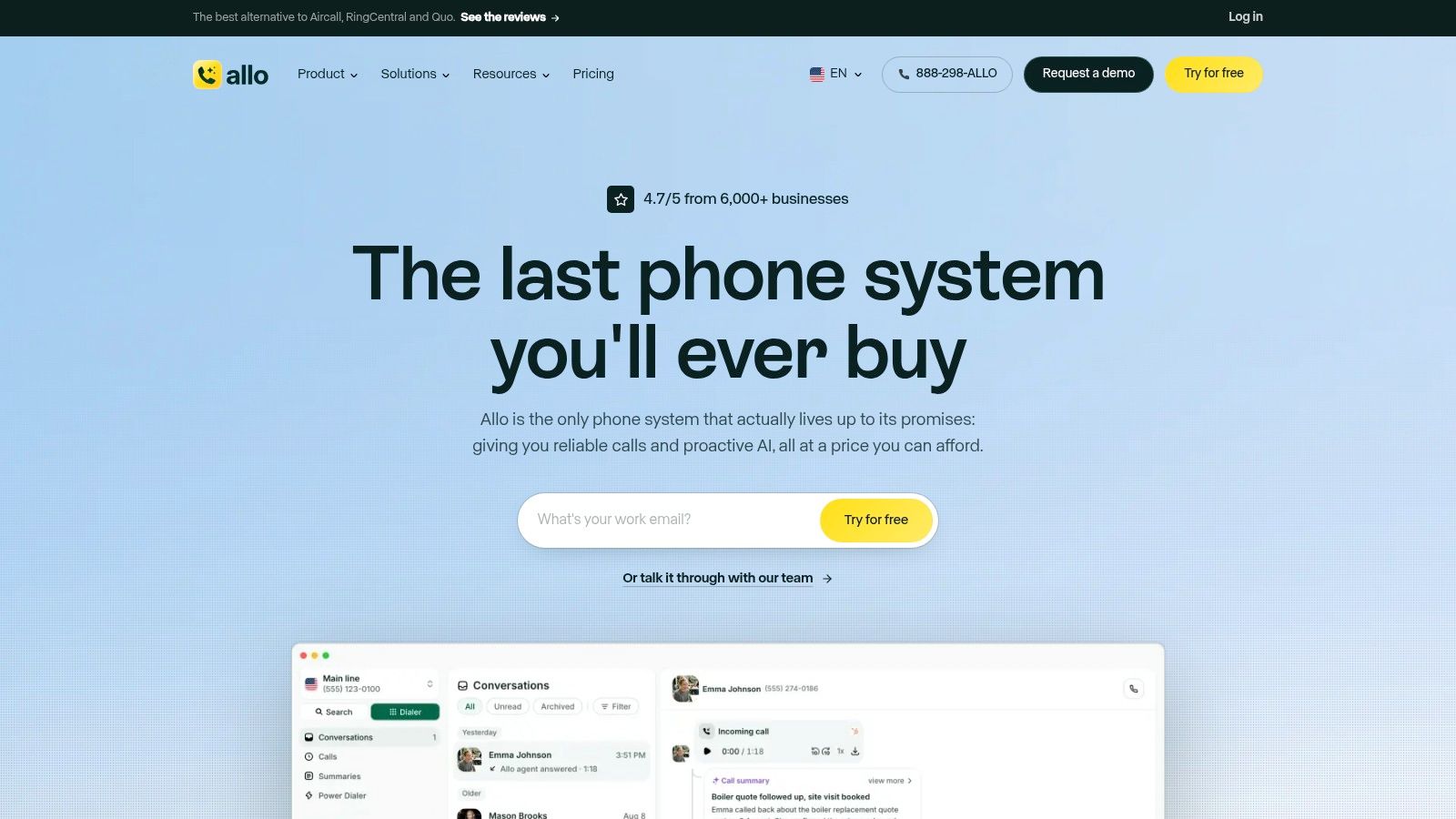
Allo combines a cloud business phone line with recordings, transcripts, summaries, and CRM-sync options. It's a practical candidate for a small business that wants to manage calling and documentation together.
The capture boundary is the Allo line. Native-dialer and WhatsApp calls aren't recorded, so don't treat it as a universal notetaker for everything you do on your phone.
Speaker labels, timestamps, transcript search, and emailed recaps support post-call review. Automatic language detection covers English, French, and Spanish, which is relevant to teams whose client conversations don't stay in English.
Buying a phone system means agreeing on where the team will make and receive business calls.
Useful when the team adopts the line
Number porting can let a business retain an established business number while changing the service behind it. However, that's different from adding transcription to arbitrary calls on a personal mobile subscription.
Optional receptionist and power-dialer features broaden the system, but they also add cost and setup decisions. Start with the calling and note-taking workflow before adding automation for calls your team doesn't yet handle consistently.
The Allo alternative comparison is useful when deciding between a dedicated business-phone system and documentation on an existing mobile number. Choose Allo if shared business calling is part of the goal. Don't choose it solely for transcripts if you're unwilling to move documented calls onto its line.
9. RingCentral RingEX
A brokerage replacing its phone infrastructure has different requirements from an independent advisor buying a call-notes app. RingCentral RingEX belongs in the infrastructure comparison, particularly when desktop calling, administration, messaging, and video need to sit together.
RingCentral offers mobile and desktop business calling with AI documentation capabilities that depend on plan and configuration. Those capabilities can include transcripts, summaries, notes, and action items.
The value isn't just that it creates text. It's that a business can manage communications and access within a broader platform.
- Administrative fit: Evaluate user management and the controls your operations team needs.
- Integration fit: Confirm which CRM connections support your intended call-record workflow.
- Commercial fit: Separate included features from add-ons, usage limits, and configuration-dependent capabilities.
The RingCentral RingEX review can support a broader platform evaluation, but your own acceptance test should follow an actual client call from dialing to the final CRM entry.
Ask the sales team to demonstrate the exact configuration being quoted. Don't accept a demonstration of a feature that belongs to another plan or requires an unquoted add-on.
RingEX isn't the natural choice for someone who only wants lightweight notes on an existing personal mobile workflow. It makes more sense when the business wants to standardize its phone system, not merely automate an individual's follow-up email.
10. NoNotes
NoNotes suits deliberate recording and transcript review. If your main priority is finding what someone said and listening to the corresponding audio, that's a different requirement from automatic CRM updates.
NoNotes provides call recording and transcription through an app and web service. Speaker-labelled transcripts synchronize with audio, while document exports help move the written record into a review or filing process.
Its Pro plan adds AI summaries and AskRobo questions about recordings. That can help locate an important detail, but a generated answer should lead you back to the relevant transcript passage when accuracy matters.
Useful for selected calls
Recording may involve dialing into the service or using a conference recording line. That makes the capture process an explicit part of your call routine rather than something you should assume happens on every incoming call.
- Choose it for: Reviewing recordings, locating statements, and exporting transcripts.
- Check the plan: Summaries aren't included across every service tier.
- Expect less automation: CRM-based follow-up isn't its central proposition.
Use the focused note-taking guide to decide what you still need to capture yourself, such as an unresolved question that deserves attention after the call.
NoNotes is a reasonable fit for selected conversations that need a searchable record. It's less suitable if you want every client call documented automatically without remembering a recording-line procedure.
How the 10 text voice apps compare on capture method, trials, and best use
Start with capture method, because it decides which calls enter the record at all. Some tools document the mobile number clients already call, some rely on a recording line or an in-app dialer, and business phone platforms capture calls handled inside that system. Match the capture pattern to your day first, then compare notes, summaries, and handoff.
| Item | Capture method | Free trial or allowance | Best for |
|---|---|---|---|
| VoxNote | Automatically captures incoming and outgoing calls on an iPhone using your existing number | Essential from US$19.99/month, including 500 minutes of notes | Recommended for iPhone users who want automatic call notes, summaries, and follow-up drafts |
| CallCapture | Records calls using a recording line that may need to be added and merged | Terms listed on vendor website | Tracking promises and searching call records |
| Productive.ai | Captures calls on iPhone or Android while using your existing mobile number | Terms listed on vendor website | Client-facing professionals connecting call notes to CRM and calendar workflows |
| Ajora | Captures calls, in-person conversations, and online meetings through mobile apps and web | Terms listed on vendor website | Users who want call and meeting records in one system |
| Superscribe | Supports phone and desktop calling, meetings, and dictation | Terms listed on vendor website | Professionals combining call notes with desktop calling and voice dictation |
| HelportGo | Provides in-app calling, transcription, and summaries on iPhone | Terms listed on vendor website | Mortgage and insurance professionals |
| Quo (formerly OpenPhone) | Captures calls made or received through its business phone service | Terms listed on vendor website | Teams wanting shared business calling and call records |
| Allo | Automatically records and transcribes calls made on an Allo business line | Terms listed on vendor website | Small businesses combining business phone and CRM workflows |
| RingCentral RingEX | Documents calls handled through its business communications platform | Terms listed on vendor website | Businesses seeking a broader communications platform with AI call notes |
| NoNotes | Records calls through its app or web service, potentially using a conference recording line | Free introductory recording and transcription allowance | Users who prioritize reviewing and searching recordings |
Choose the Tool That Fits How You Take Calls
Start with one question: where do your calls happen? If clients already dial your established iPhone number, favor a service that can document that number without requiring a replacement business line. If your team needs shared answering and contact history, weigh the benefits of a phone system before switching.
For desktop-led sales, evaluate the dialer, CRM entry, and supervisor controls together. For occasional recording, a conference-line service may be sufficient, provided you'll reliably complete the capture steps.
Don't choose a text voice app by the smoothest sample summary. Real telephone audio is a harder test: a Deepgram production-metrics review describes a comparison where the same recognition API achieved 92% accuracy with clean headsets versus 65% on mobile calls with background noise. Those results aren't scores for the tools above, but they explain why your own calling conditions matter.
Test the complete workflow
Run a trial on five real calls where recording is permitted and appropriately disclosed. Include an incoming call, an outgoing call, and the audio devices you use.
- Verify critical details: Compare names, amounts, dates, addresses, and commitments with the audio.
- Inspect the summary: Make sure tentative discussions haven't become confirmed decisions.
- Review the handoff: Open the email draft or CRM entry and assess what still needs editing.
- Check access: Confirm who can view, export, and delete client records.
Privacy deserves the same attention as accuracy. Review processing locations, retention, deletion, third-party processors, and team permissions. An encryption statement alone doesn't answer every confidentiality question.
Keep follow-up drafts editable. A client's corrected figure or conditional instruction should receive human review before it enters a permanent file or outgoing message.
You can also explore AI note-taking options for students, but don't assume a lecture or meeting recorder can capture telephone calls. The audio capture method comes first.
Choose the service that reliably records the calls you take, produces details you can verify, and puts the result where you work. A shorter feature list with dependable capture is more useful than extensive automation attached to conversations the system never recorded.
VoxNote captures incoming and outgoing calls on your existing iPhone number and turns them into transcripts, summaries, and editable follow-up drafts. Visit VoxNote to see how automatic call documentation fits your client-call workflow without a new SIM or recording device.