
What good is a highly rated recorder if you hang up from a client call and still have to reconstruct the figures, promises, and next steps? A mortgage broker might remember the requested documents but forget the agreed deadline. A financial planner might capture the audio yet still need to write the client-file note and follow-up email.
The best call recording app for iPhone depends on what you need after the conversation, not just whether an app saves sound. Automatic documentation, Apple's built-in recording, web-first collaboration, and audio archive utilities solve different problems.
These seven options are grouped by how they fit a professional's working day. The important trade-offs are practical: whether you must start each recording, whether your carrier supports the setup, where the record goes afterward, and how you disclose recording to clients. A convenient app isn't a substitute for a clear consent process.
Table of Contents
- 1. VoxNote
- 2. Apple Phone app
- 3. Switch
- 4. TapeACall
- 5. Call Recorder & Transcribe
- 6. Call Recorder iCall
- 7. Call Record NOW
- iPhone call recording apps at a glance
- Pick the Workflow, Then the App
1. VoxNote
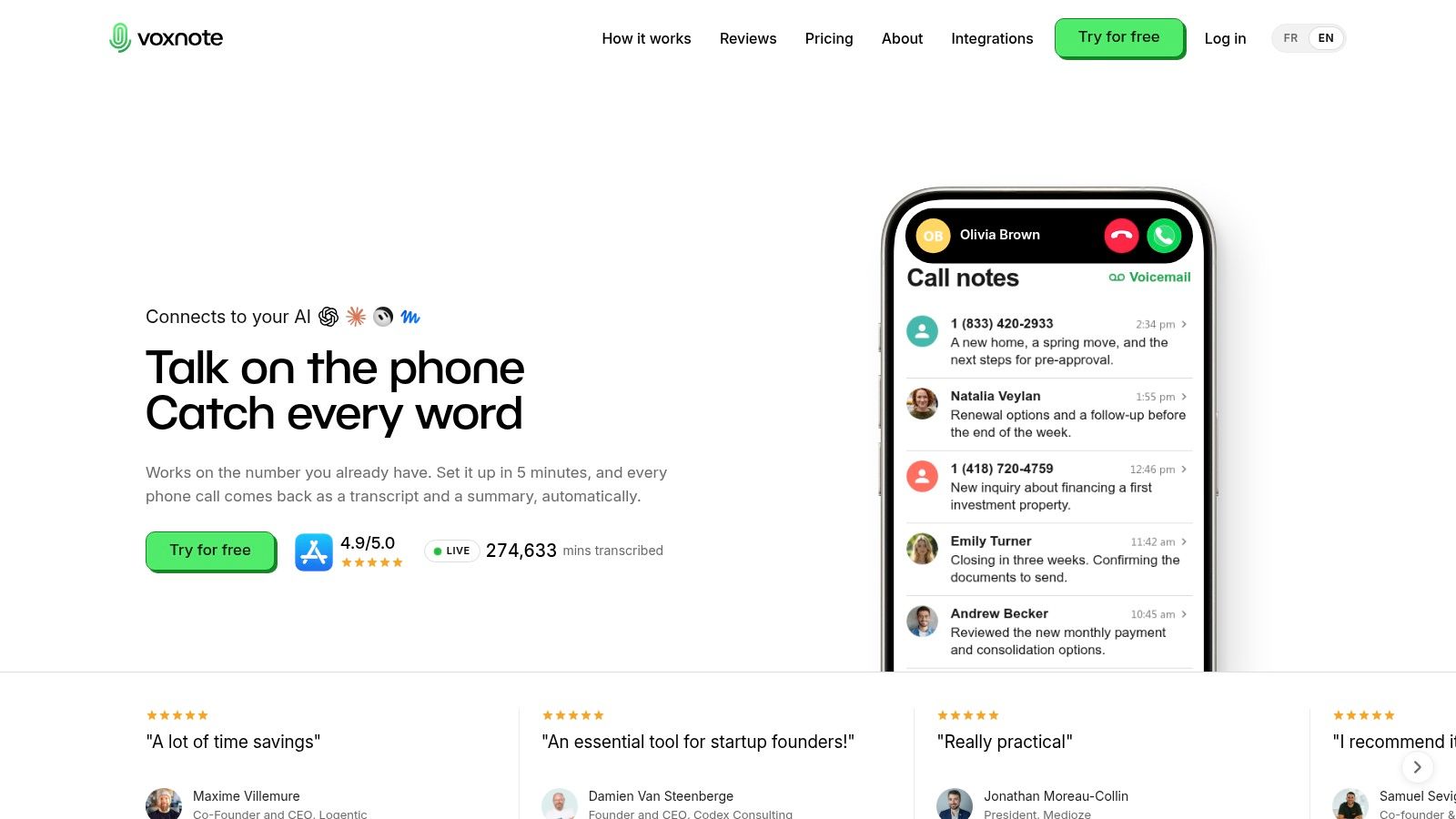
Best for automatic client-call documentation, our service turns supported incoming and outgoing calls into transcripts, organized summaries, and editable follow-up drafts. The useful distinction is the output: you get material to review for a client file, not just audio to replay.
Clients keep calling your established number. After call forwarding is configured, incoming calls are captured automatically; for outgoing calls, you dial from our app, and the client still sees your own number. You never press Record during the conversation.
What changes in your daily workflow
A titled summary appears in the Notes tab and arrives by email seconds after you hang up. Browser access lets you review previous conversations from your computer, while contextual email drafts give you a starting point for confirming commitments and requested documents.
- Less manual capture: Recording starts automatically within the recording-enabled call flow.
- Familiar equipment: Our app works with AirPods and other Bluetooth audio devices, including switching devices during a call.
- Useful written output: Review the transcript, summary, and draft together before transferring information into a client file.
- Selective recording: Exclude a contact ahead of time or stop transcription during a call.
The trade-off is setup discipline. Confirm that forwarding works with your carrier, and remember to place outgoing calls through our app rather than assuming every dialling method is covered.
Disclosure remains your responsibility. Clients don't receive an automatic recording notice from our service, so we recommend explaining that the call is recorded and transcribed, stating the purpose, and asking whether they wish to proceed. Automatic capture should reduce note-taking, not remove your consent process or your review of sensitive figures.
2. Apple Phone app
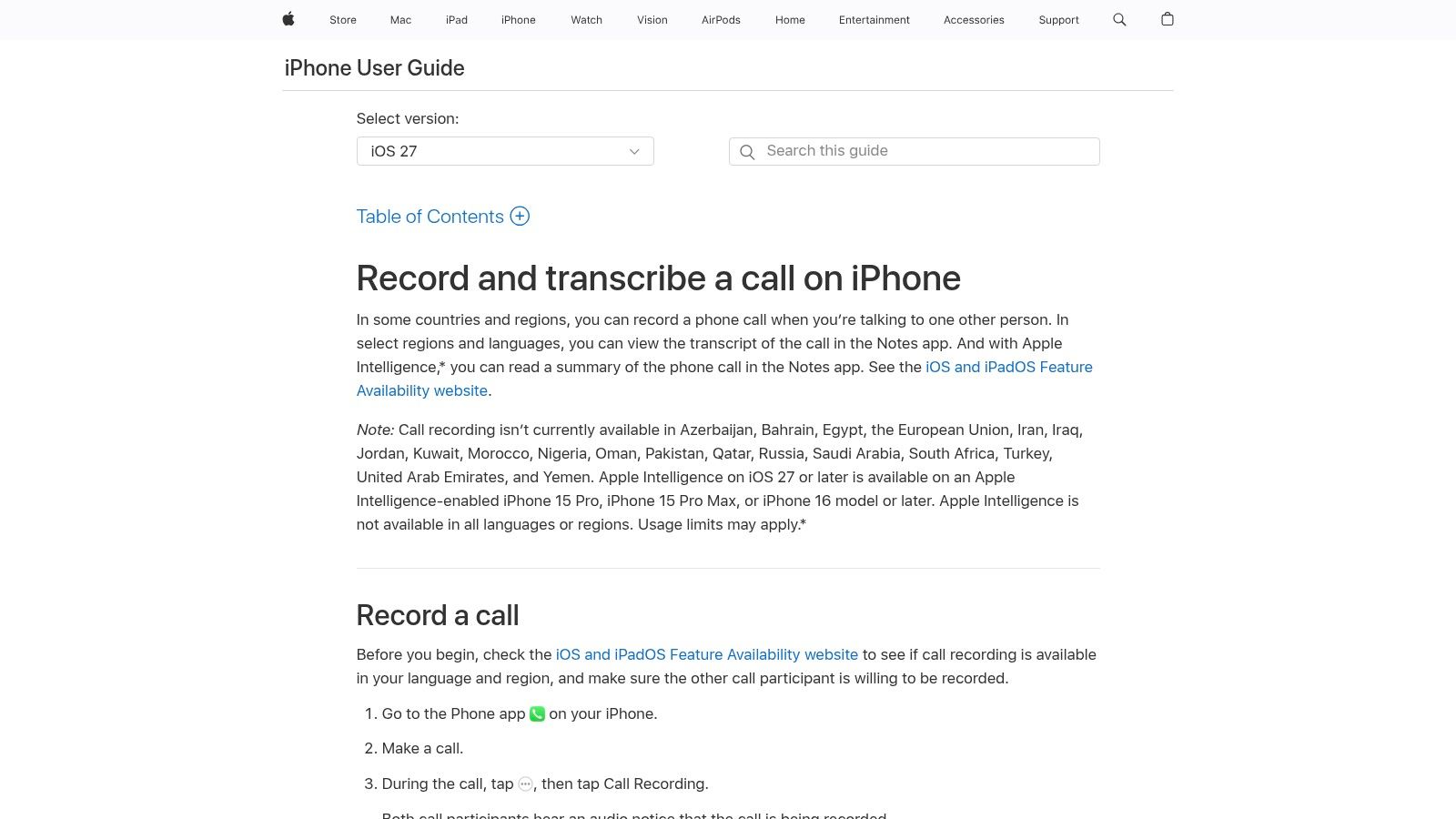
Start with Apple if you only record occasionally. Its built-in option avoids a separate recording-line app and keeps eligible recordings within the Phone and Notes experience.
The Apple iPhone user guide describes native recording and transcription on supported configurations, with an automatic announcement to participants, but lists regional exclusions including the European Union. Availability matters before convenience: verify recording, transcription, and any summary features separately for your device, language, and location.
Practical rule: A built-in recorder is convenient only if you remember to start it before the details you need to preserve.
Good for occasional capture, not continuous documentation
Apple's manual start is manageable for a planned discussion. It's less suitable when an unexpected client call turns into a detailed conversation about income, coverage, or an application deadline.
The audible announcement is helpful transparency, but it doesn't explain your business's specific purpose or replace any additional consent steps you need. Tell the client why you're recording and how you'll use the information.
- Main advantage: No separate recording subscription or recording-line setup.
- Main limitation: You still need to organize the record and handle your own client-file and follow-up workflow.
Use Apple's recording instructions to confirm current availability. For a broader setup walkthrough, consult this guide to recording a phone call on iPhone.
3. Switch
A brokerage assistant needs to find the document request from a client conversation without listening through the whole recording. That's the kind of workflow where web access, searchable transcripts, and organized sharing matter more than a prominent Record button.
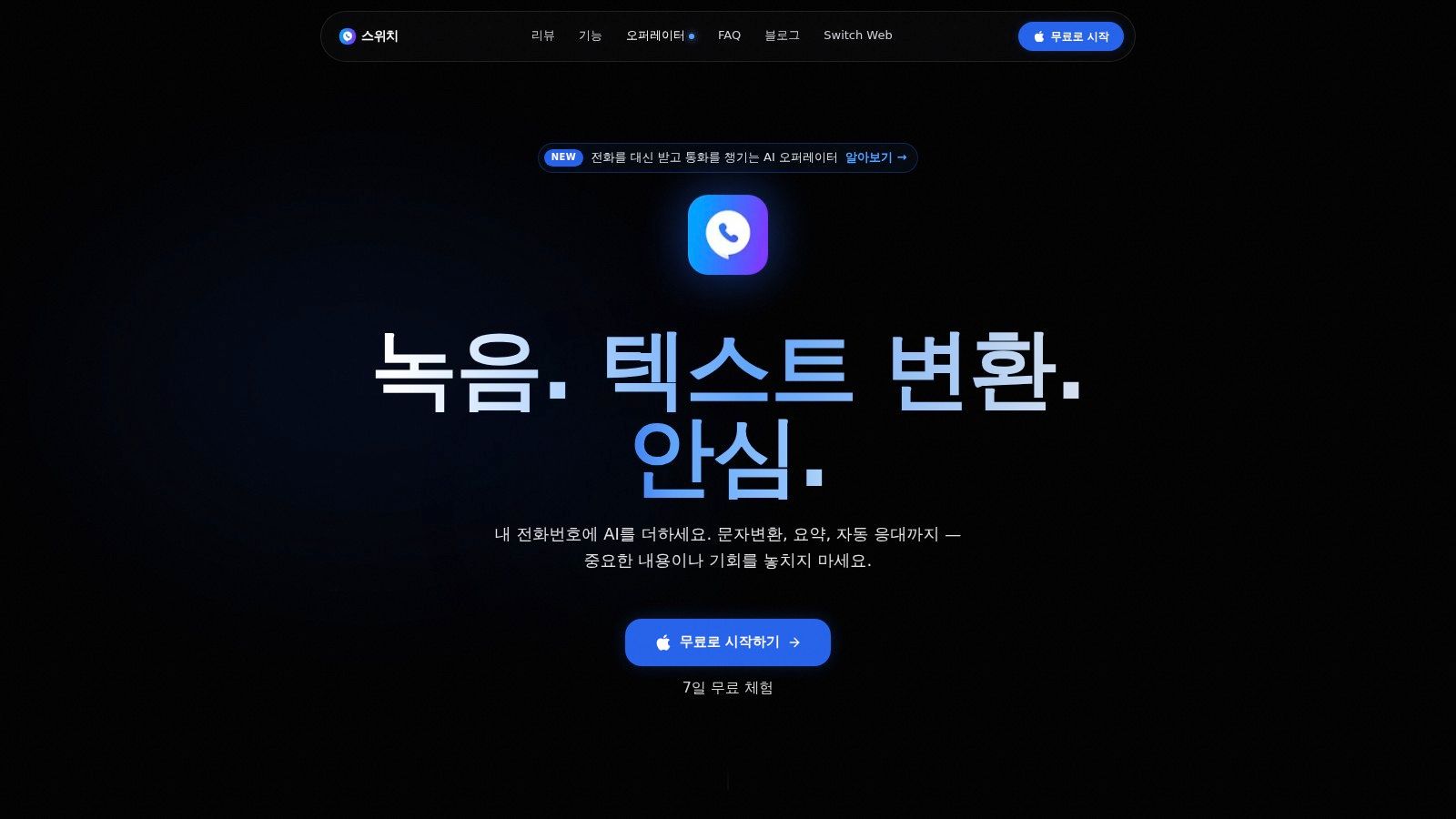
Switch positions itself around an existing phone number and web-based call organization. Its listing describes AI-generated, chat-style transcripts, encrypted recordings, and collaboration features such as notes, highlights, tags, and shareable links.
Evaluate the handoff, not just the transcript
For a team, the practical test is whether someone else can find the relevant detail without receiving unrestricted access to unrelated client conversations. Create a sample record, label it consistently, and test how a colleague opens and uses the shared material.
- Best fit: Professionals who review calls at a computer and need organized collaboration.
- Useful distinction: Notes and highlights can help staff follow a conversation rather than treating it as an undifferentiated audio file.
- Setup concern: Confirm carrier compatibility and the recording procedure before moving important calls into the service.
Don't assume an existing-number claim means every incoming and outgoing call is captured without intervention. Test both directions, then check the current subscription terms rather than relying on a headline offer.
Encrypted recordings are useful, but sharing permissions and disclosure still need attention. Decide who can create links, who can access them, and how you'll remove access when a colleague no longer works on the file.
4. TapeACall
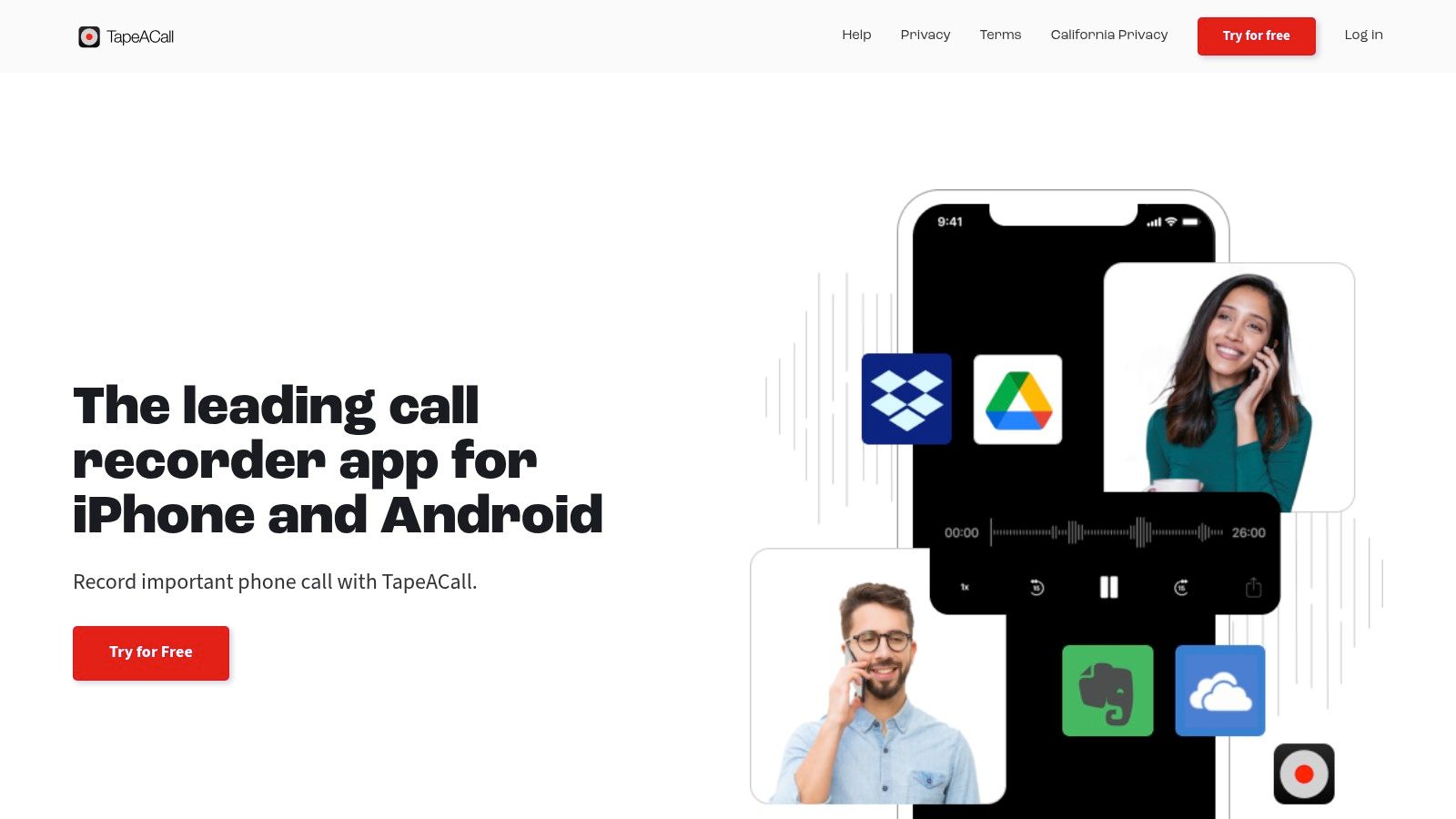
TapeACall makes sense when the recording itself is the deliverable. You might need to replay a technical explanation, preserve the wording of an instruction, or export audio into an approved archive.
TapeACall supports incoming and outgoing recording, playback, sharing, and transcription. Its Pro listing describes MP3 export, which is useful when you need a portable file rather than a record accessible only inside an app.
The operational compromise is conference calling. Recording depends on adding a recording line and merging the calls, so your carrier must support conference calls.
An exportable audio file is useful. A recording process you forget to initiate isn't.
Where the extra steps matter
For a scheduled review, you can allow time to connect the recording line and explain the process. During an unexpected call from a client between appointments, those same steps can interrupt the conversation or leave the opening details uncaptured.
Test the merge process before subscribing. Confirm that both voices are audible, that the saved recording is complete, and that the export opens in the system where you intend to retain it.
The broader phone call recording workflow matters as much as the file format. Explain recording before capturing substantive information, check current subscription terms, and decide who will turn the transcript into a verified client note.
Choose it for audio portability, not because transcription alone guarantees a finished documentation process.
5. Call Recorder & Transcribe

Document exports are the main reason to consider Call Recorder & Transcribe. Its described features include speaker-labelled, timestamped transcripts and exports to PDF, Word, or TXT.
That combination suits an advisor who wants a readable record to review alongside an existing client-file process. The app also describes playback-speed controls and app locking, which serve different needs: reviewing a long conversation and limiting casual access on the device.
Manual capture with more flexible output
The recording workflow requires number verification and a recording-line merge. Transcription happens after the recording is captured, so the app produces documents rather than handling the call itself.
- For review: Use timestamps to return to the audio around a disputed figure or instruction.
- For editing: A Word or TXT export can be easier to work with than copying text from a phone screen.
- For filing: A PDF may suit a fixed record, but check that it contains the context and identifiers your process requires.
Check the App Store listing for the developer name, current purchase terms, and recording requirements before buying.
Recording-line availability is the main setup risk. Verify support where you and your clients call, run a test call through the merge, and review which recording or transcription functions sit behind a purchase. Explain recording and transcription before proceeding, and check speaker labels against the audio before assigning a commitment to someone.
6. Call Recorder iCall
Not every professional needs AI-written follow-up. If your priority is to save, replay, and share audio, Call Recorder iCall belongs on the shortlist of recording utilities rather than documentation systems.
Its listing emphasizes incoming and outgoing recording, recording management, and a simple interface. The developer website is AppInnovations; use the matching App Store listing to verify current purchase terms and privacy disclosures.
Keep the buying test narrow
A simple recording interface doesn't confirm whether your carrier supports the underlying recording process. Test the actual call setup, not just how easily you can access saved recordings.
- Check capture: Make incoming and outgoing test calls and listen to both voices afterward.
- Check portability: Share a recording to your approved destination and confirm that it remains usable.
- Check subscription scope: Establish which playback, recording, and duration features require paid access.
The listing doesn't describe a complete transcript, summary, and follow-up workflow. If you need those outputs, account for the separate tool and manual handoff instead of treating them as included.
A broader comparison of call recorder software can help distinguish audio storage from client documentation. For sensitive financial or insurance conversations, review access and data-handling disclosures before storing real client material.
Choose this category when replay is the goal. If you mainly want to avoid writing post-call notes, a recording utility may leave the most time-consuming part of your job unchanged.
7. Call Record NOW

Call Record NOW is another audio-management option, covering incoming and outgoing recording with playback, labels, deletion, and MP3 sharing. Sharing runs through email, messages, iCloud Drive, and other apps, so it suits someone who moves audio files between tools rather than someone who wants notes written for them.
Before subscribing, check the app's current App Store listing for subscription terms, including what happens to saved recordings once a trial or paid period ends. Retention rules differ between recording apps, and the listing is where the developer states them.
Archive advice: Export a recording and reopen it outside the app before relying on it as your long-term client archive.
Useful for distribution, limited for written follow-up
Labels and playback-speed controls help you organize audio, but the described feature set doesn't advertise transcription, action-item extraction, or follow-up drafts. Anything you want in writing still means listening back and typing it yourself.
That makes this a natural fit for someone who deliberately wants audio files and already has a documentation process in place. A technical salesperson, for example, might keep a detailed product discussion on file, then write a separate verified note for the CRM.
Before using it professionally, confirm carrier requirements, recording setup, and disclosure responsibilities. Use consistent labels that help you find a call without exposing unnecessary client detail, and send recordings only through destinations your organization permits.
iPhone call recording apps at a glance
Read the table by workflow fit, not feature count. Some options produce written documentation from a call, others only store audio, and the distinction decides whether an app suits client-facing work.
| Recording setup | Transcription and summaries | Best for |
|---|---|---|
| VoxNote, Uses your existing iPhone number; one-time call-forwarding setup captures incoming calls automatically, and outgoing calls placed from the VoxNote app. | Automatic transcripts, organized summaries, and editable follow-up email drafts. | Client-facing professionals who want automatic call notes and follow-ups. |
| Apple Phone app, Record eligible calls in the Phone app and save them in Notes. | Transcripts and Apple Intelligence summaries are available only on supported devices, in regions and languages where supported. | Occasional recordings with a built-in iPhone tool and no separate subscription. |
| Switch, Uses your existing number; check recording setup and carrier compatibility. Includes web access and team-sharing tools. | AI-organized, chat-style transcripts; summaries are not specified. | Professionals who want web-based call organization and team collaboration. |
| TapeACall, Records incoming and outgoing calls using conference calling; requires carrier support for three-way calling. | Transcription is available; summaries are not specified. | Users who want recordings, transcripts, and MP3 export options. |
| Call Recorder & Transcribe, Uses a recording line; users verify a number and merge calls. | Speaker-labelled, timestamped transcripts with PDF, Word, or TXT export; summaries are not specified. | Users who need transcript exports for client documentation. |
| Call Recorder iCall, Recording utility for incoming and outgoing calls; setup details may depend on the service and carrier. | Transcripts and summaries are not described. | Users who mainly want to record, replay, and share calls. |
| Call Record NOW, Records incoming and outgoing calls; check setup and carrier requirements. | Transcription, summaries, and follow-up drafts are not described. | Users who want to manage and share call recordings as audio files. |
Where a cell says a feature is not specified or not described, the listing does not advertise it, so confirm that capability directly before relying on it for client records.
Pick the Workflow, Then the App
The best call recording app for iPhone is the one that reliably produces the record you need. Automatic documentation suits professionals who want written summaries and follow-up drafts from routine client calls. Apple's built-in option can be enough for occasional capture, while recording-line utilities suit users who mainly need replayable, exportable audio.
Don't confuse a readable transcript with a verified client record. Check names, amounts, dates, conditions, and who agreed to each action before copying information into a mortgage application, insurance file, or CRM. If you're comparing a separate transcription step, use this resource to find accurate speech-to-text tools, then test them with the terminology your clients use.
Put the setup through a real workflow
- Verify support: Check your region, carrier, incoming-call capture, and outgoing-call procedure.
- Decide on disclosure: Prepare a clear explanation of recording, transcription, purpose, and how the client can decline.
- Test before committing: Use an available free trial for a client call only after confirming the workflow and obtaining appropriate consent.
- Review the result: Compare the recording with the transcript, correct important details, and test your filing or export process.
Compliance belongs in that decision. For organizations subject to PIPEDA, the Office of the Privacy Commissioner of Canada's recording guidance requires informing customers about recording, explaining its purpose, and obtaining meaningful consent, whether the business or customer initiated the call.
Follow the laws and professional obligations that apply to your location and the people involved. Disclosure, access controls, appropriate retention, and a documented process matter alongside clear audio. Choose the workflow first, then choose the app that supports it without adding steps you're unlikely to complete.
VoxNote creates transcripts, organized summaries, and editable follow-up drafts from incoming and outgoing calls on your existing number. Visit VoxNote to explore automatic iPhone call documentation, then test forwarding, outgoing dialling, and your disclosure process before using it for routine client work.