You hang up with a client, open a blank note, and realize you kept the rate but lost the conditions that made the number mean anything. That gap is why people search for the best AI note taking app, and most roundups send them to the wrong kind of tool.
The market has split into two camps. One drops a bot into Zoom, Google Meet, or Teams. The other documents ordinary phone calls on the number you already give clients. Pick a meeting bot when your real work happens on the phone, and you pay for software that never hears the conversation that mattered.
Microsoft's 2023 Work Trend Index found the average employee spent 57% of working time communicating through meetings, email, and chat, compared with 43% creating documents, spreadsheets, and presentations. Notes have to survive that split, not add a second job after the call.
Below are seven apps judged on capture method, pricing, free plans, and fit for phone-first brokers, advisors, and field sales. Meeting tools stay in the meeting lane. The phone option is the one that matches a normal cellular client call.
Table of Contents
- 1. VoxNote
- 2. Otter.ai
- 3. Fireflies.ai
- 4. Fathom
- 5. Notta
- 6. Granola
- 7. Krisp
- How the 7 AI Note-Taking Apps Compare
- Pick the Tool That Matches Where Your Conversations Happen
1. VoxNote
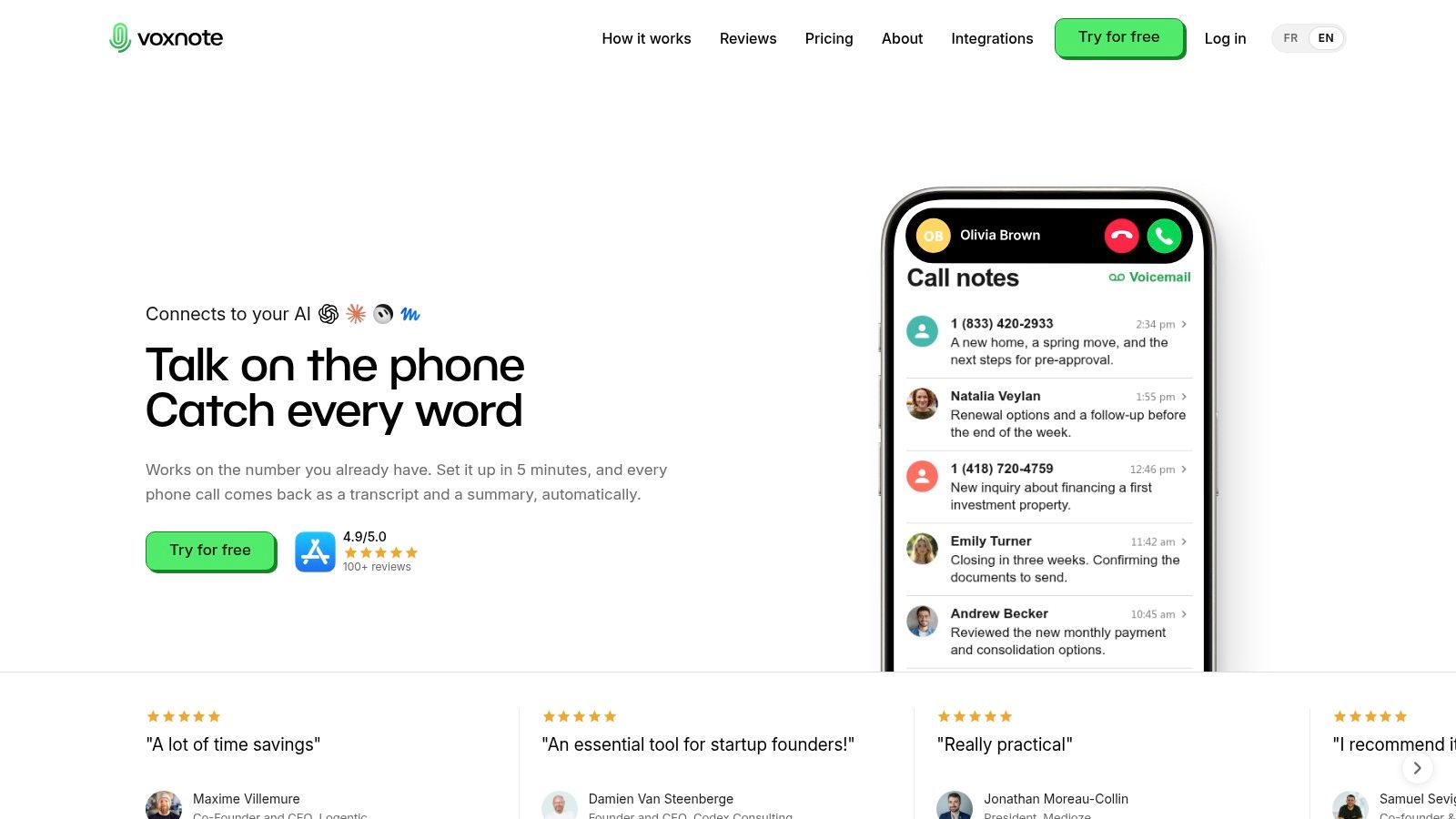
VoxNote is a phone call notetaker for iPhone. After a one-time call-forwarding setup, incoming and outgoing calls are transcribed in the background. Calls still ring on the phone you already carry, clients keep dialing the same number, and there is no second SIM, no conference bot, and nothing for the client to install.
A 2025 Fellow survey of professionals in IT, operations, and business leadership reported that 75% currently use an AI note-taker for work meetings, while 50% of nonusers named privacy and security as the primary reason they haven't adopted one. For mortgage brokers and advisors, automatic notes only help if the client file stays under your control.
What lands after you hang up
Seconds after the call ends, a summary hits the app and your inbox, in a format adapted to the type of call. The transcript arrives with a follow-up email draft built from what was agreed. You review it, fix a name or a premium, then send. Past calls live in the web app at app.voxnote.ai, where figures can be copied into the client file from a computer instead of reconstructed in the car.
VoxNote runs on the iPhone you already carry, works with AirPods and other Bluetooth audio, and switching devices mid-call doesn't interrupt the recording. It works in the car, with no separate recorder to charge. Automatic language detection handles multilingual conversations. Transcripts and summaries are encrypted with AES-256, and the company states they are never sold or shared. The transcription model was trained on real phone calls, including noisy rooms, accents, and phone lines.
Transcripts also connect to Claude, ChatGPT, and other popular AI tools, so those assistants can read the calls and answer questions from them. The phone app adds a Notes tab beside Recents, Contacts, and Keypad, and existing contacts are already there without importing.
Practical rule: Treat every summary as a draft of the file note. Check names, dollar amounts, and dates before anything goes to the client or the CRM.
Who should pay for which plan
Essential is US$16.99 a month or US$159.99 a year, or CA$24.99 a month or CA$239.99 a year, and includes 500 minutes of notes a month. The Team plan fits a book of business bigger than one phone. A team owner invites colleagues and manages their access, call summaries are delivered to the CRM through an integration the VoxNote team builds, and support comes directly from the founders.
- Both directions: Incoming and outgoing calls become a transcript, an organized summary, and a follow-up draft without extra hardware.
- Your number: Clients call the line they already have. Notes show up on the phone, by email, and on the web.
- Fit: I recommend it when most client work is a cellular call rather than a scheduled video meeting. The app is rated 4.9 out of 5 from over 100 reviews. Jason, a broker, calls it "A real time-saver for a broker," and Alex, in sales, calls it a "Life saver for sales."
Android isn't available yet, though Android users can join a waitlist. You still have to follow call-recording and consent rules where you practice. A lawful recording can still make a client hold back if you never explain it.
2. Otter.ai
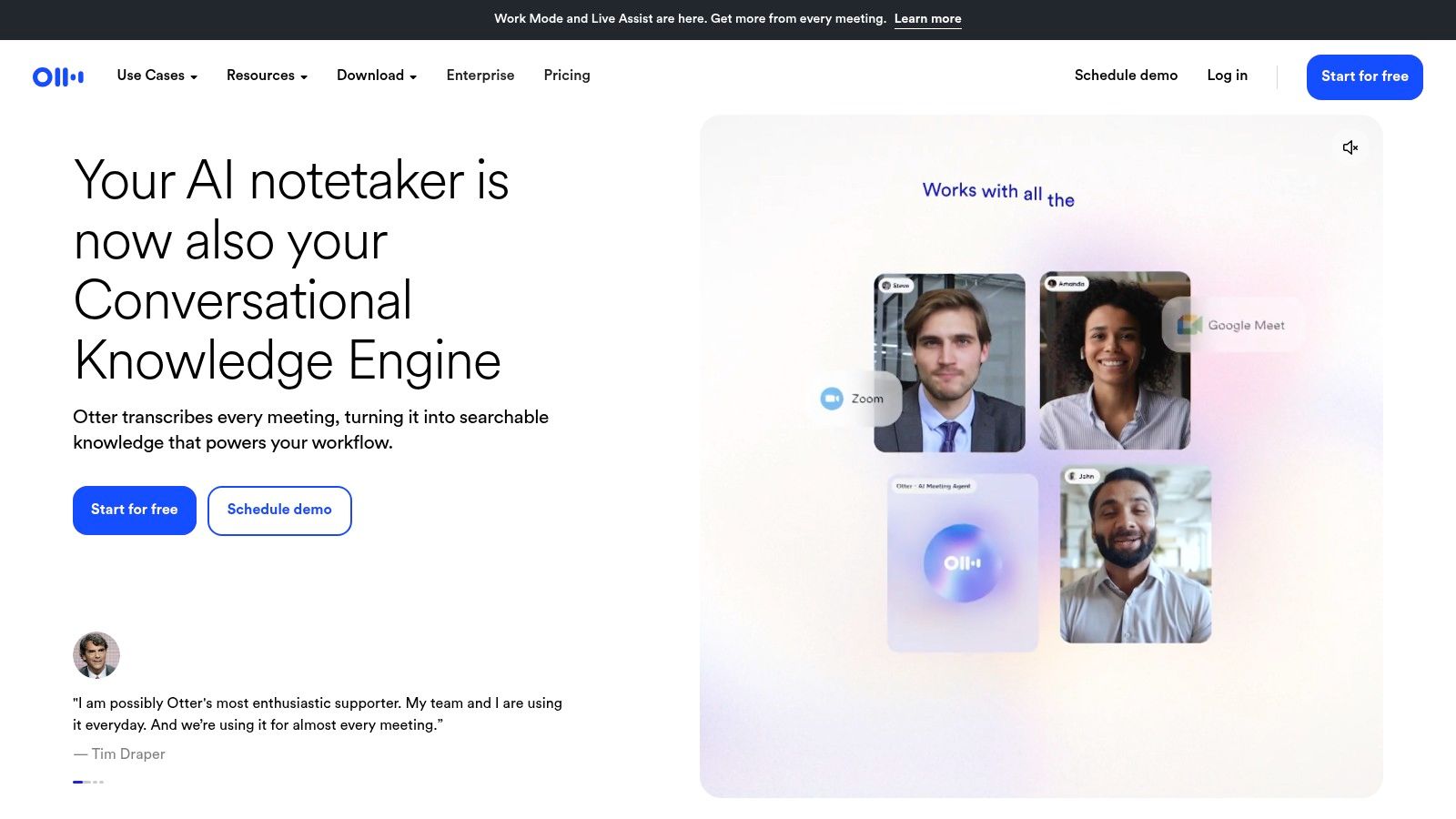
Don't start here if your book of business lives on a cell phone. Otter.ai is a general-purpose transcription and meeting-notes app for individuals and teams. It does live transcription, speaker identification, summaries, searchable conversations, and an AI chat you can question about what was said. The iOS and Android apps also record voice, so interviews and some in-person conversations are in range. It will not automatically document every regular phone call on the number clients already dial.
Test the free tier against your real audio
The Basic plan is free. It lists 300 monthly transcription minutes and three lifetime audio or video imports. Paid plans add exports, advanced search, playback, and business integrations, including Zoom, Microsoft Teams, Google Meet, Salesforce, and HubSpot. That free ceiling is enough to learn the workflow. It is not enough for a broker who takes client calls all week.
MeetingStack's transcription benchmark estimated phone-audio word error rates around 8 to 13%, compared with roughly 3 to 6% for higher-quality videoconference audio. Otter is built for the cleaner side of that split. Reviewers on G2 praise ease of use, and they also report accuracy dropping with background noise or technical terms. Limited language support is a real drawback when a client switches between English and French mid-sentence.
A transcript that's good enough to search can still be wrong on a rate, a name, or a renewal date. Read those lines yourself before the follow-up goes out.
If the work is mostly cellular, read how phone call transcription differs from a meeting import before you build a habit around the free tier. I use Otter as the meeting-room option, not as the system of record for roadside client calls.
3. Fireflies.ai
In 2025, 12% of workplace AI users surveyed by Gallup reported using meeting assistants or transcription tools, according to TMCnet's write-up of that Gallup finding. Fireflies.ai sits near the front of that smaller group. It joins calls, transcribes them, writes summaries, and lets you search meeting history or ask an AI assistant what was said.
Transcription handles a wide range of languages, with real-time notes during the call. Capture runs through a mobile app, a desktop app, or a Chrome extension. Paid plans add video recording, downloads, storage, integrations, and workflows aimed at sales and client-facing teams. There's a free entry point with unlimited transcription, though storage on that tier is capped, so an active team will hit the ceiling. AI-credit terms sit outside the core subscription and can mean extra charges, so read that page before you turn on every automation.
Where Fireflies earns its place:
- Language range: Broad coverage helps teams that aren't English-only, as long as the audio is a meeting rather than a noisy cell call.
- Handoff: Paid integrations can push meeting information into tools you already run.
- Wrong channel: It won't document ordinary calls on an existing mobile number by itself.
For a sales team that lives in scheduled video calls, the search and the assistant are the reason to trial it. For a mortgage broker whose best conversations happen between appointments, the bot never gets invited, so the archive stays empty. If you want the sales-side version of that gap spelled out, read conversation intelligence for sales. Fireflies is a strong meeting assistant. I wouldn't make it the only notetaker for a phone-first book.
4. Fathom
Say your client reviews are booked on Zoom, Google Meet, or Microsoft Teams, and almost none of them are surprise calls to your cell. Fathom is built for that calendar. It records, transcribes, summarizes, and lets you cut clips, build playlists, and search across calls. Everyday cellular calls are outside the core workflow.
The free individual plan includes unlimited recordings and transcriptions. That's the generous part, and it's why I tell solo advisors to try it before paying for a meeting stack. Free users get five advanced AI summaries per month. Other summaries are more limited, so the "unlimited" label doesn't mean every recap is the full version.
What you pay for once the team joins
Paid individual plans add AI action items and a conversational meeting assistant. Team plans add collaboration, with a two-user minimum. Business adds CRM field sync and deal views. Clips matter more than people expect. You can send a 40-second moment to a colleague instead of asking them to replay a 45-minute review.
A University of Strathclyde study on public views of AI note-taking identified confidential or sensitive data protection as the most prominent concern, alongside discomfort with being recorded and fear that recordings could be reused outside their intended context. Fathom's simple meeting focus doesn't remove that. Tell the client the meeting is being captured, and don't assume a bot in the participant list counts as a clear explanation.
I like Fathom for online meetings you can schedule. I don't like it as a stand-in for the call a client makes from the car at 7 p.m.
5. Notta
The free plan is the first thing to read, not the feature grid. Notta lists 120 minutes per month and a three-minute maximum per conversation on that plan. Three minutes won't cover a rate discussion, a policy review, or a discovery call. It's a demo ceiling, not a work week.
Notta records and transcribes live meetings on Zoom, Microsoft Teams, Google Meet, and Webex. It writes AI summaries, identifies speakers, and transcribes audio or video you upload later. That upload path is the practical difference from a pure meeting bot. A voice memo from a kitchen-table appointment can still become text, if you remember to record it and you are on a paid plan with room for the file.
Paid plans add exports, translations, templates, and integrations with tools such as Salesforce, Notion, Slack, and Zapier. Those connections help when the meeting record needs to land in a CRM or a team channel. They don't change the capture gap. Notta doesn't automatically take ordinary phone calls on the mobile number you already publish.
- Two inputs: Live online meetings and files you already have.
- A real free test: Short, and easy to outgrow on the first client call.
- Manual step: If you didn't record it, there's nothing to upload.
Use Notta when your mix is scheduled video plus the occasional file. Don't expect it to notice an incoming call while you're driving.
6. Granola
Some clients flinch when a bot named "Notetaker" joins the room. Granola skips the visible bot and captures device audio on desktop and mobile, then uses the transcript to enhance the notes you were already taking. You can ask questions about a meeting or across meetings, apply templates, and share folders. Multilingual support is part of the product, not an add-on you discover later.
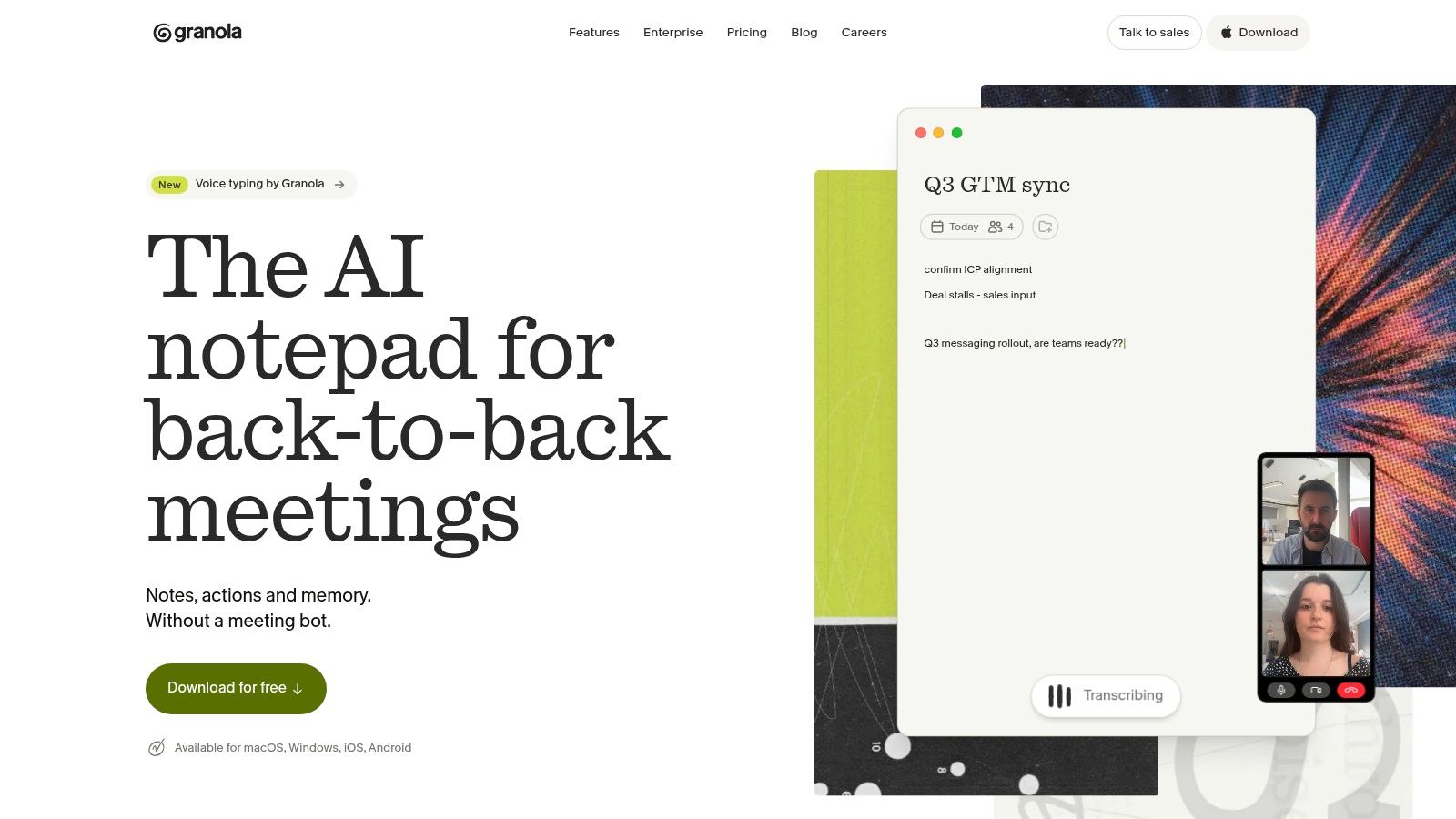
The free plan includes core note-taking, templates, and AI chat. Meeting history on that plan is available for 30 days. Paid plans extend history and add integrations, API access, and administrative controls. If you only need last month's reviews, the free window can work. If a client disputes a commitment from the spring, 30 days is gone.
A hidden recorder is still a recorder. Tell the client when you capture audio, even if no bot shows up in the participant list.
Check device and platform compatibility before you promise the team it will cover every laptop. Granola doesn't automatically transcribe incoming and outgoing cellular calls. A phone-first advisor will still miss the conversations that never became a meeting. For that gap, compare Granola against a call notetaker on a week of real client traffic, not on a single demo meeting.
I recommend Granola for people who already type rough notes in online meetings and want the transcript to fill the holes. I don't recommend it as the only system for a mobile book of business.
7. Krisp
Bad audio makes bad notes. Krisp pairs AI meeting notes with noise cancellation, which is the right problem if your calls happen in offices, cars, and open lobbies. The meeting assistant covers online and in-person notes, transcripts, summaries, and action items. There's a mobile app, and a seven-day free trial.
Krisp also lists outbound phone-call recording, so mobile professionals should look at it. Confirm how that recording works on your specific phone before you retire whatever you use today. Listing a feature isn't the same as capturing both sides of every incoming call on the number printed on your card.
Integrations include Slack, Notion, Zapier, Teams, and HubSpot, which helps a team move notes into systems they already check. The Core plan lists 10 GB of storage. Heavy recording fills that faster than a notes-only tool, so watch it. Signup generally asks you to connect a Google or Outlook calendar. An alternative exists for teams that don't want to share calendar data, and you should use it if client appointment titles are themselves sensitive.
- Cleaner input: Noise cancellation sits next to the notes, not in a separate app you forget to open.
- Mixed settings: Online meetings and in-person capture are both in scope.
- Plan limits: Storage, team tools, and admin controls change by tier. Read the plan you would buy.
I would trial Krisp when background noise is the reason transcripts fail, and when most of the work is still a meeting or an in-person conversation you chose to record. I wouldn't assume it replaces a call workflow on an existing mobile number until you've tested both incoming and outgoing calls on your own device.
How the 7 AI Note-Taking Apps Compare
| App | Capture Method | Free Plan | Best For | Phone Call Support |
|---|---|---|---|---|
| VoxNote | Call forwarding and calls placed through the iPhone app | 7-day free trial | Automatic call notes and follow-ups for client-facing professionals | Yes, incoming and outgoing calls |
| Otter.ai | Live transcription, meeting integrations, or mobile voice recording | Basic plan with limited minutes and imports | Meeting transcription, summaries, and searchable notes | Not designed for automatic phone-call capture |
| Fireflies.ai | Online meeting capture, mobile or desktop apps, or Chrome extension | Free plan with unlimited transcription and limited storage | Searchable meeting notes and conversation analysis | Not designed for ordinary mobile calls |
| Fathom | Recording of Zoom, Google Meet, and Microsoft Teams | Free individual plan with unlimited recordings and transcriptions | Recording and reviewing online meetings | Not designed for everyday cellular calls |
| Notta | Online meeting recording or uploaded audio and video | Free plan with limited minutes and conversation length | Meeting transcription and uploaded recording notes | Does not automatically capture ordinary mobile calls |
| Granola | Bot-free device audio capture | Free plan with core features and 30-day meeting history | Bot-free meeting notes and AI chat | Does not automatically capture cellular calls |
| Krisp | Online or in-person meeting capture; outbound call recording listed | 7-day free trial | Meeting notes combined with noise cancellation | Outbound call recording listed; confirm device compatibility |
Pick the Tool That Matches Where Your Conversations Happen
If your client work lives in Zoom and Teams, start with a free meeting tier. Fathom gives an individual unlimited recordings and transcriptions. Otter.ai lets you test live transcription, search, and summaries before you pay. Both fail when the conversation never becomes an online meeting.
If the conversations that move a file are ordinary phone calls, use a call notetaker built for that job. That's what VoxNote is. A meeting bot can't join a call your client placed to the number on your website.
List your last five professional conversations. Mark each one as a phone call or an online meeting. Trial the app that matches the majority. Most options here offer a free plan or a short trial, so the test costs an afternoon.
A 2025 paper on workplace generative-AI tooling points out that technical capability isn't the only adoption issue. Organizational fit and workflow integration matter, and 47% of respondents in a cited 2024 survey identified lack of user acceptance as a significant challenge. People abandon a notetaker that makes every call feel recorded without a clear reason, or that never hears the call at all.
Match the tool to the channel and stop shopping feature grids. Online meetings point to Fathom or Otter. Phone-first client work points to call capture on the number you already use. If some of your notes start as voice memos rather than live calls, find a recording-to-notes app and compare that habit with automatic call notes before you standardize the team.
If your client work happens on the phone, VoxNote transcribes incoming and outgoing calls on the iPhone number you already use, then gives you a summary and a follow-up draft seconds after you hang up. That is the capture method this comparison is about, not another bot waiting in a Zoom lobby. See how it fits your calls at VoxNote.