

It's 9:14 on a Tuesday and Alex Chen is on the line about mortgage file 1842, asking what a five-year fixed would look like. You can hear the rate, the pay stubs still missing, and the two lender options you just promised. Ten minutes later another client calls, and those details start to swap places in your head.
Logging phone calls is not the same as keeping the audio. A complete log is a fixed set of fields, filled while the call is still fresh, checked before anything reaches a client or a CRM, and recorded only after the consent rule for that caller is met. Handwritten notes are always available. Audio and automatic transcription are not.
I would run every mortgage, insurance, and planning call the same way. Use the same columns, pass a consent gate before any recording, write the decision before the next call starts, check the risky figures by hand, and file the note where Monday's task already lives.
Table of Contents
What Every Client Call Log Should Hold
“Talked about the mortgage” is not a record. On Alex's call the useful lines are specific. The quoted rate is 5.19 percent. Pay stubs are due Friday from the client. You owe two lender options by Monday at 10 a.m. Those three facts belong in the same columns you will use on the next file, not in a paragraph you rewrite from memory.
Open the blank before you dial. Write into it during the call and finish it before you pick up the next one.
| Field | Write this | Why it matters later |
|---|---|---|
| When | Date and start time | Orders the file and shows which advice came first |
| Who | Client name, file or policy number, and each speaker's role | Stops notes attaching to the wrong person |
| Why | One-line purpose of the call | Separates a rate question from a complaint or a renewal |
| Figures | Rates, premiums, amounts, dates and deadlines as spoken | These are the details memory drops first |
| Decision | What was agreed, or that nothing was agreed | Prevents a later “I thought we decided” dispute |
| Commitments | Owner, action and due date for each promise | Turns the call into work someone can do |
| Still owed | Documents or answers not yet in hand | Shows the file is incomplete |
| Next contact | Date, channel and who initiates | Keeps the relationship from stalling |
The same columns on three kinds of calls
On the mortgage call, When is Tuesday 9:14 a.m. Who is Alex Chen, file 1842, client, with you as the broker. Why is a five-year fixed quote, not a complaint. Figures holds 5.19 percent. Decision says nothing is locked until the documents arrive. Commitments splits in two: client sends pay stubs by Friday, and you send two lender options by Monday at 10 a.m. Still owed is those pay stubs. Next contact is your Monday email.
An insurance call uses the same grid with different contents. Premium, beneficiary name, and the form still to sign go in Figures, Who, and Still owed. A planning call puts the contribution amount in Figures, the risk note in Decision, and the review date in Next contact. If a spouse joins, add that person and their role under Who before you hang up. A missing name is how a note lands on the wrong file.
Practical rule: If you can't name the owner and the due date, you don't have a commitment yet. You have a wish.
Keep this field list beside the phone, on a card or as a pinned note. Fill it before the next call starts. A CRM, a notebook, and a follow-up draft can all copy the same eight rows. What doesn't work is a fresh style of note for every client.
Consent Rules Before You Record the Call
Notes you write yourself don't need a recording consent. Audio and automatic transcription do. Match the caller's situation before you turn capture on.
| Situation | Consent bar | What you do |
|---|---|---|
| Client in Canada, firm covered by PIPEDA | State the purpose and get consent; staying on the line after clear notice can imply it | Record only after that notice, then log the fields |
| Client refuses or you can't give notice | No audio consent | Stop capture and write the field list by hand |
| Client in an all-party U.S. state | Every party must agree before audio | Notice first; if anyone declines, notes only |
| One-party U.S. state on your own call | Federal one-party baseline, still pair it with a stated purpose for client work | Prefer the same spoken notice |
| Québec advisor, client physically in California or a similar state | The stricter all-party rule | Don't rely on Canadian one-party permission |
The Office of the Privacy Commissioner of Canada says businesses covered by the Personal Information Protection and Electronic Documents Act (PIPEDA) must comply when they record customer calls, whether the client or the firm placed the call. You need a reasonable purpose, a clear statement of that purpose, and consent. Consent can be implied if the client stays on the line after that notice. Use the recording only for the purpose you named, keep it secure, keep it only as long as you need it, and be ready if the client asks for a copy.
A summary of U.S. recording rules puts the federal baseline at one-party consent, while California, Florida, Illinois, Maryland, Massachusetts, Montana, Nevada, New Hampshire, Pennsylvania, and Washington require all-party consent or a comparable limit. Permission to record your own side of a call doesn't, by itself, make systematic client recording appropriate for commercial files. If you advise across both countries, data privacy enforcement trends from Freeform Company are a useful check on how U.S. duties are being enforced.
Say you're a Québec advisor and the client is physically in California. Follow the stricter all-party rule. Don't lean on a Canadian one-party reading.
A notice you can say out loud
Use one sentence and then pause.
“This is [your name] at [firm]. I may transcribe this call so the file stays accurate and I can send a follow-up. You can say no, and I'll take notes by hand instead.”
If the client refuses, or you can't give that notice, stop audio and keep the eight fields in handwriting. Refusal is a normal path, not a failed call. An app won't announce the recording for you, so this sentence is yours to say. If you capture on an iPhone, how to record a call on an iPhone covers the phone-side setup. The setup doesn't replace the notice.
How to Log a Client Call Before It Fades
Confirm the consent rule before you dial or answer. If it isn't met, skip audio and transcription and stay on handwritten fields.
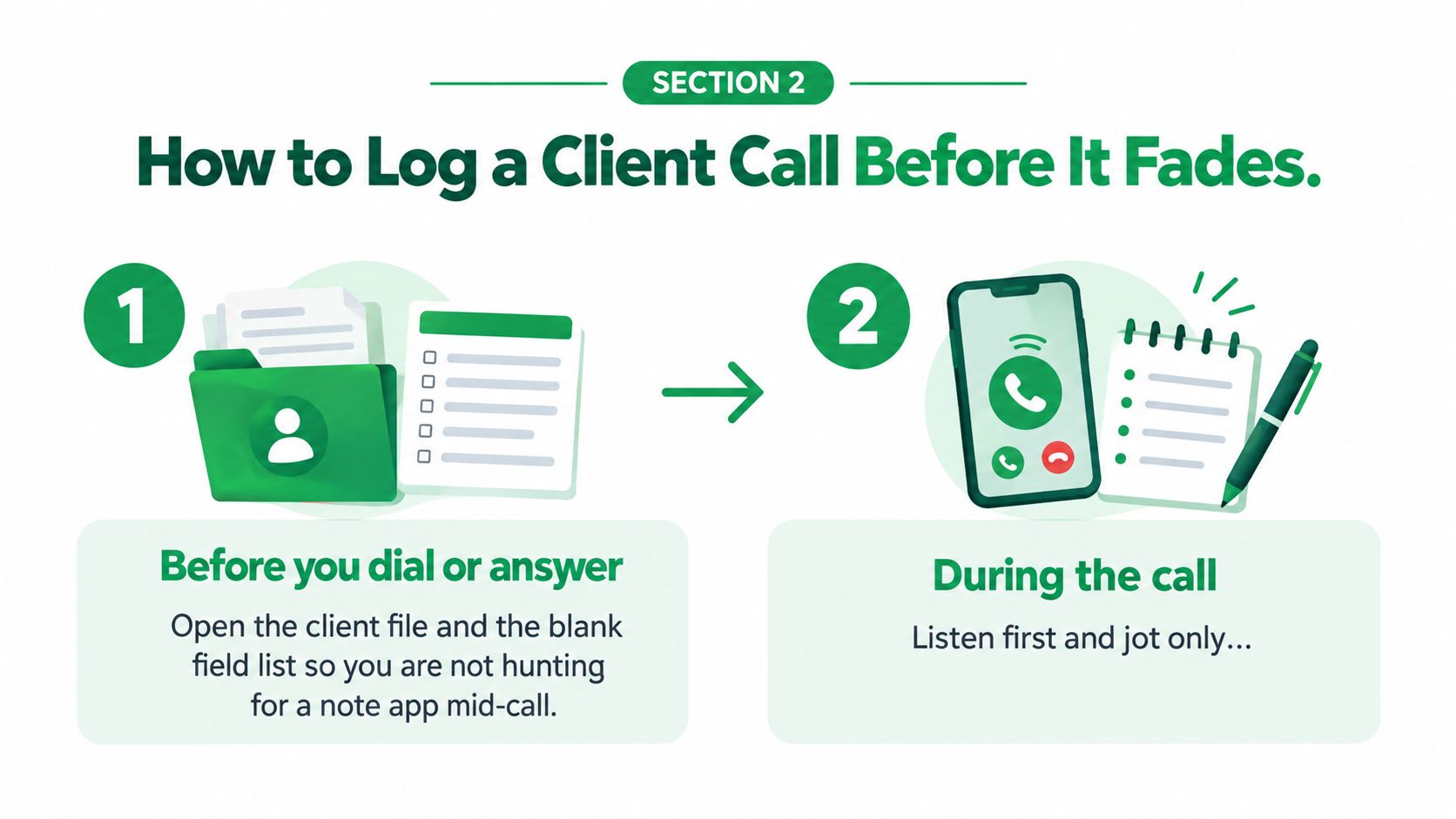
Six moves while the call is still exact
- Open the file first. Before you dial or answer, open the client file and the blank field list. Hunting for a notes app mid-call is how the rate never gets written down.
- Jot only the hard parts. During the call, listen first. Write figures, names, and dates. Don't try to transcribe sentences by hand. You'll miss what the client is deciding.
- Close the decision immediately. The moment the call ends, and before the next one, write the decision and each commitment with an owner and a due date. On Alex's file, 5.19 percent and the Friday pay-stub promise are on the page before a second client calls at 9:40. Rebuilding the call that evening is the common slip, and it's how two rates get swapped.
- Park the transcript underneath. If a transcript or summary arrives, paste it under the note as source material, not as the finished log. A daily phone call summary is easier to trust when each call was logged before the next one started.
- Move the work the same day. Put open actions in the client file or task list you already work from. A promise that stays inside a note doesn't get done.
- Hold the client message. Send nothing until the figure check is finished. A fast email with the wrong rate is worse than a short delay.
A 12-minute call should take about five minutes to log if those fields are already on screen. Longer than that usually means you started from a blank page after the call, not from a list you had open.
The same habit shows up when a matter changes hands. Better documentation for legal case handoffs from Attorney Assistant is a useful parallel. The next person needs the decision and the owner, not a pile of audio.
This short walkthrough shows the same capture rhythm on a live call.
Check Figures and Promises Before They Leave the Note
A faster note is not automatically a safer note. A transcript saves you from replaying the call. It is still a draft, not the client record. In a mortgage, insurance, or investment file, one wrong rate costs more than the few minutes this check takes.
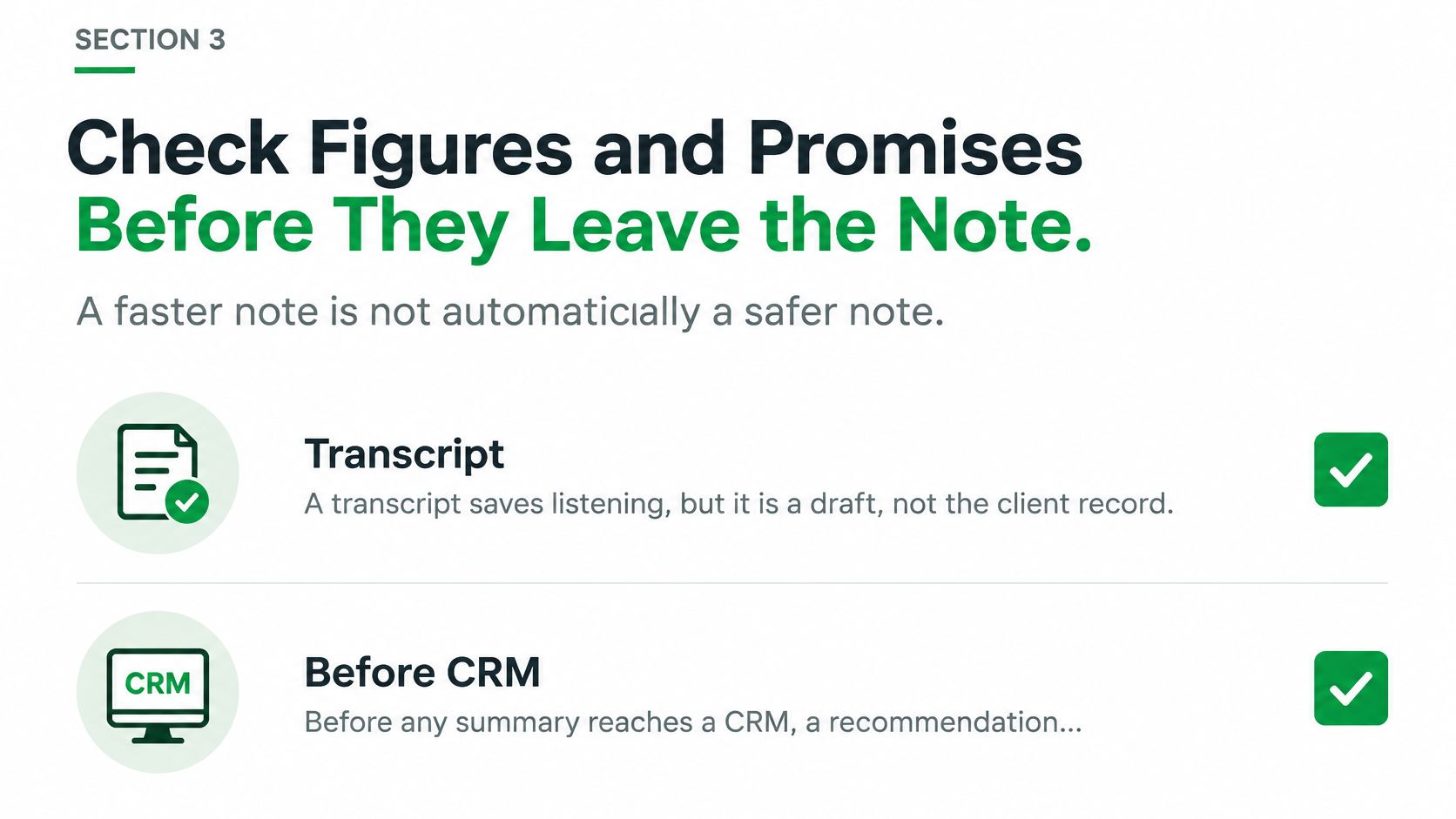
Guidance on consent for AI encounter records makes the same point for Canadian healthcare. Get consent before AI records or transcribes an encounter, and keep the professional responsible for reviewing the output. Treat that as the rule for client work too. Transcription is a draft, not the authority.
Before any summary reaches a CRM, a recommendation, or the client, check these six spots against what was said.
- Dollar amounts and rates. Confirm 5.19 percent didn't become 5.91.
- Dates and deadlines. Friday's pay stubs and Monday's 10 a.m. lender options are easy to slide by a day.
- Names and file or policy numbers. Alex Chen, file 1842, not a similar name in the same folder.
- Product or policy terms. Fixed versus variable, term length, beneficiary, rider.
- Negations. “Not” and “no longer” are the words a transcript drops most often. Read them out loud.
- Who owns the next step. The pay-stub task stays with the client. Don't assign it to yourself because the sentence was unclear.
What to mark and what to keep
Label the summary as machine-generated. Keep the original transcript beside the corrected working note, with a short correction history, so you can see what was heard and what you changed. I would not export to a CRM, and I would not send a follow-up, until those checked figures are confirmed. The client should receive only a message you have read.
If a garbled line matters, call back or write “unconfirmed.” Guessing a rate to keep the file moving is the failure mode this check exists to stop.
Keep the Record Where the Next Task Starts
Monday's test is simple. Open Alex's file and find 5.19 percent, the Friday pay stubs, and your 10 a.m. email without replaying anything. If you can't, the log is in the wrong place.
Put each copy where its work continues. The checked summary goes in the client file or CRM, because that's where figures and the decision get read. Each commitment becomes a task with an owner and a due date. The follow-up you sent stays in email, because that's the message the client can reply to. File it the same day. Waiting for a perfect filing system is how the note never lands.
| Artifact | Where it lives | How long it is kept |
|---|---|---|
| Call recording | Secure storage | Deleted 30 days after the call |
| Ordinary call audio | Processing only | Deleted once the transcript is saved |
| Transcript, summary, tasks and call metadata | Client file, CRM or task list | Kept up to 36 months unless deleted sooner or law requires longer |
| Sent follow-up email | Your mailbox | Until you delete it, or your mail host's retention removes it |
Audio is the bulky, sensitive copy. The working record is the transcript, the summary, and the tasks. On our side, phone call recordings are stored securely and then completely deleted and destroyed after 30 days. Ordinary call audio is deleted after the transcription is saved, normally shortly after processing. Call metadata, transcripts, summaries, and related tasks are kept for up to 36 months from the call, unless you delete them sooner or the law requires longer.
One home, then one real call
If a client asks for access, you need to know which copies still exist. A shared call can be visible to other VoxNote users who were on that call, so don't treat a team inbox as private scratch paper. We capture incoming and outgoing calls on the number clients already dial, which means the draft can start without a second business line. You still choose one home for the finished log.
Pin the eight-field list beside the phone. Use the spoken notice whenever audio or transcription is on. A CRM integration only helps after the note is checked. Trade businesses that miss the phone entirely often look at AI receptionist options for plumbers from Mercateer. You still need a checked note for the calls you do take.
Your first action is one real call today. Confirm whether recording is allowed, fill the fields, correct any rate or date, file the note where Monday's task will sit, and only then send the follow-up.
VoxNote transcribes incoming and outgoing calls on the number your clients already use, then emails a summary and a follow-up draft seconds after you hang up. You still review the figures, the names, and the promises before anything reaches a client or a CRM. If you want that draft waiting in the inbox you already check, start with VoxNote.