You've just finished a client call between appointments. The client mentioned a revised budget, promised to send documents, and asked you to confirm the next step. Now you're staring at scattered notes, trying to write a follow-up without mixing up what was discussed with what was agreed.
That's a good reason to compare JustCall alternatives. A different dialer won't necessarily solve missing details, messy client records, or slow follow-ups. You need a calling setup that fits how you work, captures useful information, and helps you turn the conversation into something you can review and send.
For a mortgage broker, that might mean documenting calls on an established mobile number. For a support team, it might mean shared conversation histories and reliable CRM updates. Teams that mainly need transfers and queues should also compare business phone apps for call routing, rather than choosing on transcription alone.
Practical rule: Separate the need for a new phone system from the need for better call documentation. They aren't the same purchase.
Start with VoxNote if your existing mobile number is central to your client relationships. Put Quo on your shortlist for shared team conversations, Dialpad for integrated transcription, and Aircall for sales and support workflows built around a CRM. The remaining options make sense when you need broader communications, more routing control, or contact-center capabilities.
Table of Contents
1. VoxNote
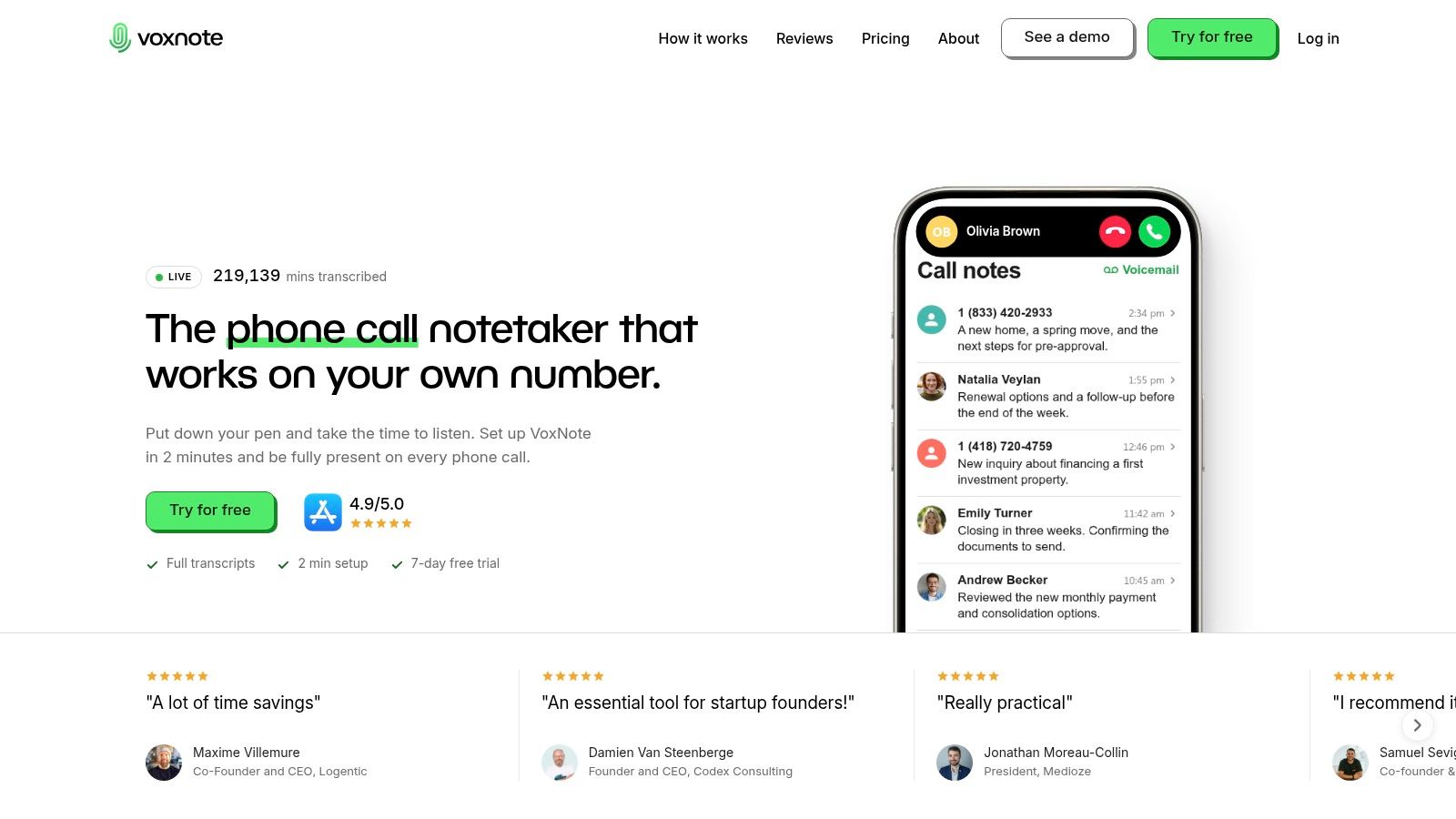
VoxNote is the pick for solo professionals and small advisory practices whose client relationships live on an established mobile number. Unlike the dialers further down this list, it doesn't replace your phone setup. It sits on top of it.
VoxNote's call documentation service connects to your existing number through call forwarding, then captures incoming and outgoing conversations. Each call produces a transcript, an organized summary, and a follow-up email draft you can edit before sending. Clients keep dialing the number they know. Nothing for them to install, no notetaker sitting in on the call.
Judge the output, not the feature list
Test this tool on a real client conversation, and check two things separately.
First, the summary. For a mortgage broker or insurance advisor, it needs to preserve amounts, requested documents, commitments, and next steps. Second, the email draft. A clean recap means little if the follow-up turns a tentative discussion into a firm promise. Review both before anything leaves your outbox.
- Existing-number workflow: Documents calls on the number clients already use, rather than issuing a new business line.
- Access: Summaries arrive by email, and browser access lets you pull transcripts into client files from a computer.
- Team option: The Pro plan adds colleague access and CRM-summary integrations built by the VoxNote team.
- Main limitation: iPhone only, so Android users need a different choice on this list.
The service supports automatic language detection for multilingual conversations and states encryption and data-handling protections on its site. Weigh those against your own retention and consent obligations, especially for financial or health-related calls.
The daily phone call summary workflow shows what a day of documented calls looks like in practice. Choose VoxNote when the gap is recording, recalling, and following up on mobile calls. If you need queues, routing, and shared inboxes, keep reading.
2. Quo (formerly OpenPhone)
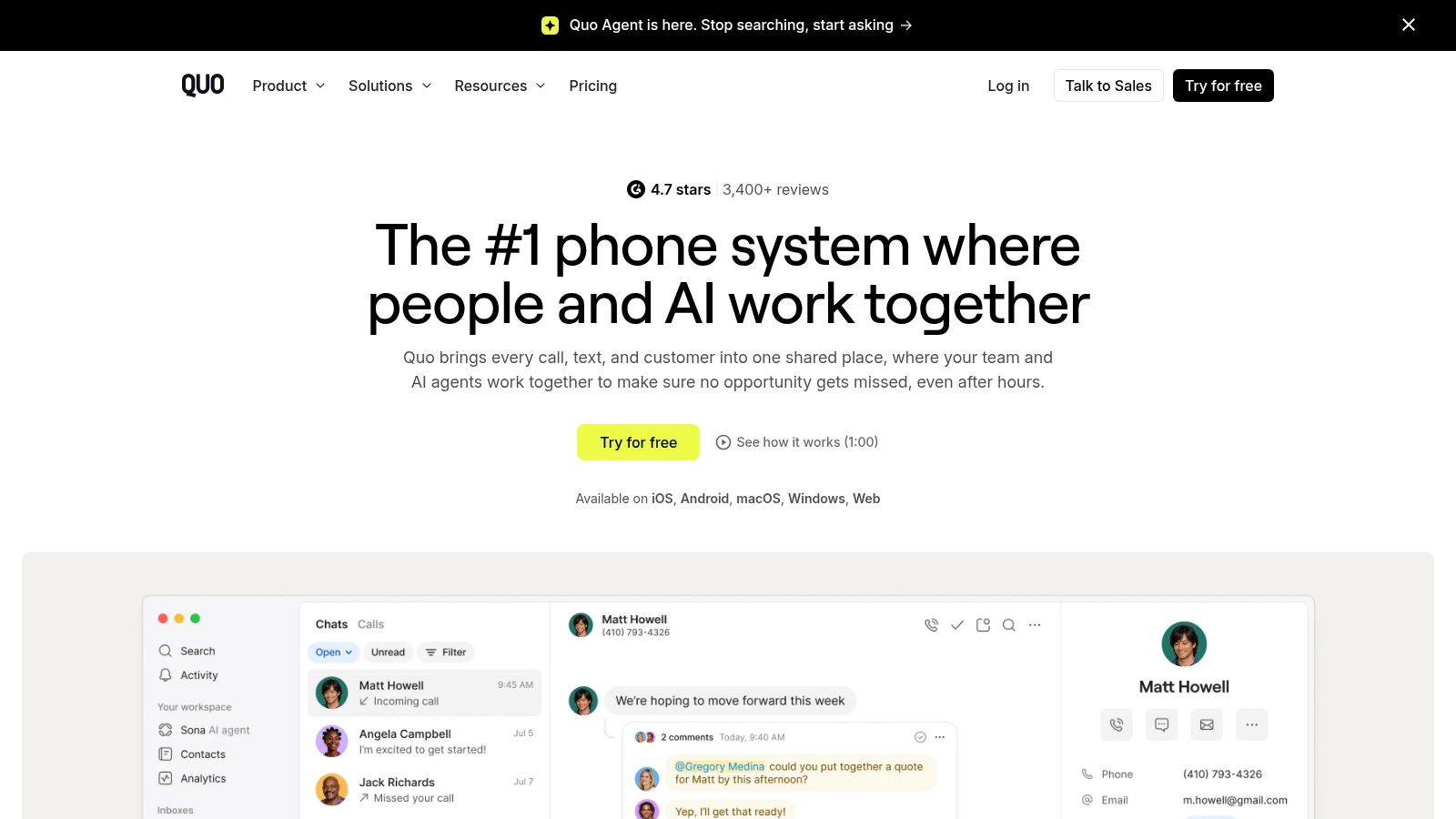
A client texts your office, speaks to a colleague, and calls back while that colleague is unavailable. Quo belongs on your shortlist when the next person needs the conversation history, not just a ringing phone.
Quo's business phone platform brings calling, messaging, recordings, and team conversation context into an app-based service. Its Business plan lists AI-generated summaries and timestamped transcripts, with call notes currently available in English.
Better shared context, a different calling setup
Quo uses its own business phone service. Don't confuse that with automatically documenting calls made through any existing personal carrier line.
Keeping a familiar number and keeping the same calling arrangement are separate decisions. Before switching, ask how your number would move into the service and which calls would appear in the shared history.
- Best fit: Small teams that need shared numbers and visibility into customer conversations.
- Notes advantage: Timestamped transcripts let teammates inspect the conversation behind a summary.
- Trade-off: AI notes require the appropriate plan, and the stated English-language limitation matters for bilingual teams.
For follow-up, test a real handoff. Have a colleague read the summary and draft a response without asking the original caller what happened.
Choose Quo when shared ownership matters more than preserving a personal mobile workflow. If nobody else needs access to the conversation, its team-phone approach may solve more than you need.
3. Dialpad
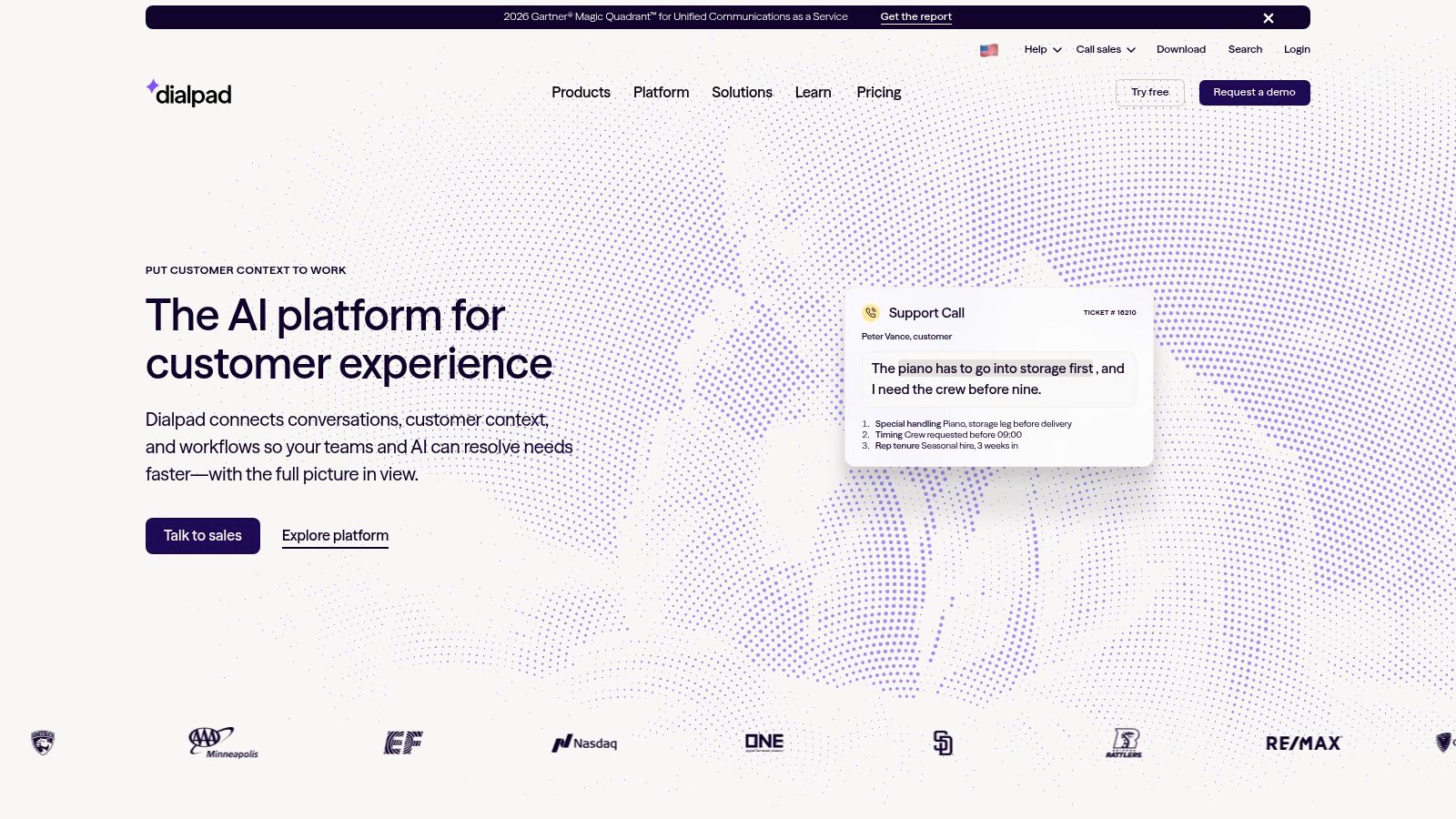
A client corrects a date halfway through the call, adds a condition, then asks for a callback Thursday. Run exactly that conversation through Dialpad during your trial, because it is the fastest way to see whether the AI holds up on a messy exchange.
Dialpad's communications platform offers real-time call transcription, voicemail transcription, and AI Recaps covering summaries, decisions, and action items. Staff can work from mobile, desktop, or browser, so access is rarely the constraint.
Judge the recap, not the transcript
A polished transcript can still produce a summary that flattens what was agreed. The test that matters is whether the recap separates the client's request from the action your team committed to, and whether it keeps the correction and the condition intact.
A summary that sounds confident isn't necessarily a reliable client record. Compare it with the transcript before acting on it.
Dialpad documents calls placed through Dialpad. Teams that want notes on conversations running through an existing carrier line need a different setup entirely.
CRM integrations and routing depth depend on the plan you select. While reviewing phone call monitoring options, decide who gets transcript access and what they are permitted to do with it.
Dialpad earns its place when integrated calling and AI notes justify moving your number onto the platform. Verify the CRM connection on your chosen plan, and confirm whether action items become assigned tasks or stay as text someone has to retype.
4. Zoom Phone
Already using Zoom Workplace? Evaluate Zoom Phone before introducing another communications platform. Keeping phone conversations near the tools staff already use is a sensible purchasing priority, provided the calling and documentation features meet your needs.
Zoom Phone offers AI-generated call summaries and next steps, with availability dependent on account eligibility, settings, and region. Calls need to run through Zoom Phone, so this is a phone-service decision rather than an overlay for arbitrary mobile calls.
Useful recaps need an owner
Zoom's summary workflow includes options to edit, copy, share, or use summaries to create tasks. That makes it relevant to teams that want a call recap to feed subsequent work.
The operational question is who reviews that recap. Don't let a shared summary become an unverified instruction just because it appears inside a familiar platform.
- Best fit: Teams already organizing meetings and collaboration around Zoom.
- Follow-up strength: Editable summaries and next steps provide material for tasks and client responses.
- Buying condition: Have an administrator demonstrate the feature on the account and package you plan to use.
Test an incoming client call and an outgoing follow-up. Confirm where each summary appears, who can access it, and how a colleague retrieves the original context.
Choose Zoom Phone when consolidation is the priority. Skip it if your main requirement is documenting calls on an established carrier line without moving those calls into another phone service.
5. RingCentral RingEX
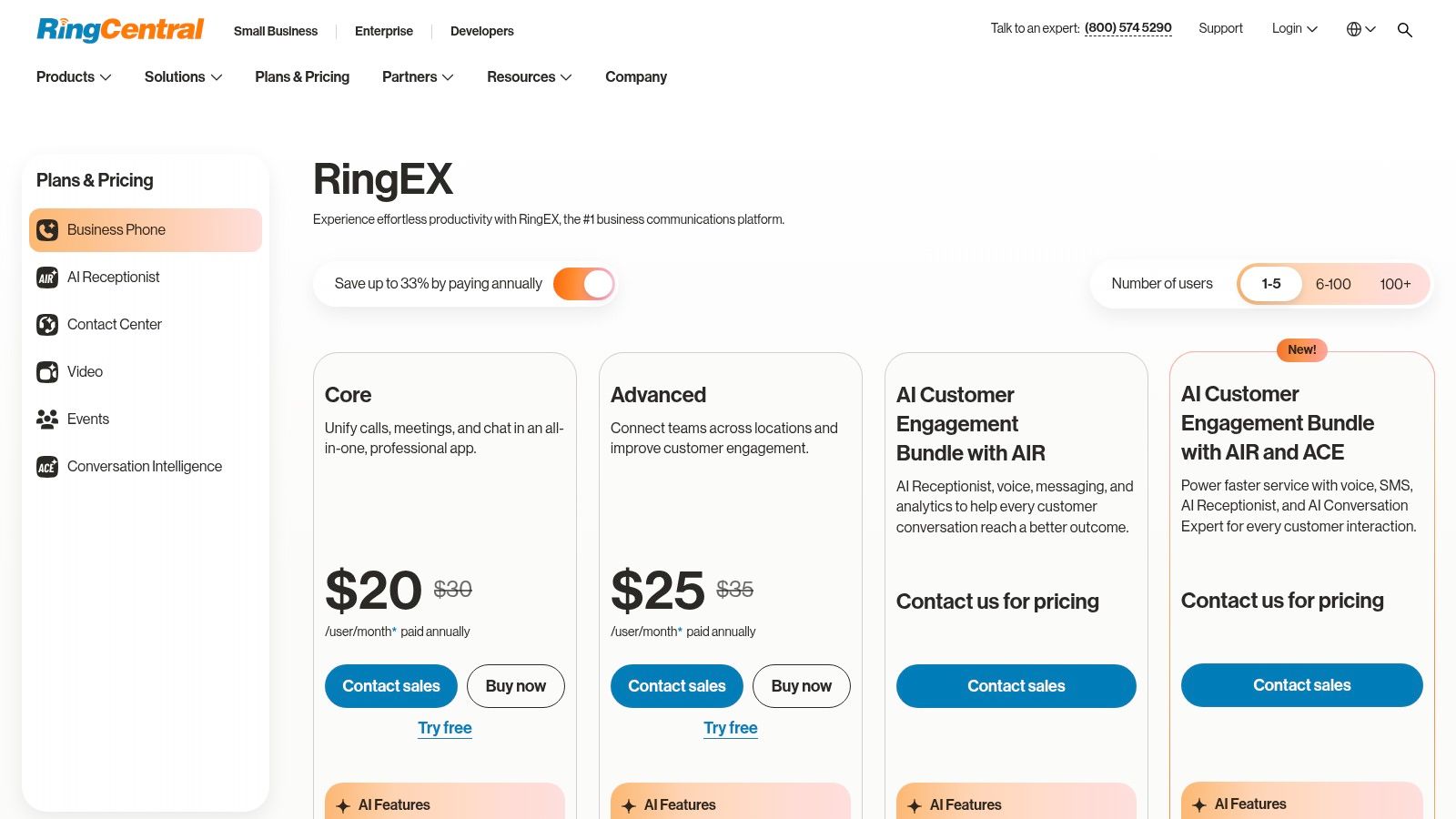
RingCentral RingEX makes sense when management wants calling, messaging, and meetings under a broader communications system. It's not my first recommendation for a solo advisor whose only complaint is writing notes after calls.
RingCentral's RingEX plans combine business communications features with recording options and separately presented AI products. The important distinction is between having a recording and having the transcription, analysis, or summary workflow your staff need.
Separate the phone purchase from the AI purchase
Ask for a demonstration using the proposed license combination. A presentation of RingCentral's wider product family doesn't establish what comes with your RingEX subscription.
Require the salesperson to show a completed call, its written record, the summary, and the route into your CRM. If conversation intelligence is separate, have it itemized in the proposal.
- Reason to choose it: You need a broad communications platform with centralized team administration.
- Reason to pause: Add-ons can make the purchase harder to compare with a focused call-notetaking service.
- Follow-up test: Confirm whether staff receive usable next steps or must extract them from recordings themselves.
Also clarify number migration and mobile calling behavior. Don't assume a business phone application will document conversations made outside that service.
Choose RingEX for organizational breadth. For an individual professional, buy it only if the wider communications capabilities justify the additional setup and administration.
6. Aircall
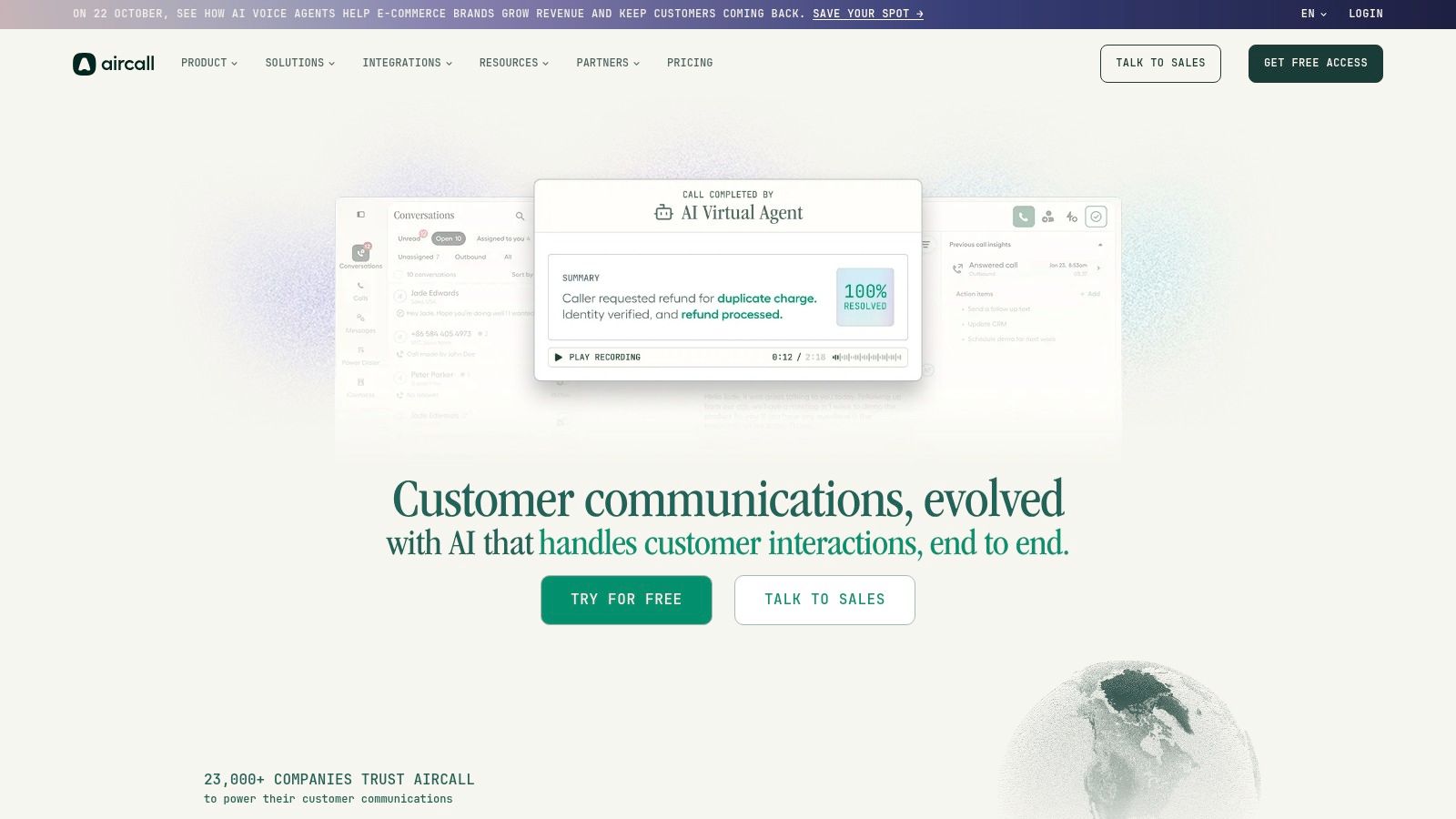
A sales manager at a 15-person support team runs the same test I recommend: place a call, hang up, and check what lands in the CRM. Aircall performs well in that test, which is why it's the phone system I'd put at the top of the evaluation list for sales or support teams whose calls need to become CRM activity.
Aircall's cloud phone system includes recording and AI transcription, with summaries and conversation insights tied to its Professional tier. Get the exact feature package confirmed in writing before comparing pricing, since the entry plan may not include every AI capability shown in a demo.
Judge the record that reaches the CRM
A transcript sitting inside a phone dashboard doesn't finish the job. The colleague who picks up the next interaction needs context inside the customer record itself.
During a trial, check three things: the call activity lands on the correct contact, the summary reads clearly without opening the recording, and requested actions survive the transfer. Include a caller whose number doesn't cleanly match an existing contact, since that's where sync tools tend to fail.
- Operational fit: Sales and support teams using routing, shared call handling, and CRM or help-desk integrations.
- Documentation fit: Recording, transcription, and higher-plan conversation insights inside the phone workflow.
- Trade-off: License minimums and feature packaging make this a team purchase rather than a solo-advisor choice.
Aircall means adopting a new calling environment. Your team places and receives calls inside it, which is a bigger commitment than a tool that documents conversations on your existing mobile number. The Aircall alternatives comparison lays out that distinction if you're still deciding between the two approaches.
Choose Aircall when CRM handoffs drive daily operations, and verify those handoffs on a live trial before migrating numbers.
7. CloudTalk
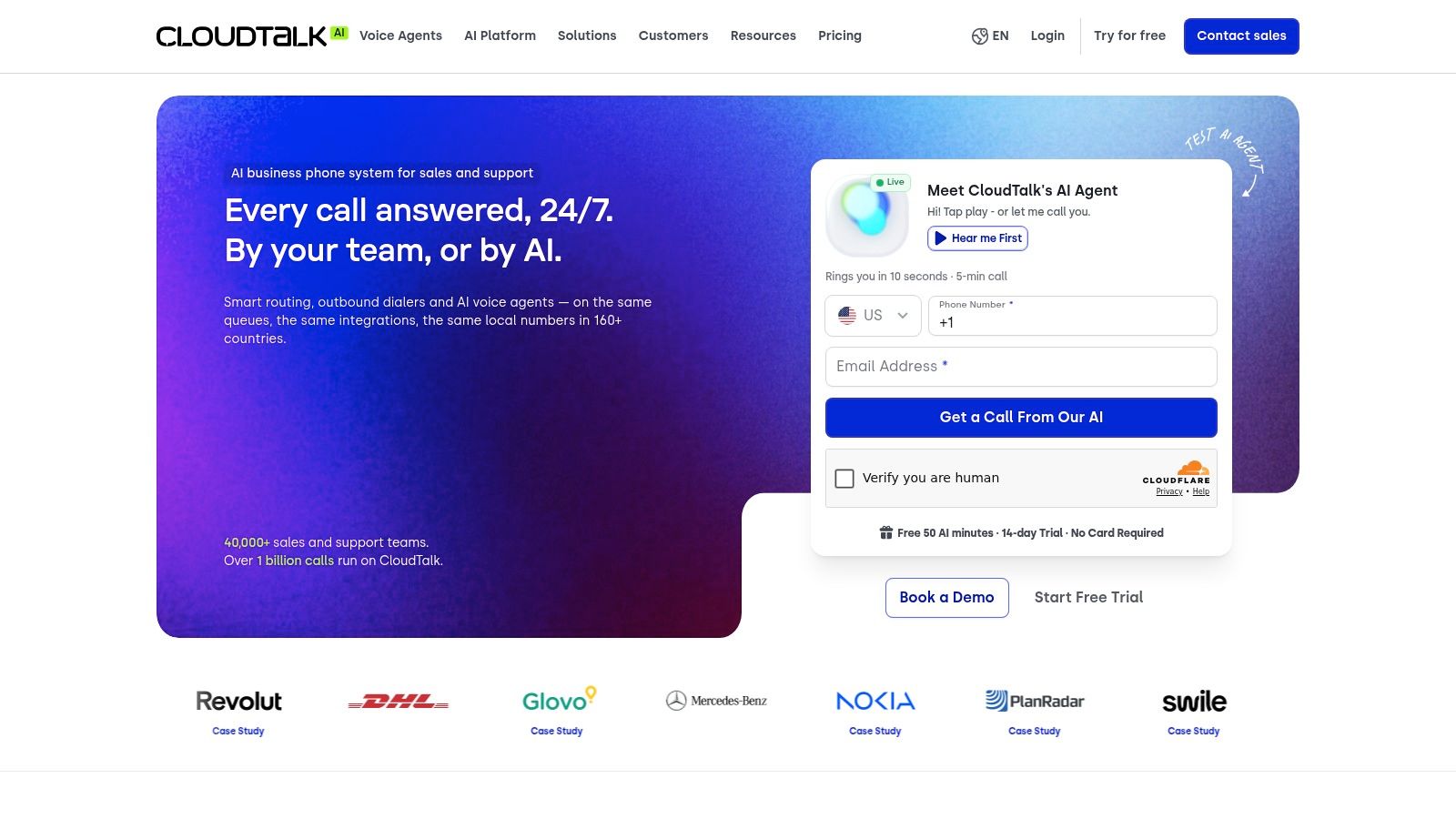
If your team needs international numbers, routing, and managed sales or support calling, CloudTalk deserves a trial. If you want only a reliable record of conversations on your mobile number, start with a more focused option.
CloudTalk's phone and contact-center platform offers recording, call-management tools, international number availability, and CRM integrations. AI transcription and conversation-analysis capabilities depend on the plan or add-ons.
Make the AI package explicit
Don't approve the base phone subscription while leaving documentation for later. Ask which package includes searchable transcripts, useful summaries, and the integration your team relies on.
Then test the full sequence, not just the call screen. Staff should be able to find the interaction, understand what happened, and prepare the next response without replaying the entire conversation.
Buying condition: Get the exact transcription and summary entitlement written into the proposal before comparing total cost.
CloudTalk's contact-center orientation is a benefit when supervisors need structured calling operations. It's unnecessary overhead when an independent advisor mainly needs amounts, commitments, and follow-up notes.
For existing numbers, establish whether the proposed setup involves porting, forwarding, or another arrangement. Number familiarity doesn't prove that your current calling behavior will remain unchanged.
Choose CloudTalk for managed calling operations and international requirements. Make transcription and post-call access part of the acceptance test, not an optional demonstration after the contract is signed.
8. Nextiva
Nextiva belongs on the shortlist when your team wants to consolidate customer communications. It's less compelling when the brief is narrowly focused on transcripts and follow-up drafts.
Nextiva's business communications plans cover business voice alongside messaging and other communication tools. AI transcription and summaries depend on the selected plan or product, so don't evaluate them against a headline entry-level subscription alone.
Buy the workflow your staff will use
Ask the provider to demonstrate the same client interaction from call arrival through documentation. Where does the transcript appear, how does the advisor find it, and what can be sent into the client record?
Follow-up requires another check. A summary may provide useful background without producing an editable client email, so establish how much writing remains with your staff.
- Strongest use case: A team replacing disconnected communication tools with a broader platform.
- Main limitation: AI capabilities aren't uniform across the product range.
- Contract priority: Confirm the commitment, integrations, and implementation requirements attached to the quoted package.
Test mobile access with the people who work away from their desks. An office demonstration won't answer whether a field representative can quickly retrieve a previous commitment before calling a client back.
Choose Nextiva for communications consolidation. If call documentation is the only problem, compare the proposed package against a focused service before buying the broader system.
9. 8x8
A distributed organization needs more than a personal call log. 8x8 is worth evaluating when centralized administration, integrations, and expansion into contact-center workflows are genuine requirements.
8x8's business phone offering sits within a broader communications portfolio that includes conversation-intelligence and contact-center capabilities. Mobile and desktop access support different working arrangements, but AI availability depends on the product and license.
Require a complete demonstration
The danger in a broad product portfolio is assuming that everything demonstrated belongs to the same subscription. Request a proposal that maps each required outcome to its product and license.
That should cover transcription, summaries, access permissions, and CRM delivery. If the team also needs follow-up drafts, ask to see that specific capability rather than accepting action-item extraction as a substitute.
- Best fit: Organizations coordinating distributed teams and centralized communications administration.
- Commercial trade-off: Pricing requires a sales conversation, making early comparison less straightforward.
- Documentation priority: Establish exactly which users can generate, review, export, and delete call records.
Run a handoff between departments during evaluation. The receiving colleague should be able to identify the client's request and the next action without relying on the original employee's memory.
Choose 8x8 for organizational requirements, not because its wider portfolio sounds reassuring. A solo broker or field salesperson should demand a clear reason to accept that purchasing and licensing complexity.
10. GoTo Connect
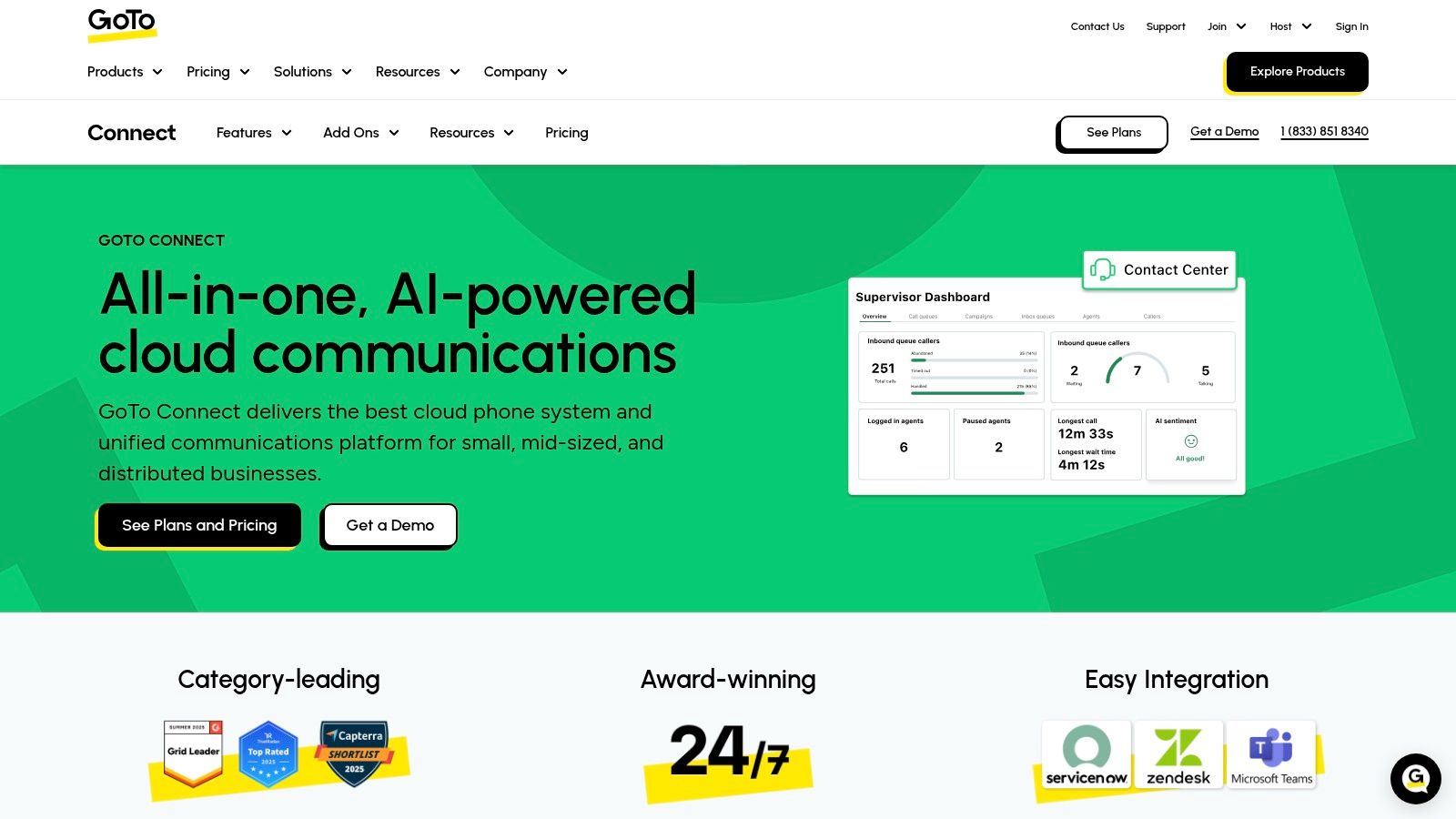
GoTo Connect suits teams that need business telephony now and customer-experience capabilities as part of the same evaluation. Its call-flow tools make it relevant when getting a caller to the right person matters as much as documenting the conversation.
GoTo Connect's product offering describes AI-powered call summaries, while its customer-experience offering describes summaries and transcriptions. Confirm which package supplies each feature before treating them as a combined workflow.
Summaries and transcripts serve different jobs
A summary helps a colleague get oriented. A transcript lets that colleague inspect the wording behind a disputed detail, an unclear instruction, or a conditional commitment.
For financial professionals, insist on access to the underlying record when summaries will inform client work. Don't accept a polished recap as a substitute for reviewable conversation detail.
- Choose it for: Business call flows, routing, and a path toward broader customer-experience tools.
- Verify first: The package containing transcription, AI summaries, and the reporting you need.
- Watch the scope: A broader platform can be excessive for an advisor who only wants mobile call documentation.
Ask sales to demonstrate an incoming call, its summary, and the transcript retrieval process using the proposed package. Then have a staff member prepare a follow-up from that record.
Choose GoTo Connect when telephony management is a core requirement. If routing isn't part of the problem, prioritize the quality and convenience of documentation instead.
Top 10 JustCall Alternatives: Feature Comparison
| Service | Core call setup | AI notes & workflow | Best for | Starting price (USD) | Key limitation |
|---|---|---|---|---|---|
| 🏆 VoxNote | ✨ Captures incoming and outgoing calls on your existing iPhone number | ★ Transcripts, summaries, follow-up email drafts; 32 languages | 👥 Client-facing professionals who want call notes without changing phone service | 💰 Essential: $16.67/user/month annually; Pro: $29.17 | iPhone only; Essential includes 500 note minutes/month |
| Quo (formerly OpenPhone) | Business phone service with shared numbers | Summaries and timestamped transcripts on Business; English only | 👥 Small teams needing shared call context | 💰 From $15/user/month; AI notes on Business at $23 | Requires Quo phone service; AI notes need Business |
| Dialpad | Cloud phone service across mobile, desktop, and browser | Real-time transcripts, AI recaps, decisions, and action items | 👥 Professionals and teams wanting an integrated phone platform | 💰 From $15/user/month | Calls must use Dialpad; features vary by plan |
| Zoom Phone | Cloud phone service integrated with Zoom | AI summaries and next steps, subject to eligibility and settings | 👥 Teams already using Zoom Workplace | 💰 $10.50 metered or $16 unlimited/user/month annually | Calls must use Zoom Phone; AI availability varies |
| RingCentral RingEX | Business calling, messaging, and meetings | AI conversation intelligence available separately or on compatible plans | 👥 Teams seeking a broad communications platform | 💰 Core from $20/user/month annually; AI from $60 | AI may add cost; pricing basis and eligibility should be confirmed |
| Aircall | Cloud phone system with routing and integrations | Transcripts; summaries and insights on Professional | 👥 Sales and support teams | 💰 Essentials $30; Professional $50/license/month | Three-license minimum; AI summaries not on Essentials |
| CloudTalk | Cloud phone and contact-center tools with routing | Transcription and analysis depend on plan or add-on | 👥 Sales and support teams with dialing needs | 💰 From $25/user/month annually | AI availability and pricing vary by plan and add-ons |
| Nextiva | Business voice, messaging, video, and routing | AI transcription and summaries on selected plans or products | 👥 Teams wanting unified communications | 💰 Core from $15; Engage from $25/user/month annually | AI features vary by plan; annual commitment applies |
| 8x8 | Business calling, collaboration, and contact-center products | Conversation intelligence available on applicable products | 👥 Organizations needing scalable communications | 💰 Contact sales | Pricing and AI availability depend on product and license |
| GoTo Connect | Business telephony with routing and customer-experience products | AI summaries and transcriptions vary by package | 👥 Teams expanding toward contact-center workflows | 💰 Contact sales | Pricing and feature set depend on package or add-ons |
How to Choose the Right Fit for Your Workflow
A consultant ends the day with six client calls on her iPhone and writes up notes from memory at midnight. A five-person support team shares one inbound queue and needs searchable records for every conversation. Both want better call documentation. They need different tools.
Decide the calling arrangement before comparing AI features. If clients already reach you on an established number and you want to keep that setup, choose a tool that documents calls on your existing line, like VoxNote as noted earlier. If teammates need shared numbers, transfers, queues, or a central conversation history, you need a business phone platform. Ask each vendor whether you will port your number, forward it, or dial through a new app, and confirm which calls the service captures.
Test the work after the call
Run real conversations through each trial rather than a polished vendor demo. Include an inbound call, an outbound call, an interruption, a corrected amount, and a client who never commits to anything. Then judge the output against the work your staff finish after hanging up:
- Transcript: can you find the exact wording behind a disputed detail?
- Summary: does it keep amounts, decisions, requested documents, and open questions?
- Follow-up draft: can you send an accurate reply without replaying the recording?
- CRM record: does the note land on the right client and stay visible to the right colleagues?
- Language support: does it handle your actual calls, including mid-conversation language switching?
A tool that fails two of these checks is out.
A summary and a follow-up draft do different jobs. The summary describes the call. The draft has to address the client without inventing promises or treating tentative ideas as decisions. Reject any service whose drafts need heavy editing every time.
Confirm consent, access, and total cost
Before rollout, establish how callers are notified and how consent is documented. Canadian commercial privacy rules generally call for notification, an explanation of purpose, and meaningful consent. U.S. requirements vary by state, as outlined in this recording consent and caller notification guidance. Have your compliance adviser confirm which rules apply to your practice.
Ask where records are stored, who can access them, how long they stay available, and how deletion requests work. Encryption claims answer only part of that.
Call documentation and call answering are separate purchases. If missed inbound calls are the actual problem, a virtual receptionist for home service businesses sits in a different buying category.
Run a trial, then standardize the workflow that passes. Confirm the full price for your seats, the AI features you need, integrations, and contract length before moving numbers or cancelling your current service. Assign one person to review summaries and approve follow-ups. The tool should support professional judgment, never replace it.
VoxNote turns calls on your existing iPhone number into transcripts, organized summaries, and editable follow-up drafts. If client details and post-call admin keep slipping through your current setup, test it with your everyday calling workflow.