Explore 10 pocket alternatives for read-it-later, offline reading, media saving, bookmarking, and self-hosted libraries, with pricing and device details.
You save an article between client calls, collect a research PDF before a meeting, and put aside a travel guide for the flight. Later, you want those pages on your phone, without distractions or a search through browser history. Pocket is gone, but that reading habit still deserves a dependable home.
The best Pocket alternative depends on what you do after saving. A clean reading queue suits someone finishing articles on the train. A searchable bookmark library suits an advisor collecting reference material, while a self-hosted archive suits someone willing to manage storage and backups.
Don't choose a research workspace just because it has more features. Choose the simplest tool that handles your articles, documents, newsletters, or media on the devices you use.
Before migrating: Find any Pocket export you already downloaded and keep an unchanged backup. Don't assume a replacement can recover content from a closed account.
The options below cover distraction-free reading, research and media queues, organized bookmark libraries, self-hosted archives, and lightweight browser workflows. Compare the ongoing cost and setup effort alongside the reading experience. An attractive app isn't a good replacement if you can't retrieve your material later.
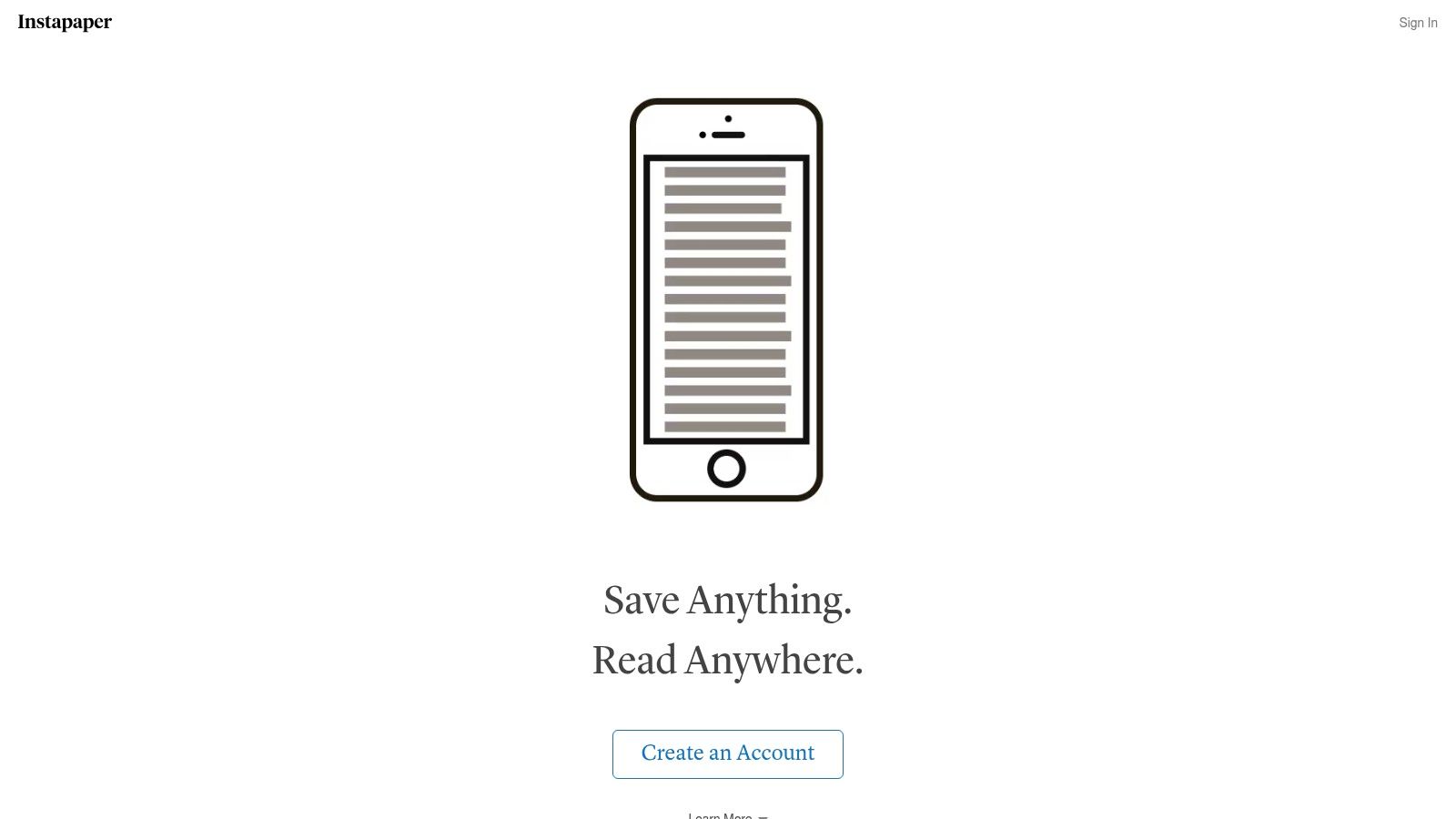
Choose Instapaper for the closest match to a straightforward read-later queue. It makes sense when your routine is simple: save an article during work, then finish it when you have time.
Instapaper offers article saving, a cleaner reading view, offline reading, highlights, notes, and sharing. Its device options include iPhone, iPad, Android, desktop access, and supported e-reader workflows involving Kindle, Kobo, and Boox. A free account provides an entry point, while Premium adds tools including full-text search, permanent archiving, PDF features, Kindle digests, and text-to-speech playlists.
For travel, prioritize the actual offline experience over the feature list. Save representative articles, let them synchronize, and open them without a connection before leaving home. Check images and longer pages, not just the opening paragraphs.
The trade-off is focus. Instapaper is a clearer recommendation for reading than for managing a broad library of project resources.
For professionals, keep reference reading separate from client records. A saved industry article serves a different purpose from documenting phone conversations, even when both inform the same client meeting.
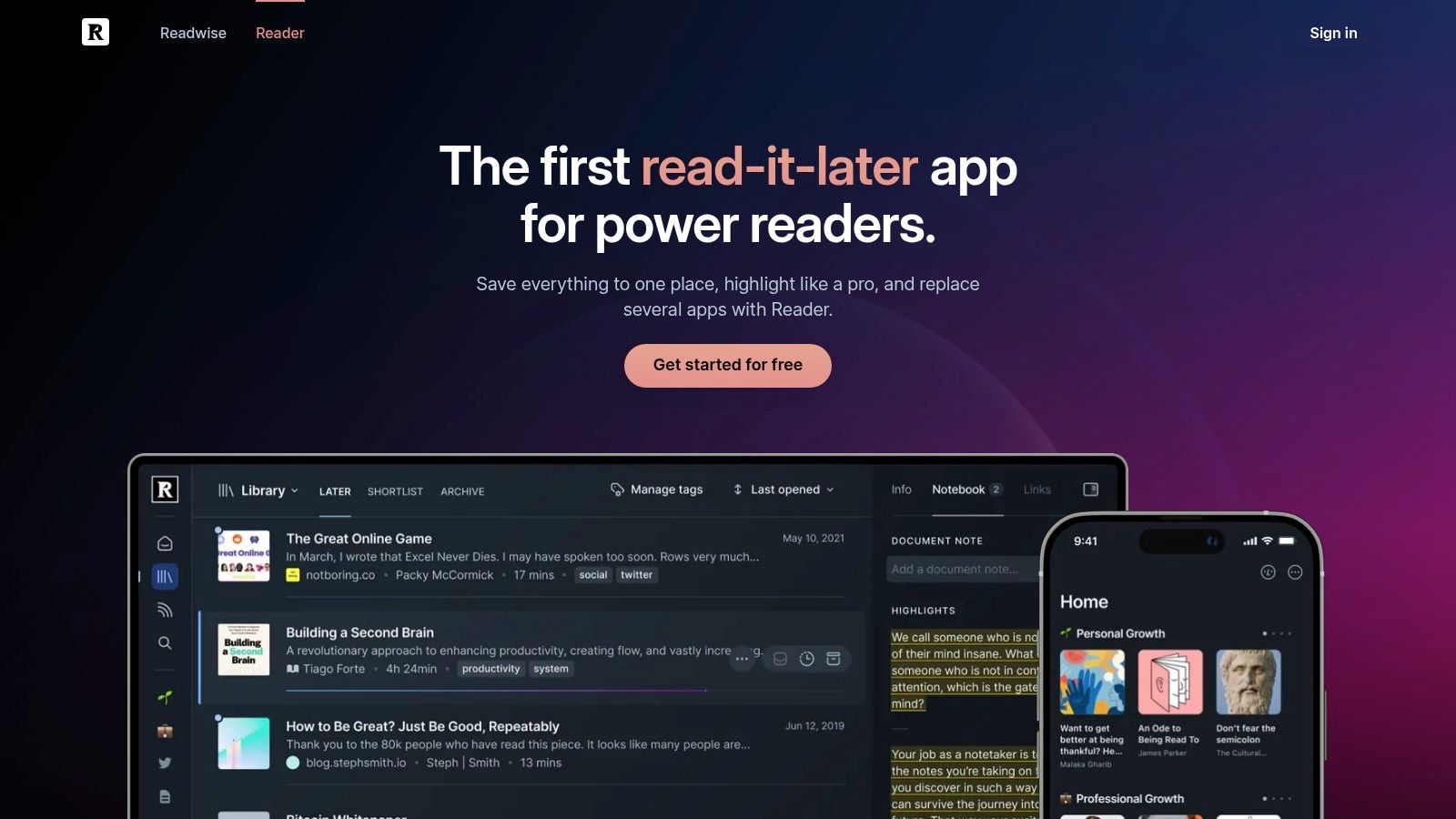
A financial planner reviewing research needs more than a place to park links. Readwise Reader is the stronger choice when you highlight, annotate, and reuse what you read.
Readwise Reader combines articles, PDFs, EPUBs, newsletters, RSS feeds, YouTube videos, and supported social threads. It offers web, iOS, Android, Mac, and Windows access, browser extensions, and connections between highlights, Readwise, and supported note-taking tools. Offline use requires attention to caching or the installed desktop application.
Reader's subscription model makes the most sense when saved content contributes to work or ongoing learning. Don't pay for a research environment merely to accumulate articles you rarely reopen.
Test a complete workflow before committing. Capture a document, highlight an important passage, add context, and confirm that the material reaches your intended notes destination. Then search for it later without relying on the original title.
A successful research tool helps you reuse a passage after reading it. Saving the document is only the beginning.
Reader demands more setup and more decisions than Instapaper. You'll need to decide what belongs in the feed, what deserves annotation, and what should leave the reader for your permanent notes.
Choose it when that effort supports a real research habit. Choose a simpler queue when your normal endpoint is finishing an article and moving on.
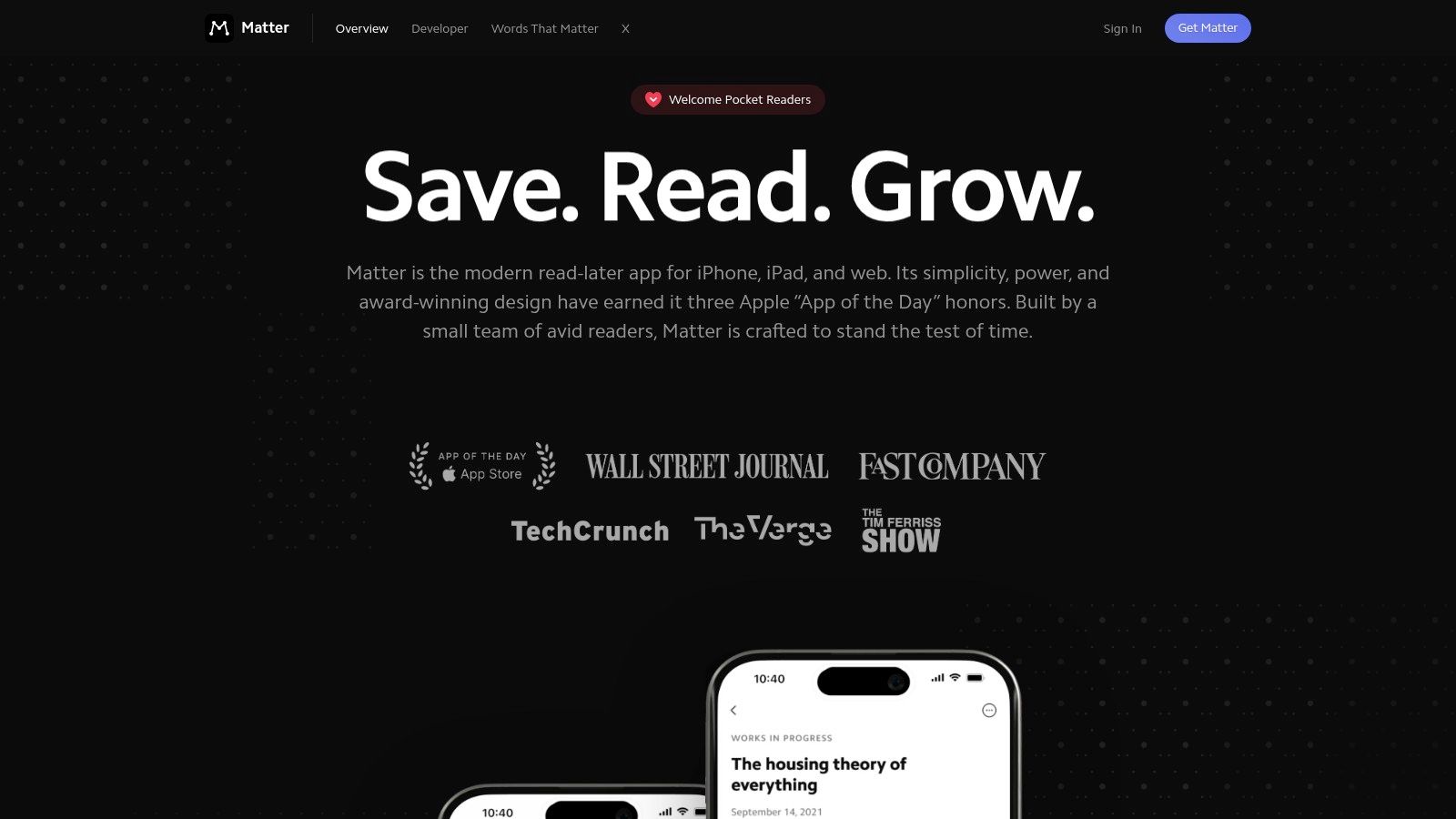
Matter fits readers whose queue mixes articles, newsletters, and spoken media. If your reading list includes an interview to watch, a podcast to revisit, and newsletters scattered through email, start your comparison here.
Matter supports articles, threads, PDFs, newsletters, YouTube videos, and podcast episodes with time-synced transcripts. Its listed access covers iPhone, iPad, and the web. Check its current trial and workspace terms before subscribing rather than relying on prices quoted in older app roundups.
A transcript can serve a different purpose from an article. You might read it to find a passage, then return to the recording for context. Test that handoff with content you follow rather than choosing based on a generic demonstration.
Matter is a more relevant comparison than Instapaper when media is central to your routine. Reader deserves a closer look when exporting research notes matters more than keeping an approachable consumption queue.
For a mixed-device household or team, make platform access the deciding factor. Don't commit everyone to a workflow that works comfortably only on your own phone.
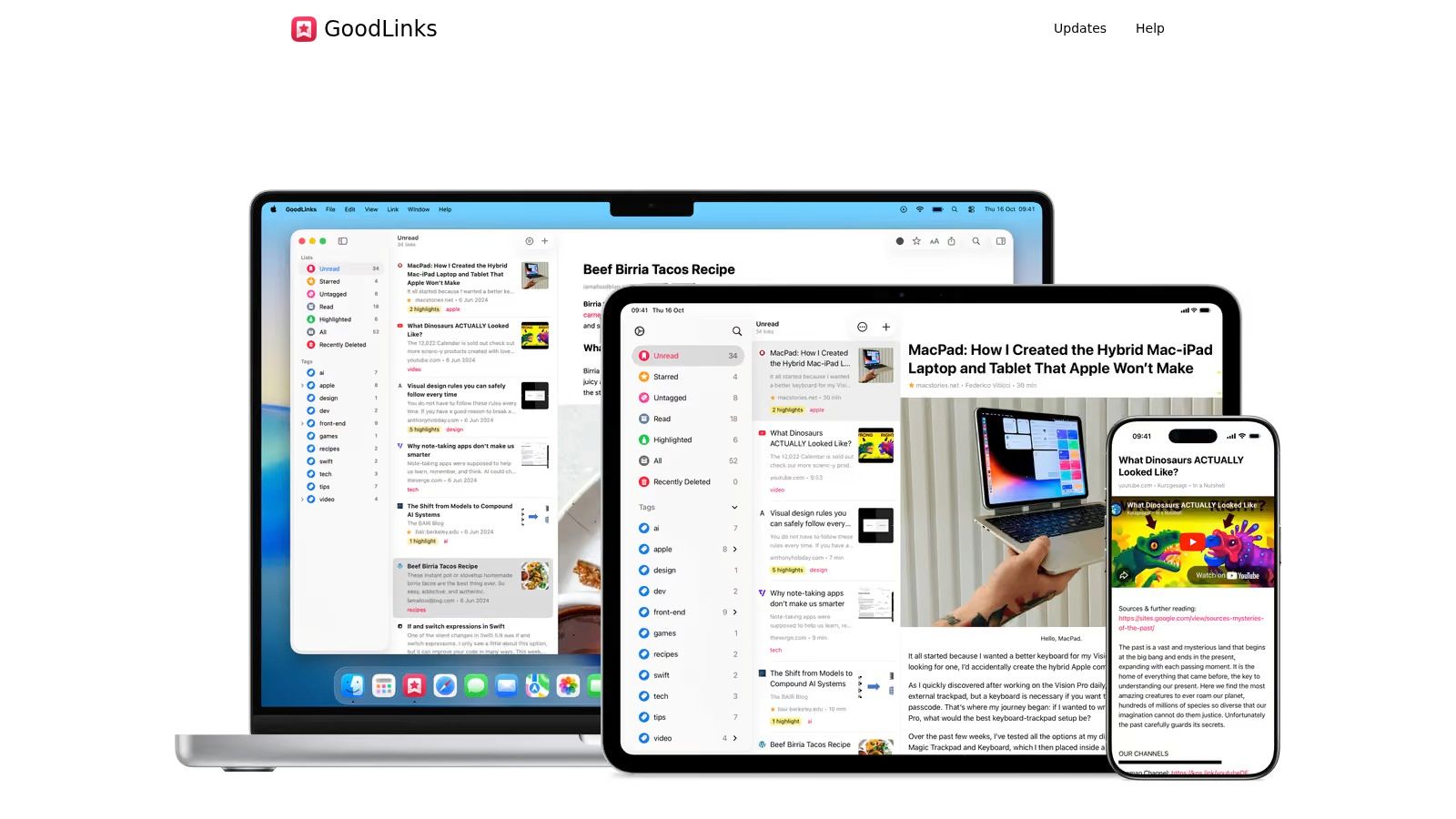
Already use an iPhone, iPad, and Mac for nearly everything? GoodLinks is a practical Apple-focused choice, especially if you prefer buying an app to adding another recurring service.
GoodLinks provides saved-page reading, offline access, tags, widgets, and Shortcuts actions for saving, searching, and opening links. It can also access content from sites where you're logged in. Check the current App Store purchase and upgrade terms, since future premium features may involve an additional purchase or subscription.
GoodLinks makes sense when your phone handles capture and your iPad or Mac handles longer reading sessions. Test that transition using the sites you save most often, including any that require a login.
For an advisor, an effective routine might separate industry reading from client-specific documentation. GoodLinks can hold reference pages, while a dedicated phone call monitoring workflow addresses information from conversations.
Choose GoodLinks because you want an Apple-native reading tool, not because you expect it to solve every knowledge-management problem. Its ecosystem focus is a benefit only while it matches your devices.
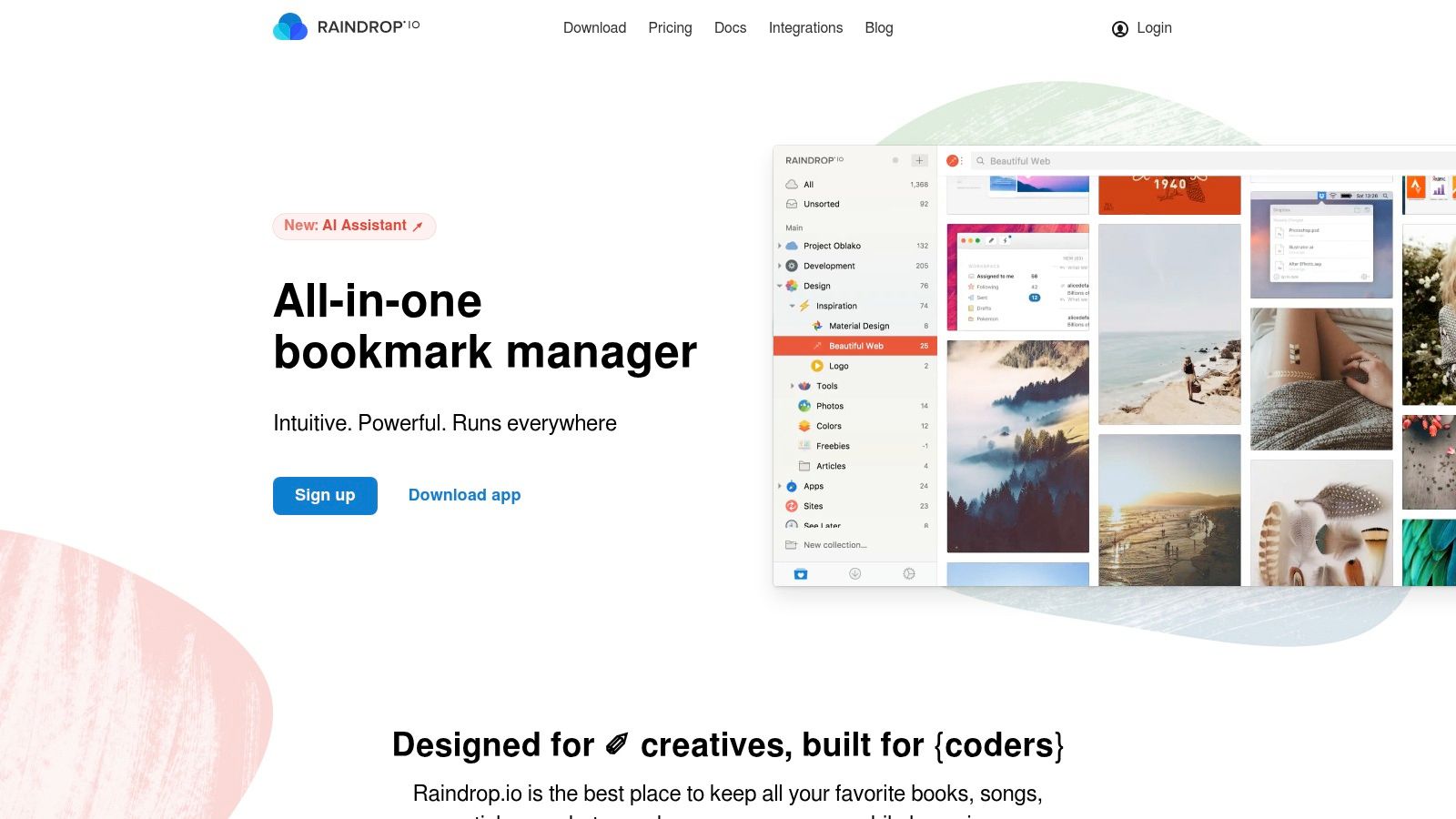
Choose Raindrop.io when finding saved material matters more than finishing a reading queue. It's the stronger fit for a library containing research, product references, useful websites, and articles you'll consult repeatedly.
Raindrop.io organizes bookmarks through collections, tags, and search across devices. Its free plan includes unlimited bookmarks and collections across unlimited devices, while Pro adds full-text search, saved-page copies, automatic backups, and bookmark-cleanup tools.
Build collections around the work you will return to: mortgage reference material, insurance research, product comparisons, or travel planning. Add tags when they answer a separate retrieval question, not just because you can create them.
Independent Raindrop extension tracking reports adoption across Chrome, Edge, and Firefox while identifying synchronization and extension behavior as practical friction points. That makes browser compatibility a useful test, not a box to tick.
Try saving from your work browser and retrieving from your phone. Check the title, destination collection, tags, and whether the available copy meets your needs when the original page isn't accessible.
The main compromise is reading focus. A bookmark library and a distraction-free article queue solve different problems, even when they contain the same URLs.
Start with the free plan if organization is enough. Pay for Pro when full-text retrieval, saved copies, or maintenance tools solve an identifiable problem in your library.
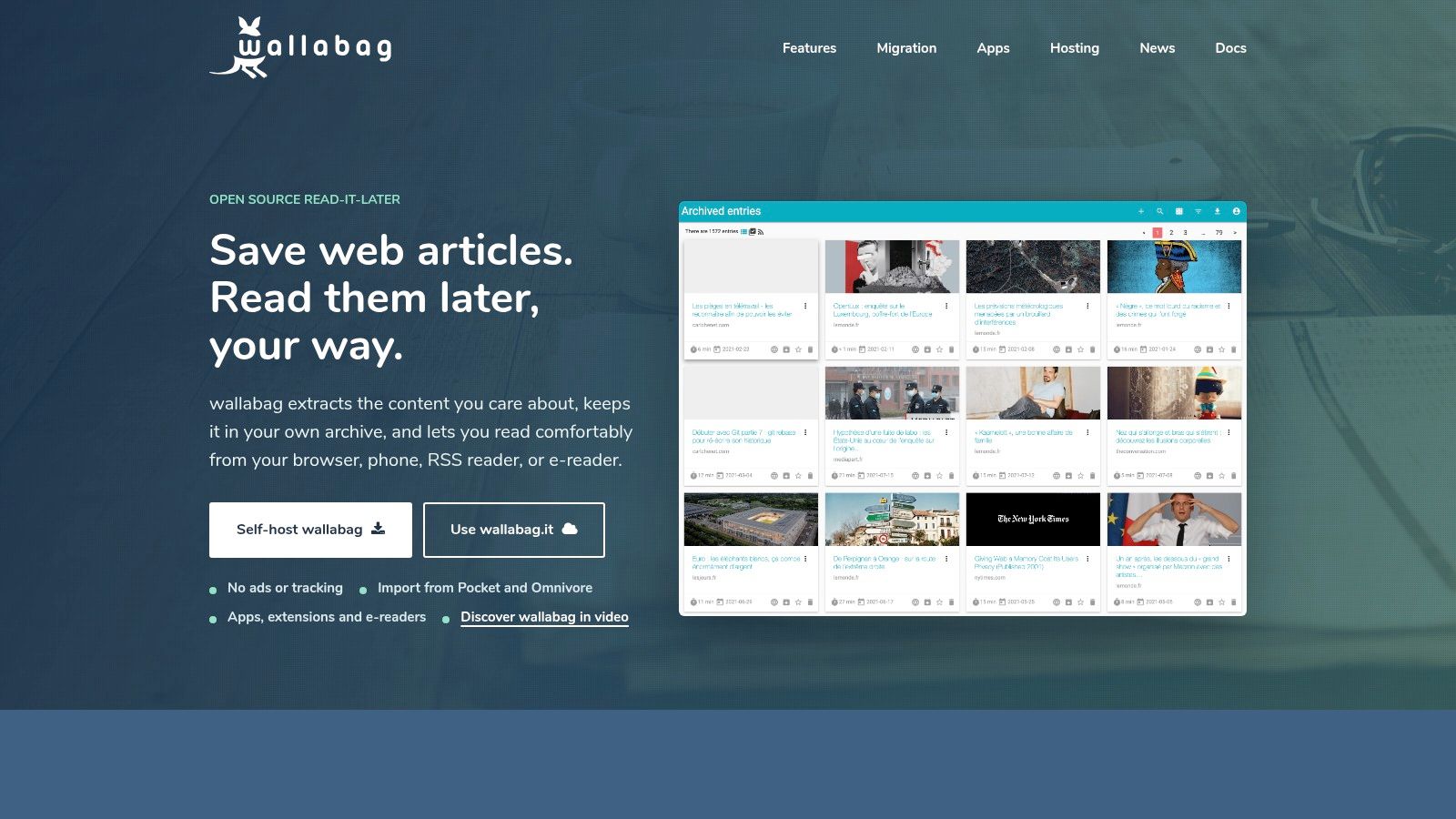
Some readers want a replacement app. Others want more responsibility for where their archive lives. Wallabag is a strong choice for the latter group, without abandoning a recognizable read-later workflow.
Wallabag is open-source software that extracts article content into a personal reading archive. It supports hosted and self-hosted routes, browser extensions, mobile apps, RSS access, e-readers, an API, and imports from Pocket and Omnivore. Confirm the hosted service's current terms separately from the requirements for running the software yourself.
Ownership comes with work: Self-hosting gives you control over deployment and storage. You still need updates, access controls, backups, and a tested recovery process.
Use the hosted route if you want Wallabag's reading approach without operating the infrastructure. Self-host only if you're prepared to maintain the installation after the initial setup is finished.
For migration, inspect your existing export before starting. Import support doesn't establish that every tag, highlight, article body, or reading-status field will transfer intact. Preserve the original file and review representative results.
Wallabag is particularly relevant when you want an article archive rather than a broad visual bookmark manager. Keep professional records in their appropriate system, too: daily phone call summaries and saved public articles have different purposes and retention needs.
Choose Wallabag for control you'll actively manage. Don't choose self-hosting merely to avoid thinking about subscriptions.
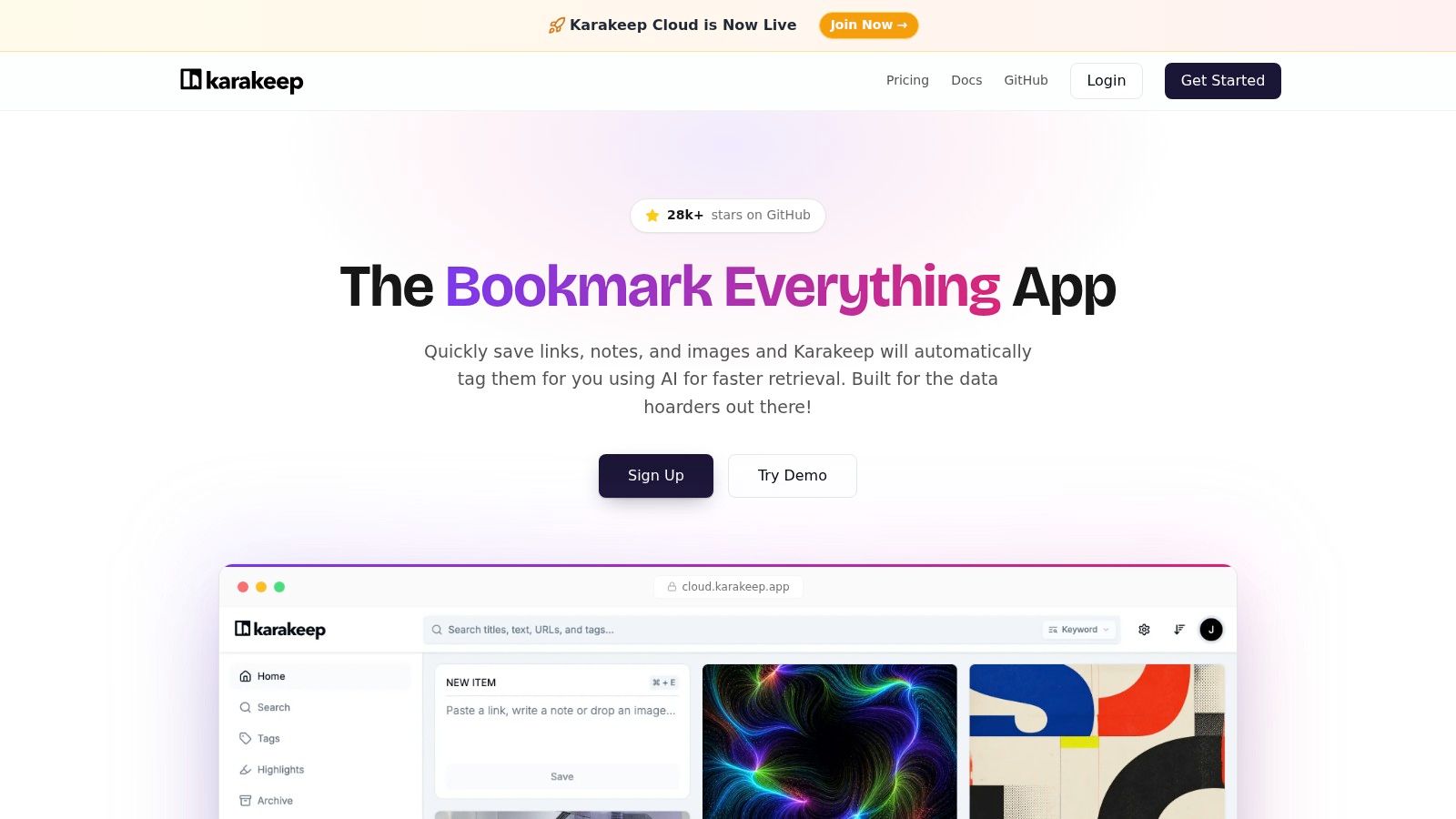
Karakeep suits bookmark collectors who want a choice between cloud convenience and self-hosting. It deserves consideration when organizing a growing reference library is more important than recreating Pocket's exact reading experience.
Karakeep offers web and mobile applications, browser extensions, cloud hosting, and an open-source self-hosted version. Its paid cloud offering includes full-text search and AI-powered tagging, while the free cloud tier has bookmark and storage limits. Review the current allowances and deployment terms before choosing a route.
Automatic organization is useful only if you can retrieve the material afterward. Test whether the suggested tags match the terms you'd naturally search for, particularly for specialized financial, insurance, or technical content.
Don't make AI-powered tagging the sole reason to switch. Save representative links, inspect the extracted information, and try finding them later through both tags and search.
Karakeep's hosting flexibility is its clearest distinction in this comparison. Wallabag is the more direct starting point for a traditional article archive; Karakeep is worth testing when bookmark organization is central.
Include maintenance time in the self-hosting decision. Free software still requires someone to keep the installation usable and recoverable.
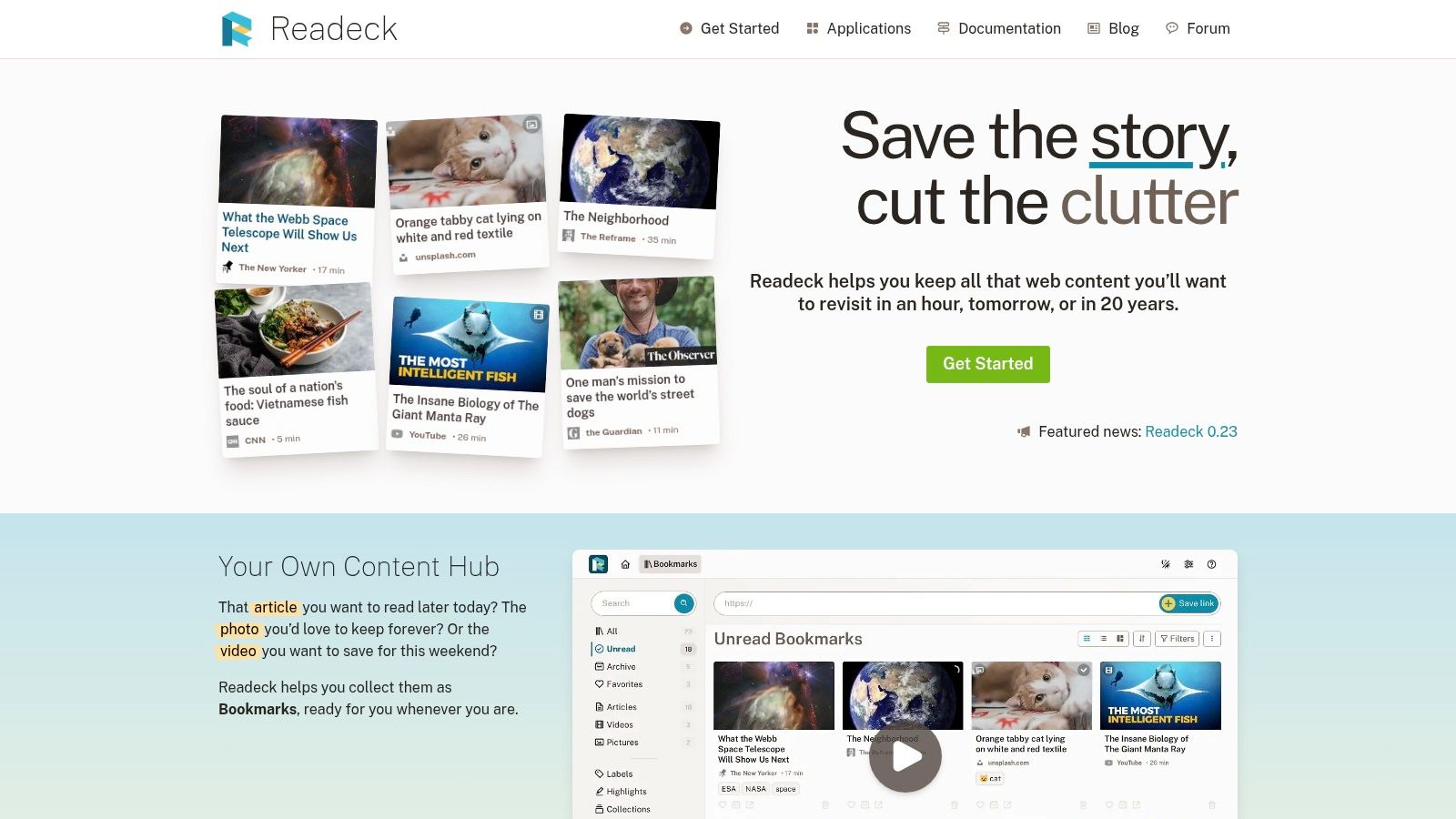
Keeping a URL isn't the same as keeping readable content. Readeck is worth choosing when you want a self-hosted collection of extracted pages, with organization and highlighting close to the saved material.
Readeck is an open-source web application for saving readable webpage content, images, and videos. It offers labels, highlights, favorites, archives, collections, a browser extension, and binary or container-based installation options. Saved text and images reside in your instance, making hosting and backups your responsibility.
Start with pages that resemble your actual archive. Include a straightforward article, an image-heavy page, and material from a site you regularly consult.
Inspect what was saved. Paywalls, JavaScript-heavy pages, and extraction problems can prevent complete capture, so don't treat a successful bookmark as proof that the full content is available.
Readeck's implementation effort is higher than opening a hosted account. That's a reasonable trade when maintaining your own archive is the objective.
Choose it for storage control and extracted content, not for a maintenance-free service. If managing an installation already sounds like an unwanted project, use a hosted alternative instead.
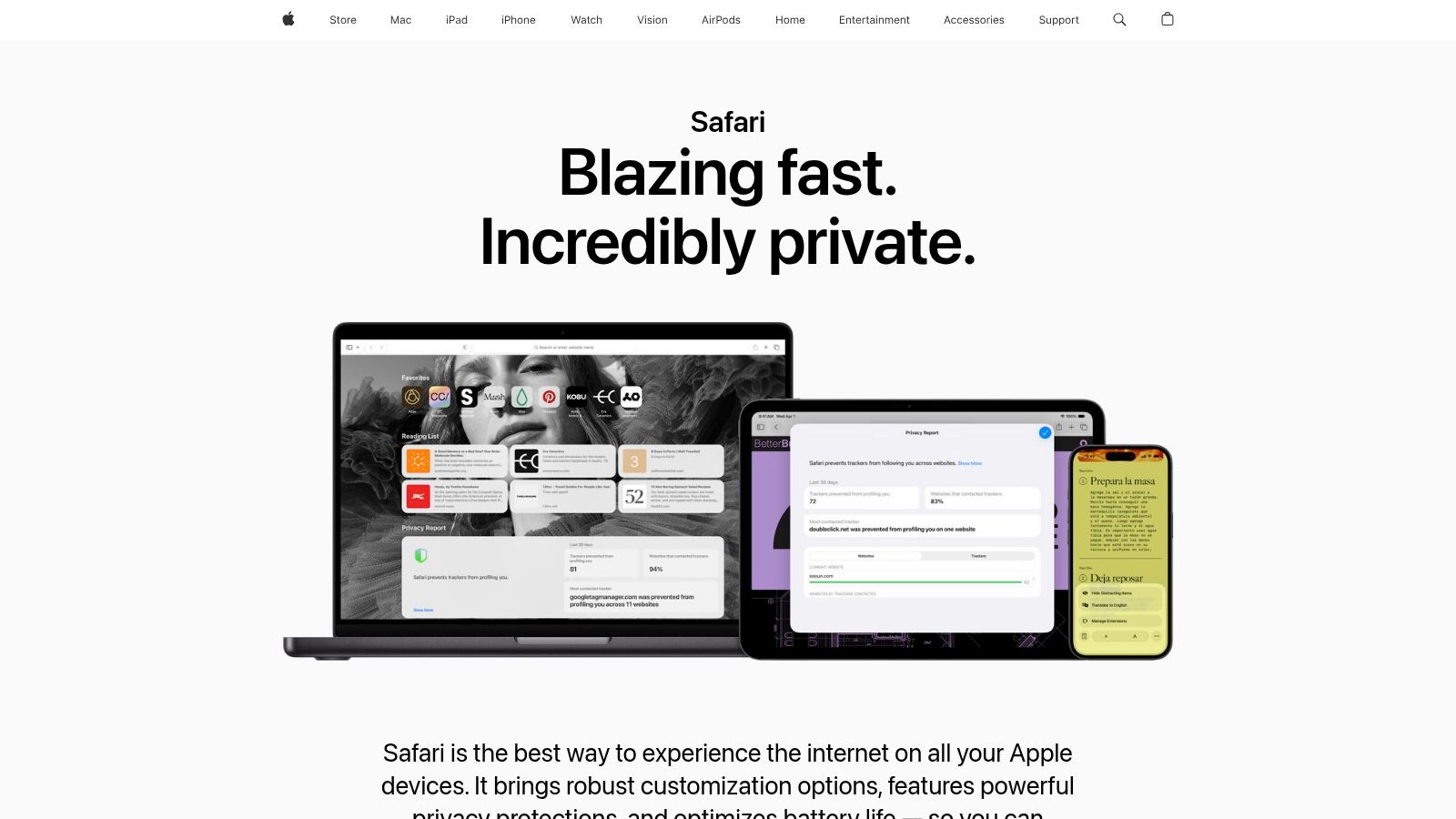
Not every Pocket replacement needs to be another service. Safari Reading List is the sensible default for occasional saving inside Apple's ecosystem.
Safari includes Reading List, iCloud synchronization across supported Apple devices, and offline reading without a separate service subscription. For an existing Safari and iCloud user, that keeps setup modest. The compromise is less specialized organization than a dedicated reading or bookmark application.
Use Reading List for articles you intend to read soon. A weekend feature, a destination guide, or a page you want to finish on your iPad fits this workflow better than a permanent professional reference collection.
Before travel, verify that your selected pages open offline. Don't assume seeing a title in the list means the content you need is ready without a connection.
The device boundary matters. Reading List is a poor foundation for a workflow that regularly moves between Apple devices and other ecosystems.
It also shouldn't be your only plan for irreplaceable material. Treat it as a convenient queue, and keep independent copies of documents you need to retain rather than expecting a browser feature to become a complete archive.
Stay with Firefox bookmarks if you mainly want to revisit links in your browser. You don't need a dedicated read-later account because Pocket used to be part of your routine.
Firefox is free and provides ordinary bookmarks alongside reader tools where supported by the version and platform. You can keep links in the browser and combine them with suitable extensions. That remains a browser-centered workaround, not a replacement for Pocket's former saved-content library.
A bookmark points you back to a page. It doesn't, by itself, establish that you have a clean article copy, offline access, annotations, or a durable archive.
Use this option for material that can remain on its original website. It's less suitable when you need to read during travel, collect passages for research, or retain content independently of the publisher.
Keep links in Firefox when links are enough. Choose a dedicated archive when the saved content itself matters.
Implementation effort stays low if Firefox is already your main browser. Create a clear distinction between items awaiting reading and references you expect to revisit, rather than adding everything to an undifferentiated bookmark folder.
Before relying on an extension, test its device coverage and export behavior separately. Adding browser tools can introduce its own setup burden, so stop once your actual need is met.
Firefox bookmarks are the practical minimum here. They're a good choice for lightweight saving, not a lesser version of a research workspace.
| App | Core Features | Experience & Standout Value | Best For | Price / Value |
|---|---|---|---|---|
| Instapaper | Saves articles and videos; offline reading, highlights, notes | ★ Clean, focused reading queue; ✨ Kindle support and text-to-speech on Premium | 👥 Readers who want simple saving and offline access | 💰 Free; Premium $6/month or $60/year |
| Readwise Reader | Articles, PDFs, EPUBs, newsletters, RSS, and video; synced highlights | ★ Broad research toolkit; ✨ Exports notes to supported apps | 👥 Researchers and readers who reuse highlights | 💰 30-day trial; $9.99/month billed annually or $12.99 monthly |
| Matter | Saves articles, threads, PDFs, newsletters, and media | ★ Combines reading and listening; ✨ Time-synced podcast and YouTube transcripts | 👥 Apple-device users who read and listen | 💰 14-day trial; check official site for current plan terms |
| GoodLinks | Saves and tags webpages; offline reading and Shortcuts | ★ Apple ecosystem integration; ✨ Widgets and access to logged-in content | 👥 iPhone, iPad, and Mac users | 💰 Listed at $9.99; check current App Store terms |
| Raindrop.io | Bookmark collections, tags, and cross-device library | ★ Strong organization and retrieval; ✨ Free tier includes unlimited bookmarks and collections | 👥 People managing links and reference libraries | 💰 Free plan; Pro adds full-text search and saved-page copies |
| Wallabag | Clean article extraction, imports, RSS, e-reader and API support | ★ Pocket-like reading workflow; ✨ Open-source and self-hostable | 👥 Readers seeking control or a Pocket import route | 💰 Self-hosting is open-source; check hosted-service pricing |
| Karakeep | Saves links via web, mobile, and extensions; cloud or self-hosted | ★ Flexible hosting; ✨ Pro adds AI tagging and full-text search | 👥 Bookmark collectors and self-hosting users | 💰 Free cloud tier; Pro listed at $4/month or $40/year; self-hosting free |
| Readeck | Saves readable pages, images, and videos; labels, highlights, and collections | ★ Keeps content in your own instance; ✨ Multiple self-hosting options | 👥 Users comfortable managing their own hosting and backups | 💰 Open-source and self-hosted; hosting and backups are your responsibility |
| Safari Reading List | Saves webpages in Safari; iCloud sync and offline reading | ★ Simple, built-in reading queue; ✨ No separate app or subscription | 👥 Apple users saving pages occasionally | 💰 Included with Safari |
| Firefox bookmarks and reader tools | Saves links as browser bookmarks; reader tools vary by platform | ★ Lightweight browser-based option; ✨ No separate read-later service | 👥 Firefox users who mainly revisit saved links | 💰 Free; not a full saved-page archive |
Choose the job first, then the product. Instapaper is the direct recommendation for a clean reading queue. Readwise Reader fits research and annotation, Matter fits newsletters and media, and Raindrop.io fits an organized reference library.
GoodLinks makes sense for an Apple-only workflow with a purchase-oriented model. Choose Wallabag, Karakeep, or Readeck when open-source software, self-hosting, or control over stored content matters enough to justify maintenance. Safari Reading List and Firefox bookmarks remain sensible for occasional use, but neither should be mistaken for a complete dedicated archive.
Don't follow outdated instructions telling you to request a fresh Pocket export. TechRadar's Pocket shutdown and export guidance reported a final export deadline of October 8, 2025, after which saved data would be permanently deleted.
Look for an existing archive in downloads, cloud storage, and backups. If none survives, reconstruct the important parts from browser history, emailed links, RSS services, notes, and manually saved PDFs. Prioritize irreplaceable research rather than trying to rebuild every unread article.
An independent read-later comparison's capture and synchronization testing reinforces a useful selection principle: evaluate saving, offline access, search, and export separately. A tool that captures effortlessly can still disappoint when you try to retrieve old material.
Visual organization is another distinct need. If arranging references helps you think through projects, compare features for visual thinkers alongside reading-first tools rather than assuming an article queue will handle project planning.
Finally, assess ownership as carefully as convenience. Pocket-alternative privacy and portability guidance highlights export completeness, offline storage, backups, and service continuity as important selection criteria. Choose a replacement, move a small representative collection, and verify the full cycle before transferring the rest.
VoxNote turns incoming and outgoing client calls on your existing number into transcripts, summaries, and follow-up drafts. Keep your Pocket alternative for reference reading, and visit VoxNote to explore a separate workflow for preserving conversation details and preparing client follow-ups.