
Learn how to document client calls with recordings, transcripts, summaries, and follow-up notes while checking accuracy, consent, access, and retention.

Client calls often end with a short list of details that matter: a deadline, a document request, a rate to confirm, or a promise to follow up. Client call documentation helps turn those details into usable notes. Depending on the tool and workflow, that may involve a recording, a transcript, a summary, or a draft follow-up message.
For a mortgage broker or other client-facing professional, the goal is not necessarily to monitor staff calls. It is to keep an accurate record of what needs attention after a conversation. Before using a call documentation tool, check what it captures, whether the client needs to agree, who can see the records, and when they are deleted.
How long should a business keep monitored call data?
Does monitoring require new phone hardware?
How Phone Call Monitoring Fits Into a Client Call Workflow
Phone Call Monitoring vs Recording vs Transcription
Why Businesses Use Phone Call Monitoring
The Three Core Layers of Phone Call Monitoring
What Phone Call Monitoring Actually Means
Client call documentation is the process of creating and using a reliable record of a conversation. That record might be handwritten notes, saved audio, a transcript, a summary, or an email draft. These formats are related, but they are not interchangeable: a summary selects key points, while a transcript attempts to capture the words spoken.
A broker discussing rates, deadlines, and documents may need a clear list of next steps more than a supervisor's assessment of call quality. That is the distinction between documentation and phone call monitoring, which means listening to or analyzing calls for purposes such as quality assurance, training, or compliance.
Questions about capturing telephone conversations are not new. Telephone recording dates to the 1890s, and major U.S. court decisions on wiretapping and privacy came in 1928 and 1967 (history of telephone call recording laws). Today, the practical question is what record you need, how you will use it, and what happens to it afterward.
A useful workflow moves from the conversation to a checked follow-up. It may use some or all of these steps:
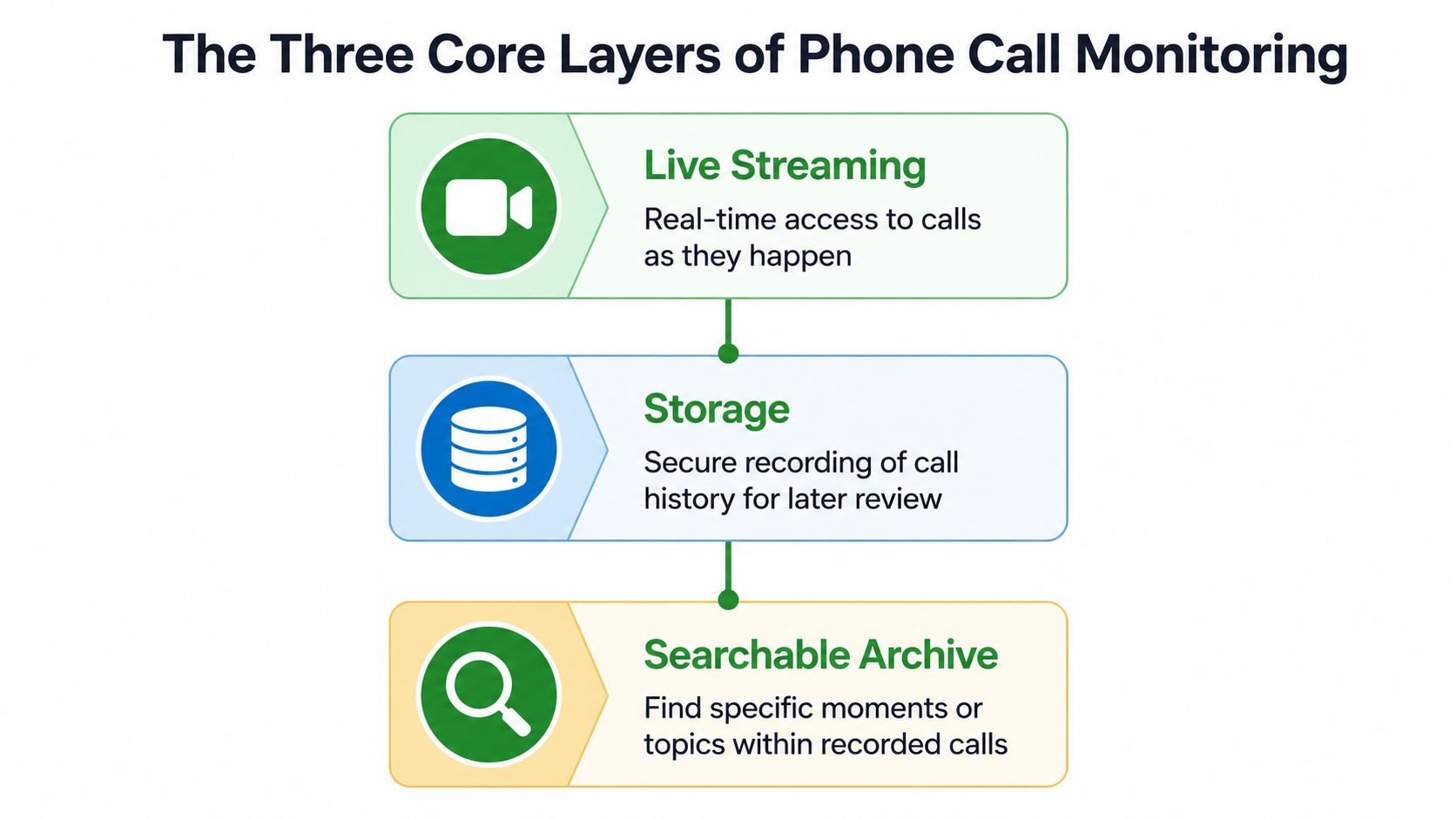
Live listening by a manager is a separate monitoring workflow, not a required step in documenting a client call. If your business also reviews calls for team quality assurance, these QA call monitoring steps provide a reference for setting that process apart from personal call notes.
Practical rule: Decide what you need to remember after the call, then choose a documentation method that fits that purpose.
Call documentation can support several day-to-day tasks:
A solo broker may need consistent client notes without a formal employee-monitoring program. This guide to the best phone call notetaker for mortgage brokers looks at that documentation use case. Whatever method you choose, tell clients when their calls are being captured and how the resulting records will be used.
Documentation is the goal of creating a usable record. Recording saves audio. Transcription converts speech to text. Monitoring means observing or analyzing calls for a defined purpose, often quality assurance, training, or compliance. A single tool may support several of these, but one does not automatically imply the others.
| Dimension | Client call documentation | Call recording | Call transcription | Phone call monitoring |
|---|---|---|---|---|
| Main use | Track details and next steps | Preserve audio | Create a written speech record | Review or analyze calls |
| Possible output | Notes, summaries, or follow-up drafts | Audio file | Transcript | Live review, findings, or analysis |
| Key check | Verify actions and important details | Control access to audio | Check transcription errors | Define reviewers and purpose |
| Storage | Depends on where notes and drafts go | Saved audio, if retained | Saved text, if retained | Depends on the setup |
If a client asks, “Are you recording this?” answer specifically about the audio, including whether it is saved. Explain any transcript or summary too. Remember that a draft email or CRM entry can become another copy of the conversation's details.
Some monitoring tools also offer barge-in, which lets a supervisor join a call; whisper coaching, which lets a supervisor speak privately to the professional; or sentiment analysis, which attempts to classify emotional signals. These are not prerequisites for making useful client notes. If a tool offers them, decide separately whether they serve a legitimate purpose.
A client call may cross provincial or national boundaries, and records may move through a transcription provider, email system, or CRM. Do not assume your location alone determines the rules.
Canada's Criminal Code generally permits interception with the express or implied consent of at least one participant, but organizations may have separate privacy duties. Quebec's Law 25 adds privacy-management and breach-notification obligations. In the U.S., federal law sets a one-party-consent baseline, while state requirements vary and some require all participants to consent. Calls across state lines need particular care (cross-border call-recording disclosure guidance).
Important distinction: Permission to capture a call does not automatically justify retaining or sharing every detail indefinitely.
Explain the process before capture begins. For example: “I use a call documentation service to create a transcript and notes for follow-up. Is that okay with you?” Adapt the wording and process to the applicable rules; this example is not legal advice.

Use a short operational checklist:
If information crosses borders, review the downstream systems too. This data transfer compliance guide can help frame that review.
A readable transcript can still misstate a rate, date, or commitment. Word error rate (WER) counts substitutions, deletions, and insertions relative to the words in a reference transcript. In NIST conversational-telephone evaluations, reported best WERs were about 19.3% for Switchboard and 31.4% for the harder CallHome task (telephone speech recognition accuracy). Those evaluation results are not a performance claim for every current tool, but they illustrate why telephone audio needs care.
The practical issue is which words are wrong. “I can't send it today” and “I can send it today” lead to different follow-ups. For more on reviewing call notes, see this guide to a daily phone call summary.
Before sending a recap or acting on a summary:
Consider an investment advisor who needs to remember a client's questions and promised next steps. Before using a call documentation service, she sets the notice, consent, access, and retention rules. She also knows what to do if the client does not want the call captured.

After giving notice and obtaining the required agreement, she uses her established number. When the call ends, she reviews the transcript and summary, checks key details, and then decides what belongs in the CRM or a client follow-up. A compliance lead listening live would be a separate, authorized monitoring decision, not an automatic part of transcription.
A phone call notetaker for field sales reps shows why professionals away from a desk may want notes tied to their phone workflow. VoxNote is one option: its iPhone app captures calls through the user's existing number and creates transcripts, summaries, and follow-up drafts for review. The professional still needs to check the output before using it.
This product overview shows the call-documentation experience:
The useful endpoint is not a transcript for its own sake. It is an accurate, appropriate follow-up, with access and deletion rules applied wherever the records travel.
Start with the job the record needs to do: help you confirm details and follow through with a client. Then decide what to capture, how to explain it, who can access it, how long it stays, and what a person must verify. Monitoring may be relevant to a separate QA process, but it is not required for client-call documentation.
Not necessarily. Some services work with an existing mobile number; others require a different calling setup. Check how the tool connects to calls and what it captures before adopting it.
Do not assume so. Producing a transcript may involve capturing audio, and the text itself is a record of the conversation. Check the applicable rules, explain the process, and offer an alternative if the client declines.
There is no universal period. Set a schedule based on the purpose and applicable requirements, and apply it to audio, transcripts, summaries, emails, and CRM copies.
Before the next call, check your notice, consent process, refusal alternative, access controls, deletion schedule, and review steps. That makes the documentation useful without treating every captured conversation as an employee-monitoring exercise.
VoxNote helps professionals document calls on their existing phone number with transcripts, summaries, and follow-up drafts they can review before use. Visit VoxNote to learn more.